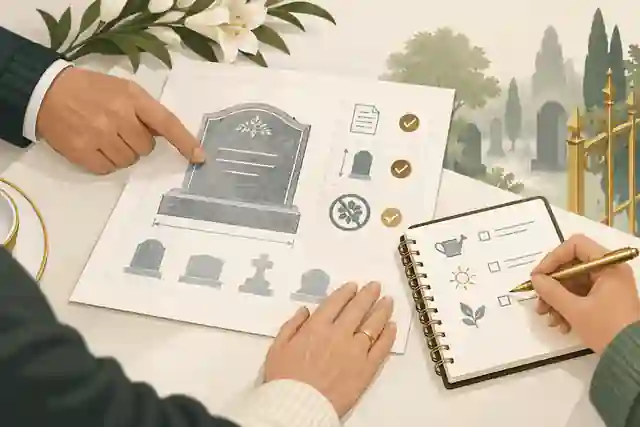
How do I create an online memory page? A practical family guide
A practical Evaheld Memorials article that answers “How do I create an online memory page?”, explains create an online memory page, shows what to include, avoids common mistakes and helps families plan a practical family guide.
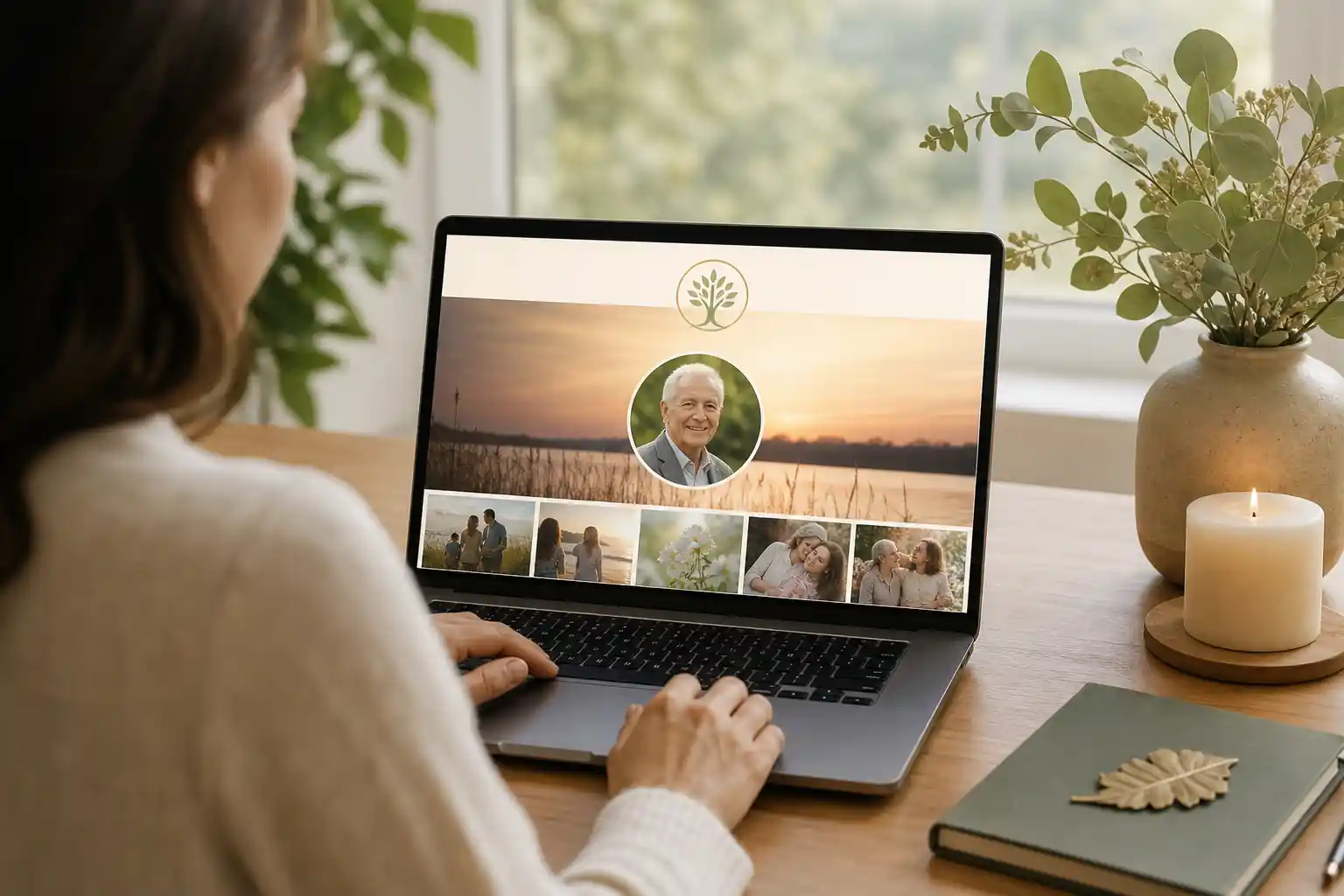
To create an online memory page, choose a respectful memorial platform, add the person’s name and life details, upload meaningful photos or videos, write a short tribute, set privacy and contribution permissions, then share the online memorial link with family and friends when you are ready.
Direct answer: How do I create an online memory page?
A practical way to begin is to gather the essentials first: full name, preferred name, dates, a favourite photograph, a short life story, funeral or memorial details if relevant, and any messages the family would like visitors to see. Then create the page, review the tone carefully, invite trusted contributors, and keep the page updated over time.
With Evaheld Memorials’ create memorial page experience, families can build an online memorial page that brings photos, written memories, guestbook contributions, wishes and sharing settings into one organised place. It is not a replacement for funeral directors, legal advisers, counsellors or official records, but it can make the practical act of remembrance clearer and easier to manage.
If you are still comparing formats, it may help to read more about a virtual remembrance book, how families can set up a free memorial website, or how to build an elegant tribute page. Each approach has a slightly different purpose, but the heart of the task is the same: preserving a life story in a way that feels true, safe and shareable.
What it means to create an online memory page
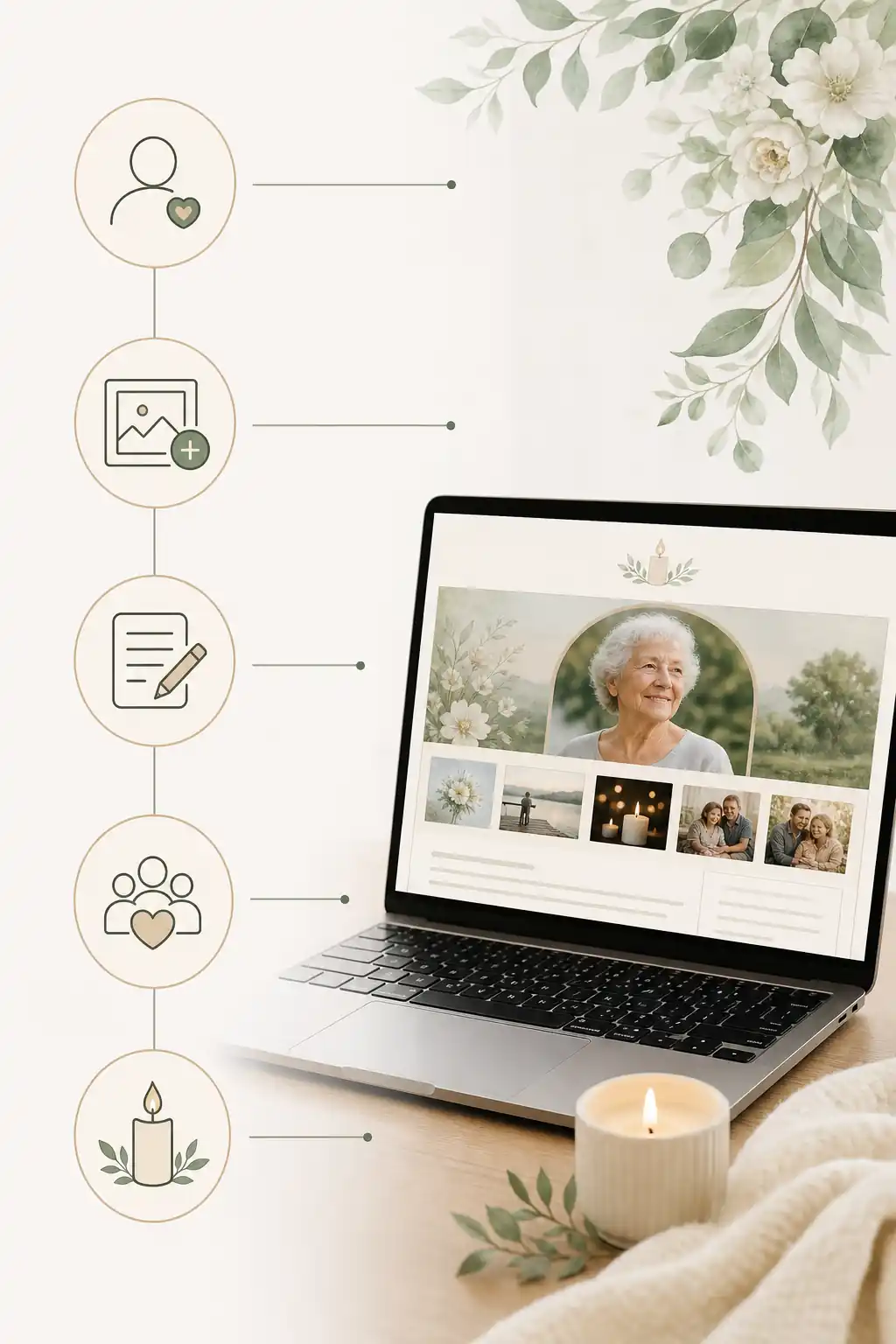
To create an online memory page is to make a dedicated digital space for remembering someone. It may include an obituary-style life summary, a gallery of photos, videos or voice notes, an online memorial guestbook, service information, donation or flower preferences, and family-approved updates. Some families use it shortly after a death; others prepare a page in advance as part of digital legacy planning.
An online memorial website can also reduce the pressure of repeating difficult information. Instead of sending separate messages, photo folders and service updates through multiple apps, families can share one online memorial link. This can be especially helpful when relatives and friends live across Australia, the United Kingdom, the United States or elsewhere.
Digital preservation experts recommend thinking carefully about what you keep, how you organise it, and how it can be accessed in the future. The Library of Congress’ guidance on personal digital archiving is a useful starting point, and the U.S. National Archives offers practical advice on preserving family archives. These principles apply beautifully to memorial pages: choose meaningful material, label it clearly, and avoid leaving important memories scattered across devices.
When to create an online memory page
There is no single correct time. Some families create an online tribute page soon after a death so they can share funeral details, receive condolences and collect memories. Others wait until after the service, when they have more emotional space to write a fuller life story. Some people create a page for themselves in advance, leaving messages, preferences and photographs for loved ones to use later.
You might consider creating a virtual memory page when:
- family and friends are spread across different cities or countries;
- you want one respectful place for service details and updates;
- you need a simple way to collect stories, photos and guestbook messages;
- you are worried that memories are sitting in scattered phone albums, emails or social media threads;
- you want privacy controls rather than a fully public social media post;
- you are planning ahead and want loved ones to have clear wishes and messages.
Where privacy, estate matters, funeral rules or official records are involved, requirements can vary by country, state and territory. Formal documents should be checked against local rules or reviewed by a qualified professional where needed. For general privacy awareness, Australian readers may find the Office of the Australian Information Commissioner’s guide to privacy rights helpful, while UK readers can refer to the Information Commissioner’s Office guidance for the public.
What to include when you create an online memory page
A meaningful digital tribute page does not need to be long or elaborate. It needs to feel accurate, kind and easy for others to understand. Start with the details people will look for first, then add the richer memories that make the page personal.
| Element | What to include | Practical note |
|---|---|---|
| Basic details | Name, preferred name, dates, location if appropriate | Check spelling and family preferences before publishing. |
| Main tribute | A short life story, values, work, family, interests and character | Write warmly, without trying to cover every detail. |
| Photos and videos | Portraits, family moments, milestones and everyday images | Choose images that the person and family would be comfortable sharing. |
| Service information | Funeral, memorial, livestream or gathering details | Only include public details if the family wants them shared. |
| Guestbook | Messages, memories, condolences and stories | Set contribution permissions to suit the family’s comfort level. |
| Ongoing legacy | Favourite sayings, recipes, music, letters, wishes or instructions | Keep sensitive information private or share only with trusted people. |
The Digital Preservation Coalition’s digital preservation handbook is a helpful reminder that digital material needs context. A photo labelled “Dad at the beach, 1988, with Uncle Rob” is more useful to future generations than a file with no names, dates or story attached.
Step-by-step instructions to create an online memory page
- Choose the purpose of the page. Decide whether it is mainly for funeral information, a lasting tribute, private family memory sharing, or a combination.
- Select a platform. Look for an ad-free memorial site, clear privacy settings, photo upload options, guestbook features and the ability to update the page later. You can compare online memorial features before deciding.
- Gather approved details. Confirm the spelling of names, dates, relationships, service details and any cultural or religious preferences.
- Choose photos carefully. Select a main image and a small gallery. Include different stages of life if possible.
- Write the tribute. Use plain, heartfelt language. Include what the person loved, what mattered to them, and how they will be remembered.
- Set privacy and permissions. Decide who can view, comment, upload photos or receive the online memorial link.
- Invite contributions. Ask a few trusted people to add memories before sharing more widely.
- Review before publishing. Check tone, facts, names, dates, image permissions and sensitive details.
- Share thoughtfully. Send the link by email, text, messaging app or printed order of service, depending on the family’s wishes.
- Maintain the page. Add anniversary messages, new photos, corrected details or family reflections over time.
If you are creating accounts or inviting contributors, use strong security habits. The Australian Signals Directorate’s guidance on password managers and multi-factor authentication is useful, as is CISA’s broader Secure Our World advice.
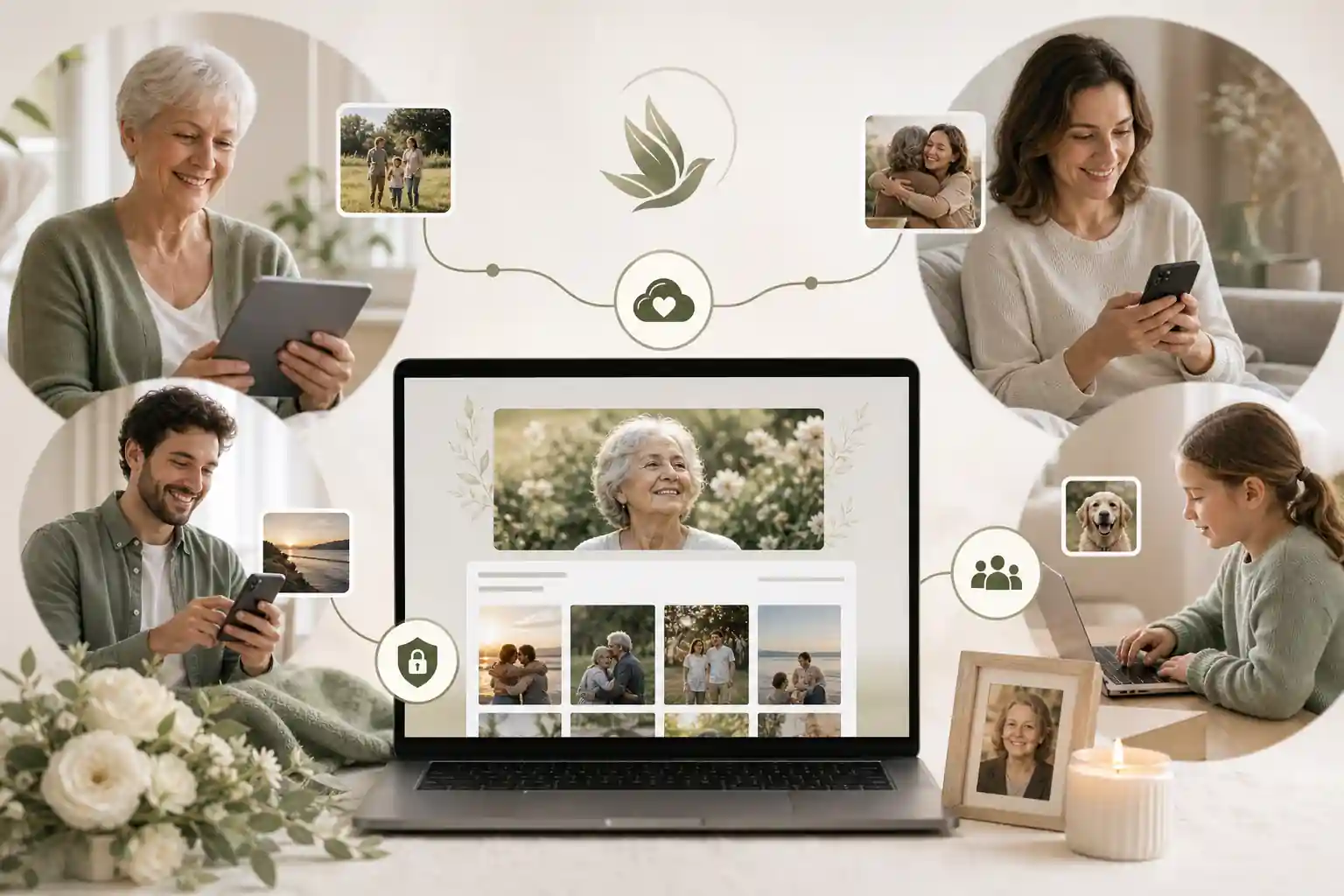
Practical tips for families
Creating an online obituary page can be emotional, especially when several people have different views about what should be included. It helps to separate the task into small decisions. One person might write the first draft, another might check names and dates, and another might gather photographs.
Before publishing, agree on the page’s tone. Some families prefer a traditional obituary style; others want a more conversational tribute with favourite stories, songs and sayings. Both can be respectful. The best page usually sounds like the person, not like a formal template.
Be careful with other people’s privacy too. A memorial photo upload may include children, ex-partners, estranged relatives, addresses, workplace details or medical information. eSafety’s guidance on online privacy is a helpful reminder to consider what is shared and who may see it. The U.S. Federal Trade Commission also provides practical tips on protecting privacy online.
For families using Apple or Google services to gather photos, it can also help to understand account legacy and inactive account tools. Apple explains its Legacy Contact feature, and Google provides guidance for the Inactive Account Manager. These tools are separate from a memorial page, but they may help families locate or manage important digital material.
Common mistakes
The most common mistake is trying to make the page perfect before sharing it. A good online memorial page can begin simply and grow over time. Another mistake is placing all memories in private phone folders or group chats where they may be lost, duplicated or hard to access later.
- Publishing too quickly without review: names, dates and service details should be checked by someone trusted.
- Using too many photos at once: a smaller, well-chosen gallery often feels more meaningful.
- Forgetting permissions: not every story or image is suitable for public sharing.
- Leaving the guestbook unmanaged: decide who can contribute and whether messages should be reviewed.
- Sharing sensitive information: avoid addresses, financial details, private family conflict or information that could expose people to unwanted contact.
- Not planning for updates: memorial pages often need later changes, especially around anniversaries or service recordings.
Security matters because memorial pages can be shared widely. The FTC’s guidance on recognising and avoiding phishing scams is worth reading before clicking unfamiliar links or responding to suspicious messages connected with memorial donations, services or accounts.
What not to do
Do not treat a memorial page as a place to settle disputes, publish private documents, or make announcements that close family members have not yet approved. Grief can make communication difficult, so it is often best to pause before posting anything sensitive.
Avoid presenting the page as a legal record. An online memorial can preserve wishes, messages and context, but it does not replace a will, death certificate, probate process, cemetery approval, medical directive or legal advice. Legal requirements vary by country, state and territory, so formal documents should be checked against local rules or reviewed by a qualified professional where needed. For U.S. context on digital assets and fiduciary access, the Uniform Law Commission’s materials on fiduciary access to digital assets may be useful background.
Also avoid weak account practices. The NIST digital identity guidelines include detailed security principles in SP 800-63B, but the everyday takeaway is simple: use strong, unique passwords, enable multi-factor authentication where available, and be careful about who receives editing access.
How Evaheld Memorials helps you create an online memory page
Evaheld Memorials helps families create, complete, store, update and share a memorial page in one organised experience. Instead of keeping memories in scattered notes, social posts, photo folders and message threads, you can bring tribute content, images, guestbook inputs, wishes and practical information together.
Families can explore online memorial features, review online memorial plans, and learn how a digital legacy vault can support broader planning. If questions come up, the memorial support questions page can help you understand common choices before you publish or share.
This is useful whether you are creating a simple online tribute page after a funeral, building a more complete online memorial australia families can share across distance, or preparing messages and records in advance. Evaheld Memorials is designed to support remembrance and organisation; it is not a substitute for professional legal, financial, medical, funeral or grief counselling advice.
Create a secure Evaheld Memorials page to create an online memory page, then update it over time and share it with trusted people when ready.
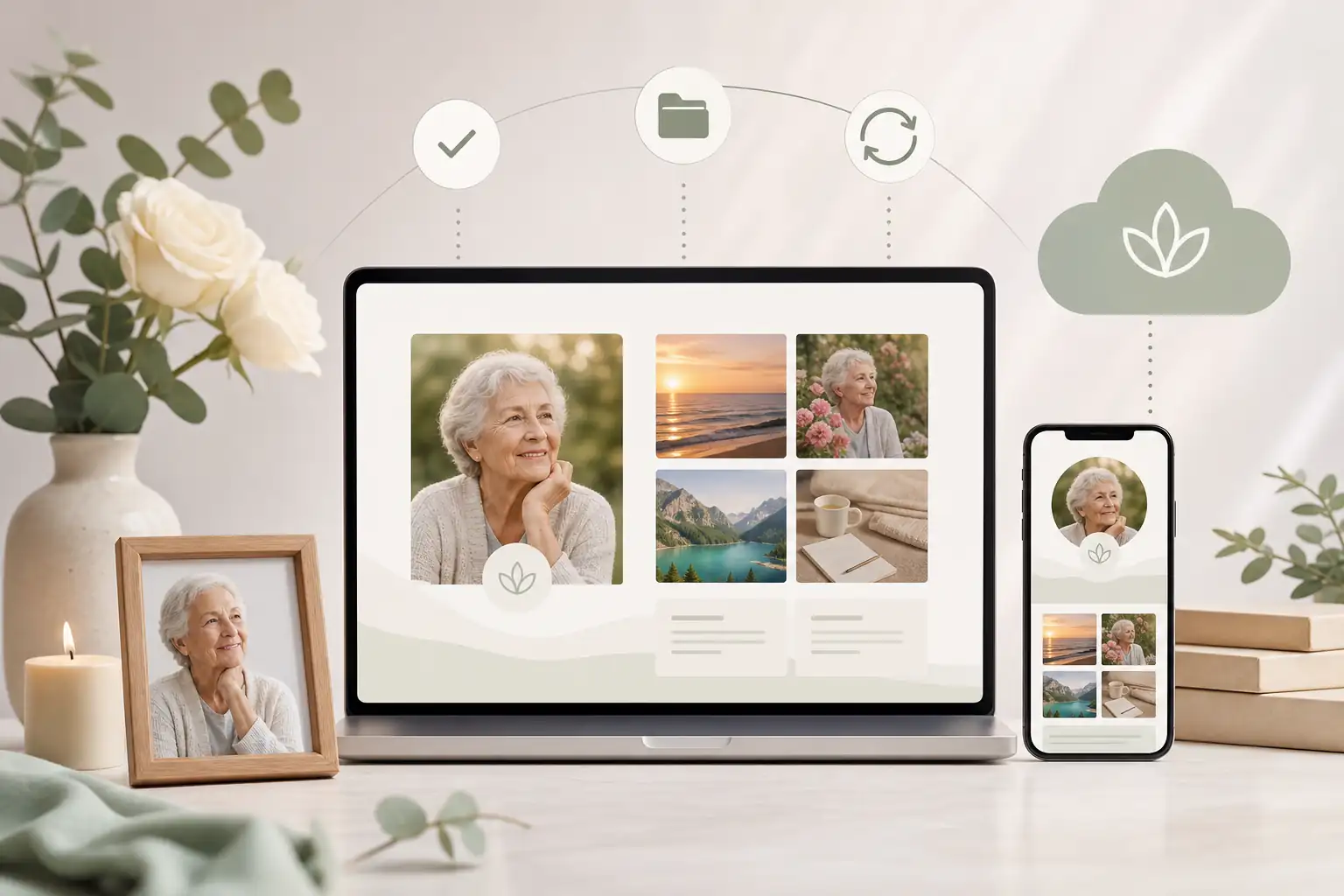
Final checklist
Before you publish or share the page, take a quiet moment to review it as a family. A careful final check can prevent small errors and help the memorial feel settled, respectful and useful.
- Confirm the person’s full name, preferred name and dates.
- Check spelling of family names, places, schools, workplaces and community groups.
- Choose a main photo that feels warm, recognisable and family-approved.
- Review each image for privacy and permissions.
- Make sure the written tribute is accurate, kind and in the right tone.
- Add service details only if the family wants them public or shareable.
- Set guestbook, contribution and viewing permissions deliberately.
- Ask one or two trusted people to read the page before wider sharing.
- Use secure account settings and be alert to suspicious messages or links.
- Keep a plan for future updates, anniversary notes and additional memories.
A memorial page does not have to capture a whole life in one sitting. It can begin as a simple, loving tribute and become richer as family and friends add stories, photographs and reflections over time.
FAQs about create an online memory page
How do I create an online memory page?
To create an online memory page, choose a respectful memorial platform, add the person’s name and life details, upload meaningful photos or videos, write a short tribute, set privacy and contribution permissions, then share the online memorial link with family and friends when you are ready.
Choose a respectful platform, add the person’s name, dates, story, photos and any service details, then set privacy and sharing preferences before publishing. Evaheld Memorials lets you create an online memory page and update it over time. For preserving digital items, the Library of Congress offers helpful personal digital archiving guidance.
How can an online tribute feel personal and respectful?
It means creating a dedicated online memorial page where family and friends can read a tribute, view photos, leave messages and find shared information in one place. You can explore Evaheld Memorials’ online memorial features, and the U.S. National Archives shares useful advice on caring for family archives.
When should a family create or review the memorial?
A family may create one before a service, soon after a death, on an anniversary, or when relatives are spread across different locations. If you need a starting point, Evaheld Memorials offers a simple way to create a memorial page. For privacy considerations, see the OAIC’s guidance on your privacy rights.
Who should manage the page and approve contributions?
Include a warm biography, favourite photos, meaningful memories, service or donation details if appropriate, and clear guestbook guidance. Evaheld Memorials can help organise this through its digital legacy vault. The Digital Preservation Coalition’s digital preservation handbook is also useful for thinking about long-term care of digital materials.
What content belongs on the memorial page?
Start with basic details, write the tribute, upload selected photos, invite trusted contributors, review privacy settings, then share the memorial link. Evaheld Memorials’ memorial support questions can help with practical setup decisions. For online safety basics, CISA’s Secure Our World guidance is a helpful reference.
How can families control privacy and sharing?
Common mistakes include publishing too quickly, using unclear privacy settings, uploading poor-quality images, omitting family input, or sharing sensitive information. Compare options through Evaheld Memorials’ online memorial plans. The FTC also explains how to protect your privacy online.
Which account details and backups should be retained?
Avoid posting private addresses, financial details, passwords, medical information or anything the family has not agreed to share. For related planning ideas, read Evaheld Memorials’ guide to a virtual remembrance book. The eSafety Commissioner also provides practical advice on online privacy.
How can relatives contribute safely?
Privacy settings usually control who can view, contribute to or share the memorial page. Decide whether the page should be public, private or shared only by link. Evaheld Memorials’ guide to set up a free memorial website may help you compare choices. For account protection, the Australian Cyber Security Centre explains multi-factor authentication.
What common online memorial mistakes should families avoid?
Evaheld Memorials helps families create, complete, store, update and share memorial content, including photos, messages, guestbook contributions and related wishes. You can also read about how to build an elegant tribute page. For broader privacy awareness, the UK ICO explains public privacy rights.
How does Evaheld Memorials support long-term preservation?
Check spelling, dates, image permissions, privacy settings, guestbook controls, service details and whether close family has reviewed the page. If you are ready, Evaheld Memorials offers plans to create an online memory page. For stronger account security, the Australian Cyber Security Centre explains password managers.
If your family is ready to begin, create a free Evaheld Memorials page and add memories, photos and tributes at your own pace.