Can you put a QR code on a gravestone? Privacy, setup and family sharing
A practical Evaheld Memorials article that answers “Can you put a QR code on a gravestone?”, explains put a qr code on a gravestone, shows what to include, avoids common mistakes and helps families plan privacy, setup and family sharing.
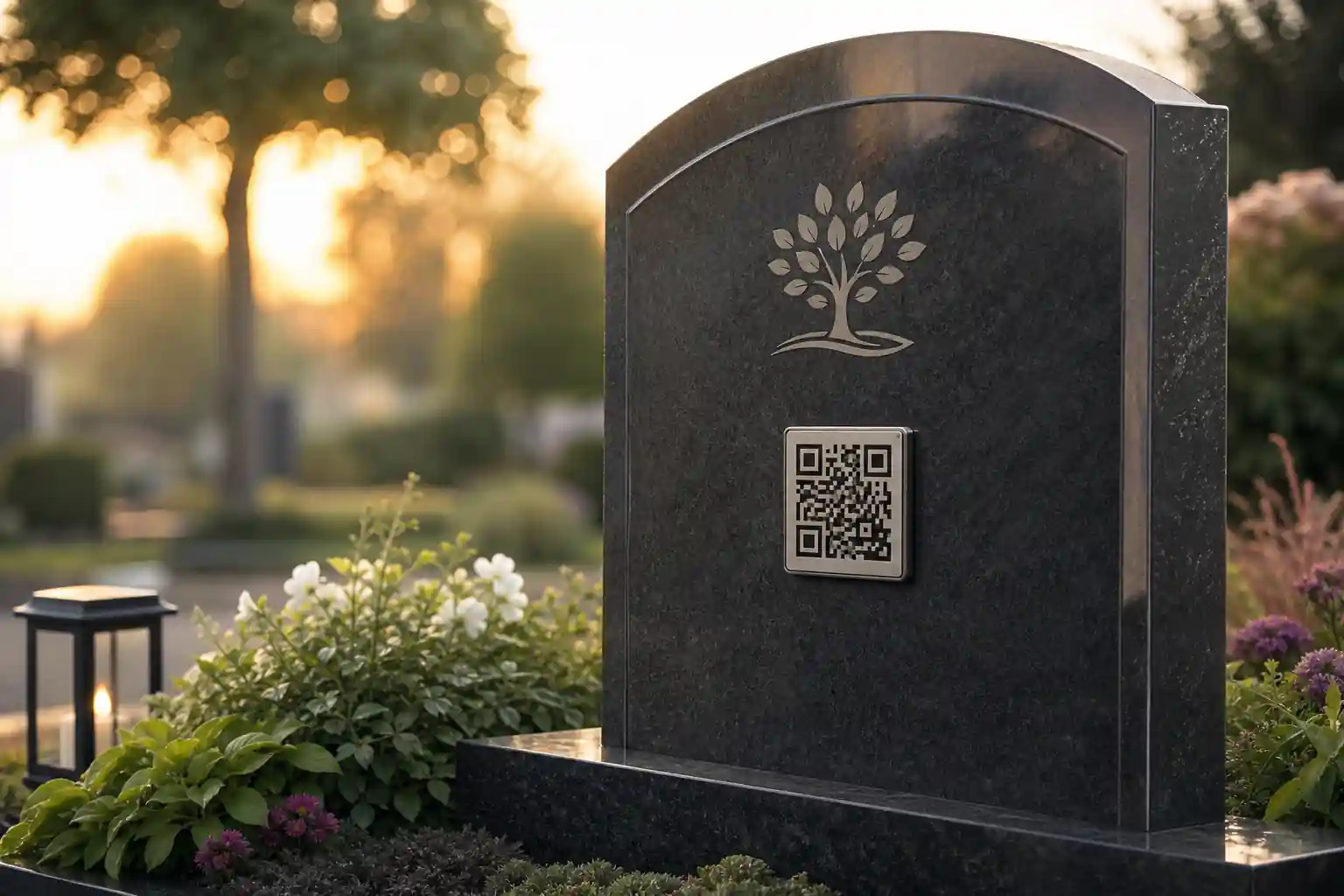
Yes, you can put a QR code on a gravestone in many cemeteries, but you should confirm the cemetery’s rules, the stonemason’s requirements and the family’s privacy preferences before anything is engraved or attached. A QR code can link visitors from a headstone, plaque, grave marker or memorial object to an online tribute page, making it easier to share photos, stories, messages and practical memorial information over time.
The practical question is not only whether you can put a qr code on a gravestone, but how to do it respectfully, securely and in a way that still works years from now. A good plan covers the physical material, the digital page, privacy settings, family permissions, long-term updating and what visitors will see when they scan the code.
Direct answer: Can you put a QR code on a gravestone?
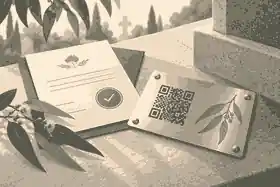
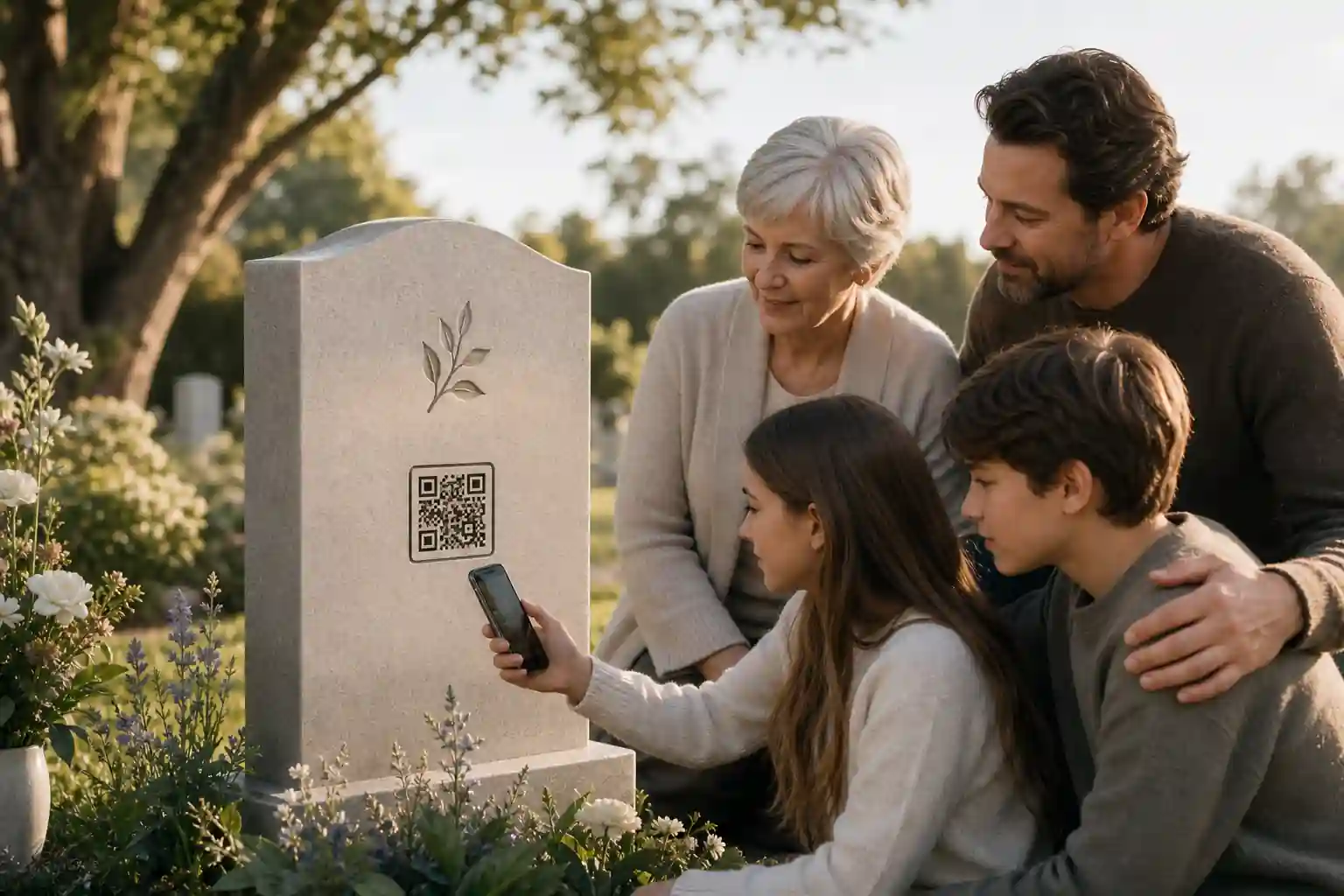
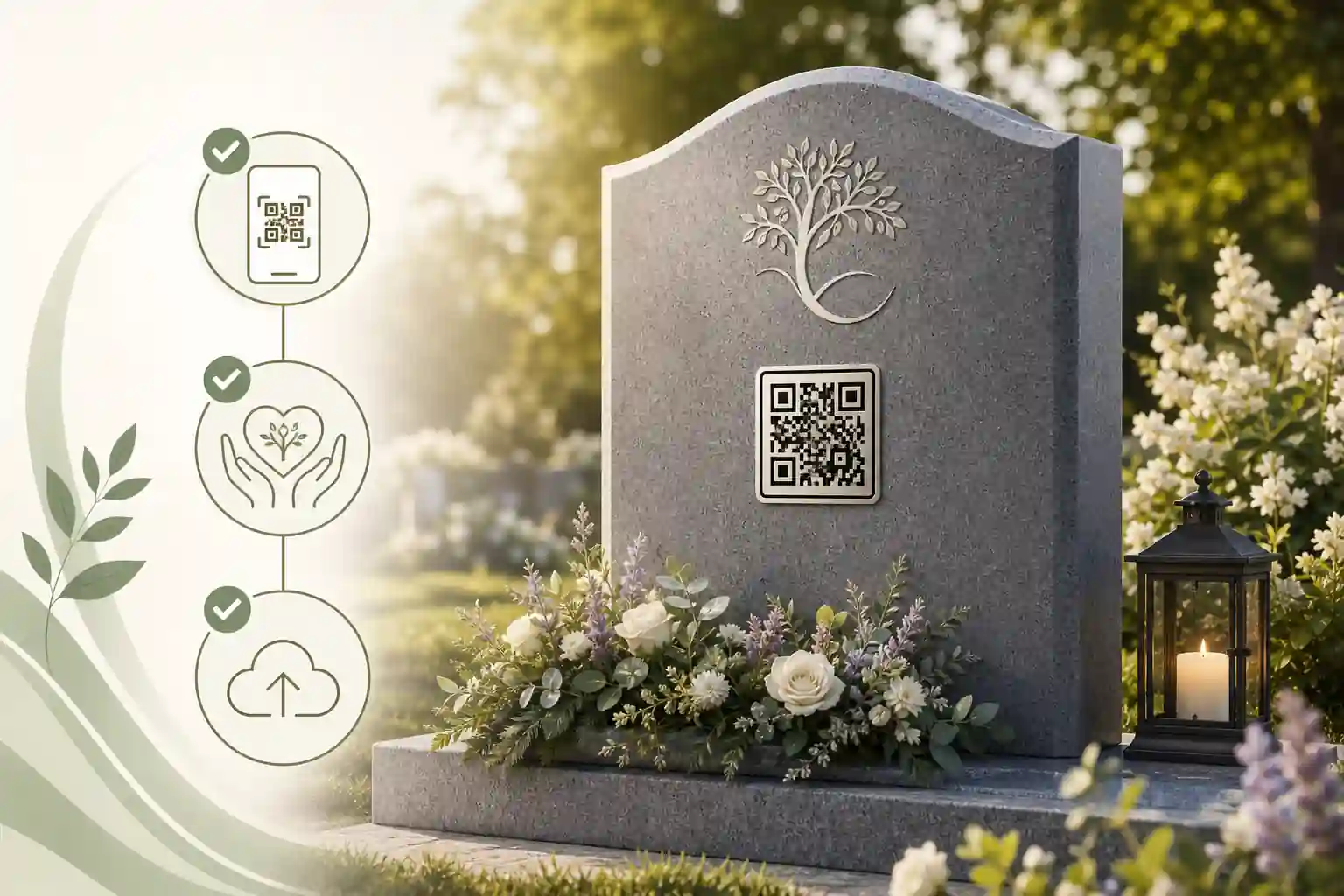
In most cases, a QR code for a headstone is possible if the cemetery or memorial park allows it and the code is produced in a durable format. Some families choose an engraved headstone QR code, while others use a small metal plaque, ceramic tile, QR medallion for gravestone use, or a separate memorial marker near the grave.
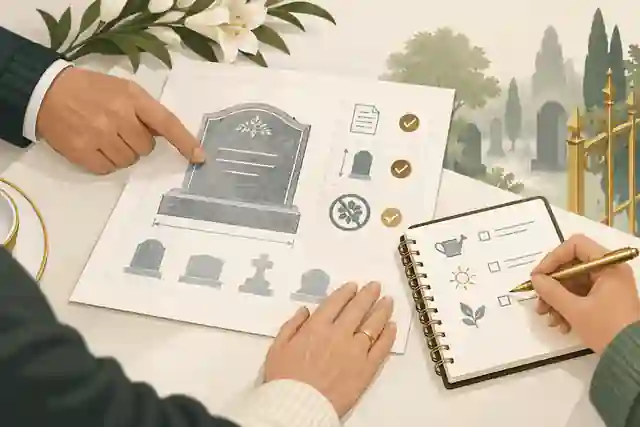
Before ordering anything, check the cemetery’s memorial regulations. Rules may cover size, placement, materials, wording, adhesives, attachments and whether additional plaques can be added after installation. A funeral director, cemetery office or qualified stonemason can usually explain what is permitted locally. Legal and administrative requirements vary by country, state and territory, so formal decisions about ownership, cemetery rights or memorial alterations should be checked against local rules or reviewed by a qualified professional where needed.
It is also worth thinking about online safety. Public QR codes are convenient, but people are increasingly aware that QR links can be misused. The U.S. Federal Trade Commission warns that scammers can hide harmful links in QR codes, and the Australian Signals Directorate’s cyber guidance explains QR code scam risks. This does not mean memorial QR codes should be avoided; it means families should use a trusted destination, clear page branding and sensible privacy settings.
What put a qr code on a gravestone is for
A memorial QR code connects a physical place of remembrance with a digital memorial. The grave remains the anchor, while the online page can hold the material that does not fit on stone: a life story, photo gallery, funeral recording, favourite music, family memories, messages from friends, cultural or faith details, donation preferences, and ongoing tributes on birthdays, anniversaries or special days.
This can be especially meaningful for relatives who live far away. A grave QR code allows someone visiting in person to learn more about the person’s life, while family members overseas can still contribute memories to the same online space. It can also help younger generations understand the person beyond dates and names on a headstone.
Evaheld Memorials is designed to support that practical memorial planning layer. Families can create a memorial page, organise stories and media, and keep the memorial information in one place rather than scattered across texts, folders, social media posts or static downloads. If you are still learning the basics, this guide to how memorial QR codes work may also help.
When to use put a qr code on a gravestone
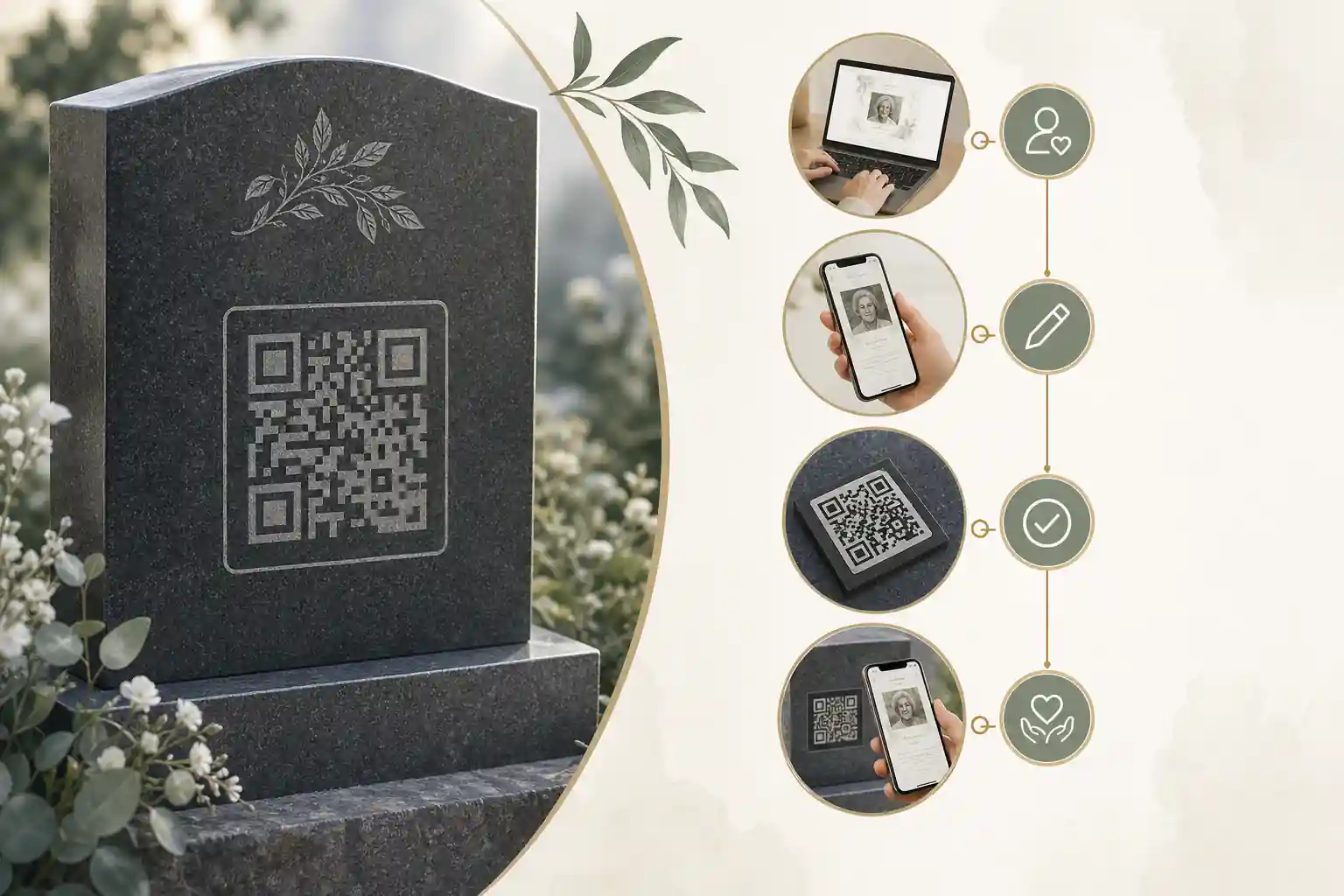
A QR code memorial is useful when the family wants the grave or plaque to do more than display fixed information. It may suit a new headstone, an existing gravestone, a memorial bench, a cremation plaque, a garden marker, a mausoleum plaque or a commemorative object kept at home. The format can be simple and dignified, provided it is chosen with care.
Families often consider a memorial QR code when:
- the person had a large extended family or community who may want to contribute stories;
- the headstone inscription cannot capture the fullness of their life;
- relatives live in different countries and need a shared memorial space;
- the family wants to add photos, videos, voice notes or written memories over time;
- there are privacy concerns that make a controlled online memorial preferable to a public social media page;
- the family wants the physical grave and digital tribute to remain connected.
Grief affects people differently, and there is no one correct timing. Some families are ready to plan a QR memorial soon after the funeral; others prefer to wait until the first anniversary or until the headstone is finalised. Healthdirect provides a helpful overview of grief and loss, and Better Health Victoria has practical guidance on supporting bereaved people. A gentle pace is often best.
What to include in put a qr code on a gravestone
The strongest QR code memorials are thoughtful rather than overloaded. Visitors scanning a code at a grave may be standing outdoors, using mobile data and feeling emotional. The page should open clearly, explain whose memorial it is, and make the most meaningful content easy to find.
Useful inclusions can include:
- a short welcome message for visitors who have scanned the QR code;
- the person’s full name, preferred name, dates and a brief life summary;
- selected photographs that the family is comfortable sharing;
- stories, milestones, values, sayings and memories;
- audio or video messages if appropriate;
- a guestbook or contribution area for family and friends;
- funeral or memorial service details where relevant;
- links to approved charity or community information, if the family wants this;
- privacy notes, contribution guidance and a contact person or administrator.
Think carefully before publishing sensitive information. Privacy rights and expectations vary, but it is generally wise to avoid home addresses, identity documents, financial details, private medical information, family disputes, or anything another living person would not want shared. The Office of the Australian Information Commissioner explains privacy rights, the eSafety Commissioner offers privacy guidance, and the FTC provides advice on protecting privacy online.
Step-by-step instructions for put a qr code on a gravestone
A calm process reduces mistakes. The physical and digital parts should be planned together, not as two separate afterthoughts.
- Confirm cemetery permission. Ask the cemetery, memorial park or relevant authority whether QR plaques, medallions or engraved codes are allowed.
- Choose the digital destination. Decide whether the QR code will open a memorial page, tribute gallery or family-controlled remembrance space.
- Create the memorial content. Add the core biography, photos, messages and contribution options before ordering the physical code.
- Set privacy and permissions. Decide what is public, what is private, and who can edit or contribute.
- Generate and test the QR code. Test it on different phones, in different light conditions and with mobile data rather than only home Wi-Fi.
- Check accessibility. Make sure the online page is readable, mobile-friendly and easy to navigate. The World Wide Web Consortium’s accessibility introduction is a useful starting point.
- Choose a durable physical format. Work with a reputable stonemason or plaque supplier on materials suitable for outdoor conditions.
- Approve placement and wording. Confirm the QR code’s size, position and any accompanying text before installation.
- Keep administrator access safe. Make sure more than one trusted person knows how the memorial page is managed.
- Review it periodically. Check that the QR code still scans and the page still reflects the family’s wishes.
For longer-term personal archiving, the Library of Congress personal archiving guidance, the U.S. National Archives family archives guidance and the Digital Preservation Coalition handbook are useful references for keeping digital materials organised and durable.
Practical tips for families
Start with the person, not the technology. A QR code is only a doorway. What matters is the warmth, accuracy and care of the memorial it opens. Choose a page title and opening message that immediately reassures visitors they are in the right place.
If several relatives are involved, agree on a simple contribution process. One person might collect photos, another might review stories, and another might manage technical settings. Evaheld Memorials’ online memorial features can help families bring these elements together without relying on one person’s inbox or phone gallery.
Consider whether the QR code should open directly to a public page or to a page with some restricted areas. For example, the biography and selected photos might be public, while private family messages remain visible only to invited people. If you are weighing openness and discretion, this article on whether QR headstones should be public or private may be helpful.
Common mistakes
The most common mistake is ordering the physical QR plaque before the digital destination is ready. If the link changes, the page is incomplete, or privacy settings are unclear, the family may end up with a beautiful plaque that leads to a poor experience.
Other common mistakes include:
- using a short-lived or untrusted URL without thinking about long-term access;
- placing the QR code where it is too small, too low, scratched or difficult to scan;
- publishing too much personal information about living relatives;
- forgetting to appoint backup administrators;
- using low-quality images that are hard to view on a phone;
- not checking whether cemetery approval is required;
- assuming a QR code is permanent without planning updates and maintenance.
Digital links need stewardship. For a deeper look at durability, see this Evaheld Memorials guide to whether grave QR codes are permanent.
What not to do
Do not attach a QR plaque to a grave without permission from the cemetery or rights holder. Even a small addition can breach local memorial rules, and unauthorised attachments may be removed.
Do not use the memorial page as a place for unresolved conflict, allegations or private family matters. A headstone QR code is likely to be scanned by relatives, friends, cemetery visitors and future generations. Keep the tone respectful and avoid publishing material that could distress others or expose private information.
Do not rely on a QR code as a substitute for official processes after a death. In Australia, Services Australia explains what to do when a loved one dies; in the UK, GOV.UK outlines steps to take after a death; and in the United States, USA.gov provides guidance on what to do when someone dies. Memorial pages can help families organise and share remembrance material, but they do not replace legal, financial, probate, cemetery or government requirements.
Do not ignore security. The UK National Cyber Security Centre has practical guidance on spotting phishing scams. Families can reduce confusion by using a clear memorial page, avoiding suspicious redirects, and telling relatives what the genuine QR memorial should look like.
How Evaheld Memorials helps create, complete, store, update and share put a qr code on a gravestone
Evaheld Memorials helps families turn the QR code from a simple link into a considered memorial experience. You can create a tribute page, add stories and photos, invite contributions, organise important details, and update the page as the family’s wishes evolve. This is particularly useful because a gravestone is fixed, but a digital memorial can be refined with care over time.
The platform can also support related planning through a digital legacy vault, helping families keep selected memories, wishes and information together. It is not a replacement for legal documents, professional advice or official records, but it can provide a more organised place for remembrance material than scattered messages, cloud folders or social posts.
If you are comparing options, review the online memorial plans and the memorial support questions before deciding what best suits your family. The right choice is the one that is respectful, manageable and understood by the people who will look after it.
Final checklist
Before you approve a QR code for a grave, headstone or plaque, use this final checklist:
- cemetery or memorial park approval has been confirmed;
- the family agrees on the memorial page’s purpose and tone;
- public and private content settings have been considered;
- the QR code has been tested on multiple phones;
- the page is mobile-friendly, readable and accessible;
- sensitive personal details have been removed or restricted;
- the physical material is durable and suitable for outdoor conditions;
- the code placement is easy to scan without disturbing the grave;
- at least one backup administrator has access;
- the family has a plan to review and update the memorial over time.
A QR code grave marker can be a gentle bridge between place, memory and family connection. Planned well, it allows a headstone to remain simple and dignified while giving visitors a richer way to remember the person behind the name.
FAQs about put a qr code on a gravestone
Can you put a QR code on a gravestone?
Yes, you can put a QR code on a gravestone in many cemeteries, but you should confirm the cemetery’s rules, the stonemason’s requirements and the family’s privacy preferences before anything is engraved or attached. A QR code can link visitors from a headstone, plaque, grave marker or memorial object to an online tribute page, making it easier to share photos, stories, messages and practical memorial information over time.
Yes, you can usually put a QR code on a gravestone, plaque or marker, but you should first check cemetery rules, memorial mason requirements and family permissions. The QR code can link to an online tribute, photos, messages and visiting information. Evaheld Memorials can help you create a page through its create memorial page option, while privacy basics are worth checking through the OAIC privacy rights guidance.
How can a QR memorial feel personal and respectful?
It is used to connect a physical grave marker with a digital memorial, often including a life story, photo gallery, videos, guestbook messages, funeral details or family-approved updates. For a broader explanation, see how memorial QR codes work, and consider the Library of Congress personal archiving guidance when choosing what to preserve.
When should a QR plaque or engraving be planned?
A family might use it when they want visitors to learn more than a headstone can hold, contribute memories, or access a carefully managed online tribute over time. It is especially helpful for relatives who live far away. Evaheld Memorials’ online memorial features can support this, and the W3C accessibility introduction is useful when thinking about readable, inclusive digital content.
Who should approve the memorial and its linked content?
Include only content the family is comfortable making available, such as a short biography, selected photos, memories, service details, tribute messages and clear contact or contribution settings. Avoid sensitive personal information. You can organise these items with evaheld’s digital legacy vault, and the U.S. National Archives family archives guidance has practical tips for preserving family materials.
What should the linked memorial page include?
Start by checking cemetery approval, create the memorial page, choose privacy settings, test the QR code on several phones, confirm the plaque or engraving method, then keep the linked page updated. Families can start with put a qr code on a gravestone through Evaheld Memorials, while the Australian Cyber Security Centre QR code scam advice is helpful for safe scanning practices.
How can access to private memorial details be controlled?
Common mistakes include using a short-lived link, skipping cemetery approval, choosing a plaque material that weathers poorly, making private details public, and not testing the QR code after installation. The Evaheld Memorials guide to whether grave QR codes are permanent can help with planning, and the Digital Preservation Coalition handbook explains why long-term access needs active care.
Which plaque, account and memorial details should be recorded?
Avoid publishing addresses, identity documents, private family disputes, unapproved photos, medical details or anything that could distress relatives or expose someone to risk. Use trusted links and review permissions carefully. Evaheld Memorials’ memorial support questions can guide setup choices, and the FTC warning about harmful QR links explains why caution matters.
How can relatives contribute photos and stories?
Privacy depends on the memorial platform, page settings, family decisions and cemetery requirements. A public QR code can still lead to a page with controlled content, moderation or restricted sections. See Evaheld Memorials’ article on whether QR headstones are public or private, and review the eSafety Commissioner’s privacy guidance before sharing personal details.
What QR memorial mistakes should families avoid?
Evaheld Memorials helps families create, complete, store, update and share the online memorial connected to the QR code, so the tribute is not limited to a static plaque or scattered family files. You can compare options on online memorial plans, and the Healthdirect grief and loss resource may be helpful when families are making decisions during bereavement.
How does Evaheld Memorials keep the linked tribute available?
Check cemetery approval, spelling, dates, photo permissions, privacy settings, mobile loading, QR scan quality, plaque durability and who can update the page later. Also confirm any formal or jurisdiction-sensitive matters with the right authority. Evaheld Memorials’ memorial features can support ongoing updates, and official after-death guidance such as GOV.UK after a death may help with related practical steps.
If your family is ready to begin, create a free Evaheld Memorials page and add memories, photos and tributes at your own pace.