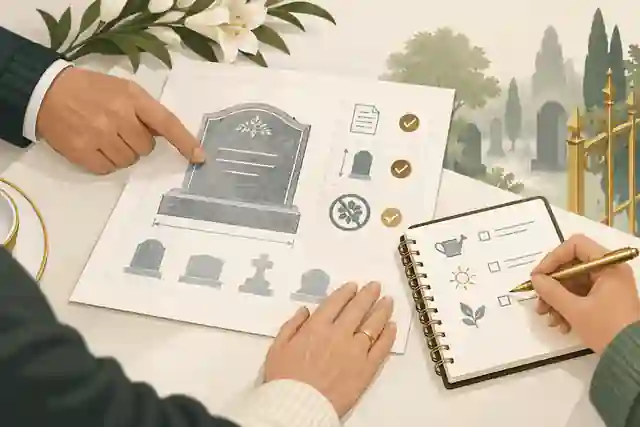
How do I set up an ad-free memorial site? A practical family guide
A practical Evaheld Memorials article that answers “How do I set up an ad-free memorial site?”, explains set up an ad-free memorial site, shows what to include, avoids common mistakes and helps families plan a practical family guide.

To set up an ad-free memorial site, choose a respectful memorial platform, create an online memorial page, add the person’s obituary, photos, stories and service details, set privacy and contribution permissions, then publish and share the page with trusted family and friends. With Evaheld Memorials, you can keep the tribute organised, update it over time and avoid distracting advertising around a sensitive remembrance space.
Direct answer: How do I set up an ad-free memorial site?
Start by deciding what the memorial site is for: a simple online obituary page, a digital tribute page with photos and messages, a virtual remembrance book for family contributions, or a more permanent digital memorial that can be revisited over time. Then gather the core information, choose privacy settings, invite contributors carefully and check everything before sharing publicly.
A good ad-free memorial site should feel calm, clear and easy to use. Families often need one place to publish obituary online details, collect condolences, share service information, preserve favourite memories and reduce the burden of repeating updates across text messages, emails and social media. If you are ready to begin, you can set up an ad-free memorial site with Evaheld Memorials and update it when your family is ready.
It is also worth thinking about digital preservation from the beginning. The Library of Congress offers practical guidance on personal digital archiving, including keeping files organised and preserving important digital materials. For family photographs and records, the U.S. National Archives has helpful advice on preserving family archives. These principles apply beautifully to memorial pages: name files clearly, keep meaningful context with images and avoid scattering precious memories across too many places.
What it means to set up an ad-free memorial site
To set up an ad-free memorial site is to create an online memorial website where the focus stays on the person being remembered, not on banner adverts, unrelated recommendations or commercial clutter. It may include an obituary, life story, photographs, video, audio, messages from loved ones, funeral or memorial service details, and a guestbook where people can leave condolences.
The “ad-free” part matters because grief is personal. Families may not want sensitive memories appearing beside unrelated promotions or automated content. An ad-free space can help the page feel more like a quiet memorial table than a public noticeboard. It can also make sharing the link feel more appropriate for older relatives, colleagues, community groups and friends who want to pay respects without distraction.
There are different ways to approach this. Some families use a funeral director’s notice page, some create a private cloud folder, some post on social media, and others choose a dedicated memorial platform. Evaheld Memorials is designed for families who want a dedicated, organised place to create, complete, store, update and share a digital tribute page without relying on scattered messages or static documents.
Because memorial pages can include personal information, privacy deserves careful attention. The Office of the Australian Information Commissioner explains everyday privacy rights in Australia, while the UK Information Commissioner’s Office provides guidance on personal information and privacy. Requirements and expectations vary between countries, states and territories, so formal records, estate documents or legal notices should be checked against local rules or reviewed by a qualified professional where needed.
When to set up an ad-free memorial site
Many families start an online memorial site soon after a death, especially when people are spread across different towns, countries or time zones. It can be a practical way to share service details, publish obituary online information and give people one trusted link for updates. Others prefer to wait until after the funeral, when there is more time to gather photographs, write a fuller life story and invite thoughtful contributions.
You may also choose to create online memory page content in advance as part of digital legacy planning. This can be especially helpful for people who want to record messages, values, wishes, photographs or stories for loved ones. Evaheld Memorials also offers a digital legacy vault for keeping related memories and instructions together in a more organised way.
An ad-free memorial site is particularly useful when a person had a wide community: family overseas, former colleagues, neighbours, sporting friends, faith communities, service groups or school connections. Rather than relying on one social media post, the memorial page can become the central reference point for the person’s story and remembrance details.
If you are comparing options, it may help to read more about set up a free memorial website and how free, paid and ad-supported choices can differ. Families who want a page to remain accessible for longer may also find it useful to understand how long do virtual memorials stay online before choosing where to publish.
What to include when you set up an ad-free memorial site
A strong online tribute page does not need to be elaborate. It needs to be accurate, kind and easy to navigate. Begin with the person’s full name, preferred name, dates, a short obituary or life summary, and a warm opening photograph. Then add details that help visitors understand who they were: family connections, work, passions, community roles, favourite places, sayings, music, hobbies and values.
For a virtual memory page, consider including a mix of formal and informal material. A polished portrait is meaningful, but so is a candid kitchen-table photo, a garden snapshot, a handwritten recipe, a favourite poem or a recorded message. The Digital Preservation Coalition’s digital preservation handbook highlights the importance of planning for long-term access, which is a useful reminder to keep file formats, captions and permissions in mind.
Useful inclusions may be:
- an obituary or life story written in a tone that suits the person;
- funeral, livestream or memorial service details, if appropriate;
- a gallery of selected photographs with names, dates or places where known;
- a guestbook or message area for condolences and stories;
- charity, flower or donation preferences, without making financial promises;
- family-approved contact instructions for practical questions;
- cultural, spiritual or personal wishes that loved ones want to honour;
- links to related memorial planning resources, such as a virtual remembrance book.
Be mindful with sensitive details. The eSafety Commissioner provides practical guidance on online privacy and safety, and the U.S. Federal Trade Commission explains ways to protect your privacy online. Avoid publishing addresses, private phone numbers, identity documents, financial information or anything that could expose relatives to unwanted contact or scams.
Step-by-step instructions to set up an ad-free memorial site
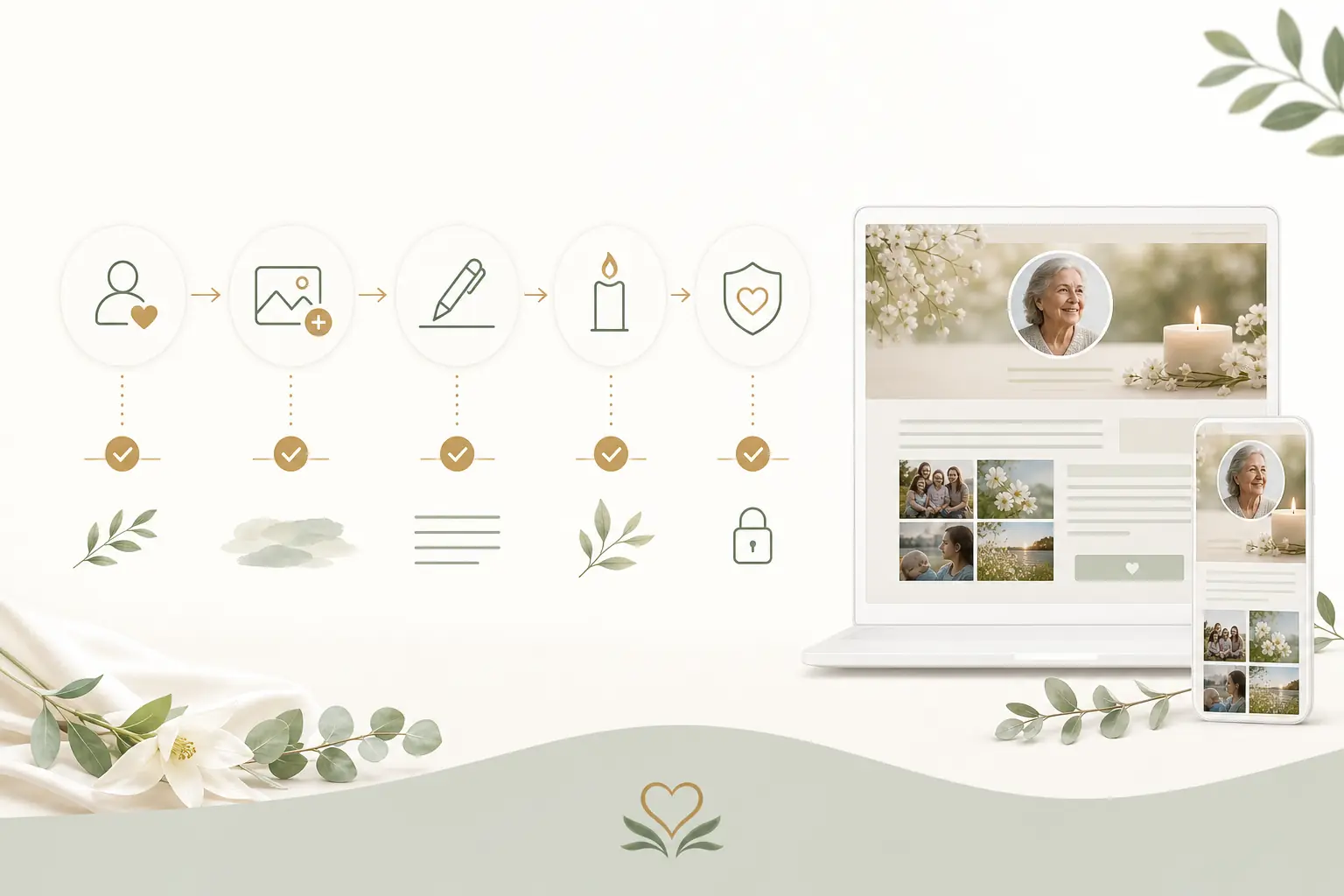
- Choose the purpose. Decide whether the page is mainly an online obituary page, a guestbook, a photo memorial, a family archive or a lasting digital tribute page.
- Select a platform. Look for a calm ad-free experience, clear privacy controls, simple sharing and the ability to update content. You can explore Evaheld Memorials’ online memorial features to see what can be included.
- Gather core details. Confirm spelling, dates, places, service information and family names. Ask one or two trusted people to check accuracy before publishing.
- Write the obituary or tribute. Keep it warm and factual. Include what mattered to the person, not just a list of dates.
- Add photos and media. Choose images that reflect different life stages. Add captions where possible so future visitors understand the context.
- Set privacy and permissions. Decide whether the page is public, private or shared by link, and whether guestbook messages need approval before appearing.
- Invite contributions. Ask family and friends for short stories, photos or voice notes, but provide gentle guidance so contributions stay respectful.
- Preview on mobile and desktop. Many visitors will open the memorial page on a phone. Check readability, spelling, image display and links.
- Publish and share thoughtfully. Send the link to close family first, then wider circles if appropriate.
- Review over time. Add anniversary messages, new photos or corrected details as needed.
Security is part of respectful memorial planning. The Australian Cyber Security Centre explains why password managers can help families use stronger, unique passwords, and its guidance on multi-factor authentication is useful when managing important online accounts. CISA’s Secure Our World advice also reinforces simple habits such as updating software, using strong authentication and recognising suspicious messages.

Practical tips for families
Nominate one or two page stewards. Too many editors can lead to duplicated details, inconsistent tone or accidental publication of private information. A small group can gather suggestions, check facts and keep the memorial page coherent.
Use a simple folder system before uploading. Create folders for portraits, family photos, service images, documents, audio, video and contributed stories. Name files clearly, such as “Margaret-with-grandchildren-2018” rather than “IMG_4021”. This makes it much easier to build and update the memorial later.
Ask contributors for permission to use their words or images, especially where children, vulnerable people or private family circumstances are involved. If you are unsure, leave it out or keep it private. For account safety, the FTC’s guidance on recognising phishing scams is a helpful reminder not to click unexpected requests or share login details when emotions are high.
Think about tone. Some memorial pages are formal and religious; others are conversational, humorous or community-focused. There is no single correct style. The best online memorial page sounds like the person and feels comfortable for the family.
If service details, cemetery rules, funeral arrangements, probate matters, donations or official records are involved, check with the relevant funeral director, cemetery authority, government office, lawyer or qualified adviser. Legal requirements vary by country, state and territory, so formal documents should be checked against local rules or reviewed by a qualified professional where needed.
Common mistakes
One common mistake is publishing too quickly without checking names, dates or service details. Small errors can cause distress, especially when the page is shared widely. Build in a short review step before sending the link beyond close family.
Another mistake is treating the memorial site like a storage dump. Hundreds of uncategorised photos can overwhelm visitors. A smaller, carefully chosen collection with captions often feels more meaningful than a large folder of unlabelled files.
Families may also forget to plan for access. If only one person knows how to update the page, future corrections or anniversary additions can become difficult. Evaheld Memorials helps by keeping memorial content, related wishes and sharing options in one organised experience, but families should still agree who will manage the page.
Privacy oversharing is another risk. Avoid publishing home addresses, private email addresses, official identity information, travel plans, financial details or family disputes. For broader digital identity considerations, NIST’s guidance on digital identity and authentication shows why account security and verification matter, even though families do not need to become technical experts to create a respectful memorial.
What not to do
Do not use the memorial page to settle disagreements, disclose private medical or financial information, or publish anything you would not want preserved or shared beyond the first intended audience. Online memorials can travel further than expected, even when shared with care.
Do not assume social media alone is enough. Social platforms can be useful for announcements, but posts can be missed, buried, restricted by account access or difficult to search later. A dedicated digital obituary hosting option gives families a central link that is easier to revisit.
Do not ignore digital account issues. Apple provides information about Legacy Contact for Apple ID, and Google explains its Inactive Account Manager. These tools are separate from a memorial page, but they are relevant when families are thinking about digital photos, emails and account access after a death.
Do not present a memorial page as a substitute for legal, financial, medical, tax, probate or grief-counselling advice. It can organise memories, wishes, messages and information, but formal decisions should be handled through the right professional or official channel. In the United States, the Uniform Law Commission’s materials on fiduciary access to digital assets show how jurisdiction-specific digital asset rules can be.
How Evaheld Memorials helps you set up an ad-free memorial site
Evaheld Memorials gives families a practical way to start online memorial site planning without having to piece together emails, cloud folders, social posts and handwritten notes. You can create a memorial page, add tribute content, gather memories, organise photos, store related messages and share access with trusted people when appropriate.
The benefit is not that one tool replaces family judgement or professional support. It is that the memorial information lives in a calmer, more structured place. Families can update the page when service details change, add new memories after the funeral, preserve guestbook contributions and keep related wishes or instructions together rather than losing them across devices.
If you want to compare inclusions and options before beginning, the Evaheld Memorials online memorial plans page can help you choose a plan that suits your family’s needs. For practical questions about access, publishing and sharing, the memorial support questions page is also a useful next step.
For families who are ready to build the page itself, the create memorial page pathway is designed to help you move from scattered material to a completed online tribute page. You can start gently, add what you have, and return later when more stories, photographs or reflections become available.
Final checklist
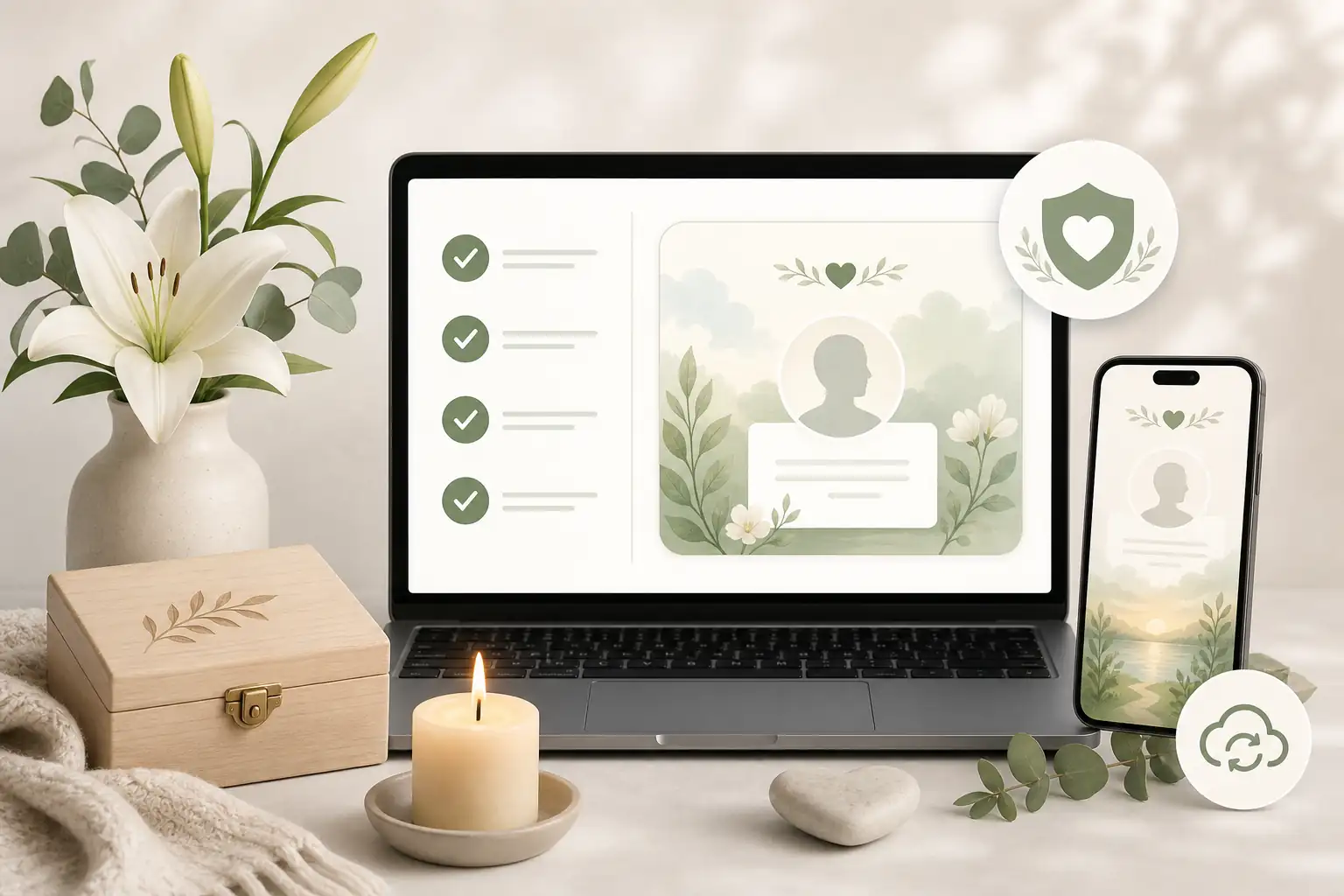
Before you publish or share an ad-free memorial site, use this final checklist:
- Confirm the person’s name, dates, spelling and key details.
- Check that the obituary or tribute feels accurate, warm and respectful.
- Choose a clear main photo and add captions to important images.
- Confirm service, livestream or memorial event details before sharing widely.
- Remove private addresses, identity numbers, financial details and sensitive family information.
- Set privacy, guestbook and contribution permissions deliberately.
- Ask at least one trusted person to review the page.
- Decide who will manage updates after publication.
- Save original copies of important photos and documents outside the page as well.
- Share the link first with close family, then with wider circles when ready.
Setting up an ad-free memorial site is ultimately about making remembrance easier, gentler and more enduring. With a clear structure, careful privacy choices and a calm place to gather memories, families can create an online memorial website that honours a life without unnecessary clutter or distraction.
FAQs about set up an ad-free memorial site
How do I set up an ad-free memorial site?
To set up an ad-free memorial site, choose a respectful memorial platform, create an online memorial page, add the person’s obituary, photos, stories and service details, set privacy and contribution permissions, then publish and share the page with trusted family and friends. With Evaheld Memorials, you can keep the tribute organised, update it over time and avoid distracting advertising around a sensitive remembrance space.
Choose a memorial platform without advertising, create the page, add the person’s name, dates, story, photos and guestbook settings, then review privacy before sharing. Evaheld Memorials lets you set up an ad-free memorial site and update it over time; the Library of Congress also offers helpful personal digital archiving guidance.
How can an online tribute feel personal and respectful?
It means creating an online memorial page where the tribute, photos, messages and guestbook are not interrupted by third-party advertisements. You can review Evaheld Memorials’ online memorial features and compare your privacy approach with the OAIC’s privacy rights guidance.
When should a family create or review the memorial?
Families often start one before a funeral, after a service, on an anniversary, or when relatives need one shared place for memories. Evaheld Memorials explains how to create a memorial page, while the National Archives provides useful advice on caring for family archives.
Who should manage the page and approve contributions?
Include a respectful biography, meaningful photos, service details if appropriate, family-approved wording, guestbook prompts and any sharing preferences. Evaheld Memorials’ digital legacy vault can help keep related memories together, and the Digital Preservation Coalition offers a practical digital preservation handbook.
What content belongs on the memorial page?
Gather approved details, choose privacy settings, upload photos, write the tribute, invite contributions, preview the page, then share the link with trusted people. Evaheld Memorials’ online memorial plans page helps you compare options, and the eSafety Commissioner explains key online privacy considerations.
How can families control privacy and sharing?
Common mistakes include rushing the wording, uploading low-quality images, forgetting permissions, sharing publicly too soon, or losing track of login access. Evaheld Memorials’ memorial support questions can help, and the FTC explains how to protect your privacy online.
Which account details and backups should be retained?
Avoid publishing sensitive personal details, unapproved photos, private addresses, financial information or anything likely to distress close family. For related planning, see Evaheld Memorials’ guide to set up a free memorial website, and review the FTC’s advice on recognising phishing scams.
How can relatives contribute safely?
Privacy settings usually control who can view, comment, contribute photos or receive the link. Ask close family before posting sensitive material. Evaheld Memorials discusses related timing in how long do virtual memorials stay online, and CISA outlines simple ways to secure your online accounts.
What common online memorial mistakes should families avoid?
Evaheld Memorials helps families create, complete, store, update and share an organised online tribute with photos, messages, guestbook inputs and related wishes in one place. You can also explore a virtual remembrance book, and Australia’s cyber security guidance explains the value of multi-factor authentication.
How does Evaheld Memorials support long-term preservation?
Check spelling, names, dates, photo permissions, privacy settings, guestbook moderation, service details and who should receive the link first. Evaheld Memorials’ create memorial page pathway can guide the final review, and the Australian Cyber Security Centre explains how password managers can support safer account access.
If your family is ready to begin, create a free Evaheld Memorials page and add memories, photos and tributes at your own pace.
Related Evaheld resources
Continue with these carefully selected Evaheld Memorials guides and answers.