What are the most reliable local digital legacy spaces? Features, privacy and family fit
A practical Evaheld Memorials article that answers “What are the most reliable local digital legacy spaces?”, explains the most reliable local digital legacy spaces, shows what to include, avoids common mistakes and helps families plan features, privacy and family fit.

The most reliable local digital legacy spaces are memorial platforms that combine respectful storytelling, clear privacy controls, long-term access, easy family contribution, transparent pricing and practical account security. For most families, the best choice is not simply the prettiest page; it is the service that helps you preserve memories, organise important context, update details over time and share access with the right people when ready.
A reliable digital legacy space should feel calm, secure and manageable at a difficult time. It may hold an obituary, photos, videos, written memories, audio messages, a guestbook, funeral or memorial details, and personal wishes. It should also make it clear who can view, contribute to or edit the page. Evaheld Memorials supports this kind of practical memorial planning by helping families create, complete, store, update and share tribute pages and related remembrance information in one organised place.
Direct answer: What are the most reliable local digital legacy spaces?
The most reliable local digital legacy spaces are user friendly online memorials that are easy for relatives to find, simple for contributors to use, careful with privacy, and stable enough to support a family’s remembrance needs over time. When comparing the best online memorial websites, look beyond attractive templates and check the full experience: privacy settings, mobile usability, export or download options, contribution controls, pricing, support, and how clearly the platform explains account access.
For families in Australia, the UK and the US, privacy and digital safety expectations can vary. It is sensible to use general privacy guidance from trusted public sources such as the Australian Office of the Australian Information Commissioner’s privacy rights guidance, the UK Information Commissioner’s Office public privacy guidance, and the US Federal Trade Commission advice on protecting privacy online. These sources do not replace platform-specific terms, but they help families ask better questions before publishing personal material.
What the most reliable local digital legacy spaces is for
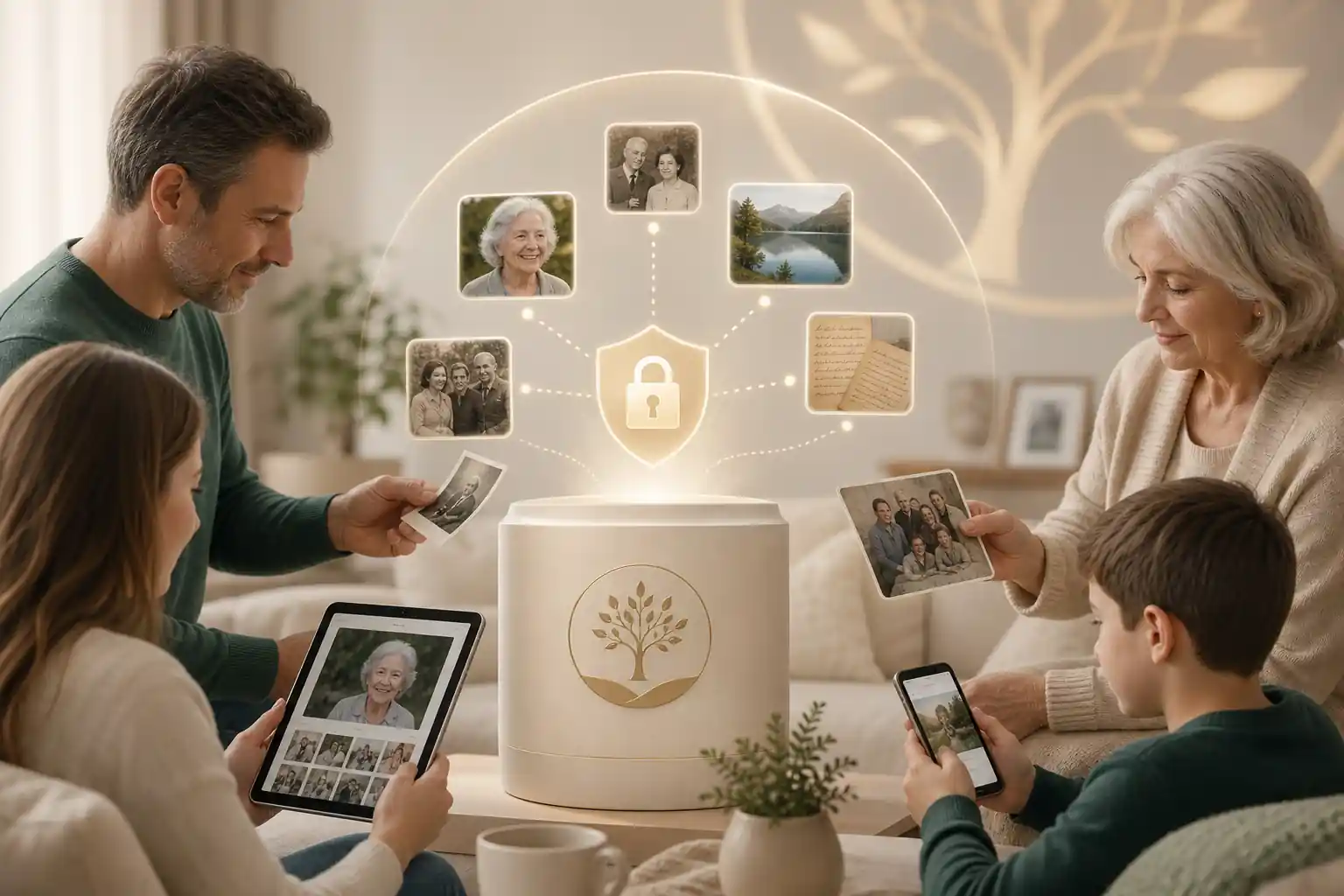
A digital legacy space gives family and friends one respectful location to remember a person, rather than scattering memories across text threads, social media posts, email attachments and private folders. It can support immediate needs, such as sharing service details, as well as longer-term remembrance, such as collecting stories from people who lived in different places or could not attend a gathering.
In practical terms, secure digital remembrance pages can help with four things. First, they preserve memories in a more intentional format than a temporary social post. Secondly, they invite contributions from a wider circle while keeping the tone centred on the person being remembered. Thirdly, they help families keep important context together, such as dates, names, relationships, service information and preferred wording. Finally, they can be updated over time as new photos, stories or reflections are found.
Digital preservation experts consistently encourage people to organise personal archives with care. The US Library of Congress offers helpful personal archiving guidance through its personal digital archiving resources, and the US National Archives provides practical advice on preserving family archives. A memorial platform does not replace a full archive, but it can become a meaningful public or semi-private layer of family remembrance.
If you are still comparing options, it can also help to read around the category. Evaheld Memorials has related guides on best online obituary sites, what online memorial website reviews usually miss, and simple virtual guestbooks.
When to use the most reliable local digital legacy spaces
A family may use a digital legacy space soon after a death, while preparing a funeral or memorial service, on an anniversary, or years later when relatives decide to gather memories in a more permanent way. There is no single correct moment. The right time is usually when someone is ready to organise the information gently and invite trusted people to contribute.
These spaces are especially useful when family and friends are spread across different cities or countries. They are also helpful when a person had several communities: childhood friends, workmates, neighbours, faith groups, sporting clubs, creative circles or carers. A good memorial page can hold these different parts of a life without forcing everything into a short notice.
They can also help before a loss, when someone is preparing legacy messages, wishes or personal records for future sharing. Legal requirements vary by country, state and territory, so formal documents should be checked against local rules or reviewed by a qualified professional where needed. Evaheld Memorials is best understood as a jurisdiction-agnostic way to organise, preserve, update and share wishes, records, messages and memories; it is not a substitute for legal, financial, medical or grief-counselling advice.
What to include in the most reliable local digital legacy spaces
What you include should reflect the person, the audience and the privacy level you choose. A simple memorial may include a name, key dates, a short biography, selected photos and a guestbook. A more complete page may include video or audio, life milestones, service details, favourite music or readings, donation preferences, family messages, cultural or faith notes, and instructions about who may contribute.
When assessing a platform features comparison, consider whether the site supports the content your family actually needs. The top mobile friendly memorial sites should make it easy to add and view material from a phone, because many relatives will contribute photos and messages from mobile devices. Clean design memorial sites review well when they make the tribute readable, accessible and uncluttered, rather than overwhelming visitors with too many prompts.
A practical inclusion list might cover:
- Full name, preferred name and pronunciation if helpful.
- Birth and death dates, if the family chooses to share them.
- A warm obituary or life story.
- Photos from different life stages, with captions where possible.
- Videos, voice recordings or written messages.
- Funeral, memorial or celebration of life details, if public sharing is appropriate.
- A moderated guestbook for memories and condolences.
- Donation, charity or community information, where relevant.
- Privacy notes about what should remain family-only.
- Contact or access instructions for page administrators.
Before adding sensitive material, pause and consider consent, family dynamics and public visibility. Australia’s eSafety Commissioner privacy guidance is a useful reminder that online sharing can reach beyond the intended audience. For broader digital preservation planning, the Digital Preservation Coalition Handbook offers helpful context on preserving digital material responsibly.
Step-by-step instructions for the most reliable local digital legacy spaces
Choosing and building a memorial space is easier when you break it into small decisions. The following steps work whether you are comparing free vs paid online memorials, reviewing online memorial pricing, or preparing a family tribute that will grow over time.
- Decide the purpose. Is the page for a funeral notice, a long-term tribute, family-only sharing, or a broader community memorial?
- Choose the audience. Decide whether it should be public, private, invitation-only or limited to certain contributors.
- Gather core information. Collect names, dates, photos, service details and a short life summary in one folder before uploading.
- Check privacy and account settings. Read the platform’s controls for viewing, editing, guestbook moderation and administrator access.
- Compare pricing clearly. Look for what is included, what may cost extra, and whether the page depends on ongoing fees.
- Create the page. Use a calm layout, readable text and a small set of strong images to begin.
- Invite contributions carefully. Ask a few trusted people to add memories first, then widen access if appropriate.
- Review before sharing widely. Check spelling, dates, names, links, privacy settings and emotional tone.
- Keep a maintenance plan. Decide who can update the page, how often it should be reviewed, and where backup copies are stored.
Account security matters because memorial pages can include personal details and emotional messages. Public cyber-safety resources such as CISA’s Secure Our World guidance, the Australian Cyber Security Centre’s advice on password managers and multi-factor authentication, and the US National Institute of Standards and Technology’s digital identity guidance can help families understand why strong access habits are worth the effort.
Practical tips for families
Start small. A thoughtful page with one well-written story, ten carefully chosen photos and clear privacy settings is often more useful than a rushed page filled with every file available. You can expand it later as relatives send better images, captions and memories.
Nominate two administrators if possible. One person may be grieving heavily, travelling, or unavailable when changes are needed. A second trusted administrator can help moderate guestbook entries, update service information or correct details. Use strong passwords and avoid sharing login details by text or email where possible.
Think about mobile visitors. Many people will open the memorial from a message on their phone. The best online memorial sites should load cleanly, make text easy to read, and allow guests to leave a message without confusion. If older relatives will contribute, test the process from their perspective: is the guestbook obvious, are buttons clear, and does the page avoid unnecessary technical steps?
Be careful with connected accounts. Apple provides information about Legacy Contact for Apple ID, while Google explains its Inactive Account Manager. These tools are separate from online memorial platforms, but they may help families think about broader digital legacy planning. In the US, laws and platform policies around digital assets can also intersect with estate planning; the Uniform Law Commission provides background on fiduciary access to digital assets. Always check local rules and professional advice for formal estate matters.
Common mistakes
One common mistake is choosing a platform only because it is free. Free options can be helpful, especially for simple notices, but families should check whether there are limits on photos, videos, privacy settings, moderation, page duration or support. Paid options are not automatically better either. The key is value, transparency and fit for the family’s needs.
Another mistake is publishing too much too soon. Addresses, private family circumstances, children’s details, medical history, conflict, financial information and unconfirmed service details should be handled with caution. A memorial page can be warm and honest without making every detail public.
Families also sometimes forget to plan for updates. A page may begin as an obituary and later become a living archive of stories, anniversaries and shared reflections. If no one knows who holds access, the page can become difficult to maintain. A reliable digital legacy space should make administration understandable from the beginning.
Finally, avoid treating best online memorial websites reviews as the whole answer. Reviews can be useful, but they may focus on appearance or price while missing privacy, export, accessibility, mobile experience, family permissions and support. A calm comparison checklist is usually more reliable than a single ranking.
What not to do
Do not upload every photo you can find without sorting them. Choose images that honour the person and consider whether other people in the photos would be comfortable with public sharing. Do not rely on one person’s phone as the only source of important files. Back up meaningful photos and documents separately.
Do not post sensitive personal information to make the page feel complete. You rarely need home addresses, identity numbers, private medical details or financial information on a memorial page. The FTC’s guidance on recognising and avoiding phishing scams is a useful reminder that personal information can be misused, especially when emotions are high.
Do not assume that a digital memorial replaces official records, a will, funeral contract, cemetery approval, probate process, advance care directive or professional advice. It can sit alongside these things by keeping memories, wishes and family instructions organised, but formal requirements differ across jurisdictions.
Do not pressure relatives to contribute immediately. Some people need time before writing a message. Others may prefer to share privately. A respectful digital legacy space allows different forms of remembrance and does not turn grief into a deadline.
How Evaheld Memorials helps create, complete, store, update and share the most reliable local digital legacy spaces
Evaheld Memorials is designed as a practical memorial planning layer for families who want one organised place for tribute content, memories, guestbook contributions, messages, wishes and related instructions. It helps people move beyond scattered notes, folders and message threads by creating a dedicated space that can be completed gradually and shared thoughtfully.
Families can begin by using create memorial page options, then review online memorial features to understand how contributions, media and sharing can work. Those comparing online memorial pricing can check Evaheld Memorials plans, while families thinking more broadly about records and wishes can explore the digital legacy vault. If you have support questions, the memorial support questions page is a useful place to start.
The most helpful approach is to treat the page as a living, curated memorial rather than a one-time upload. You might publish a simple version first, then add stories, voice notes, extra photographs and anniversary reflections later. You can also keep related wishes or instructions together so trusted people know where to look when the time is right.
If you are ready to plan the most reliable local digital legacy spaces, create a secure Evaheld Memorials page, update it over time and share it with trusted people when ready.
Final checklist
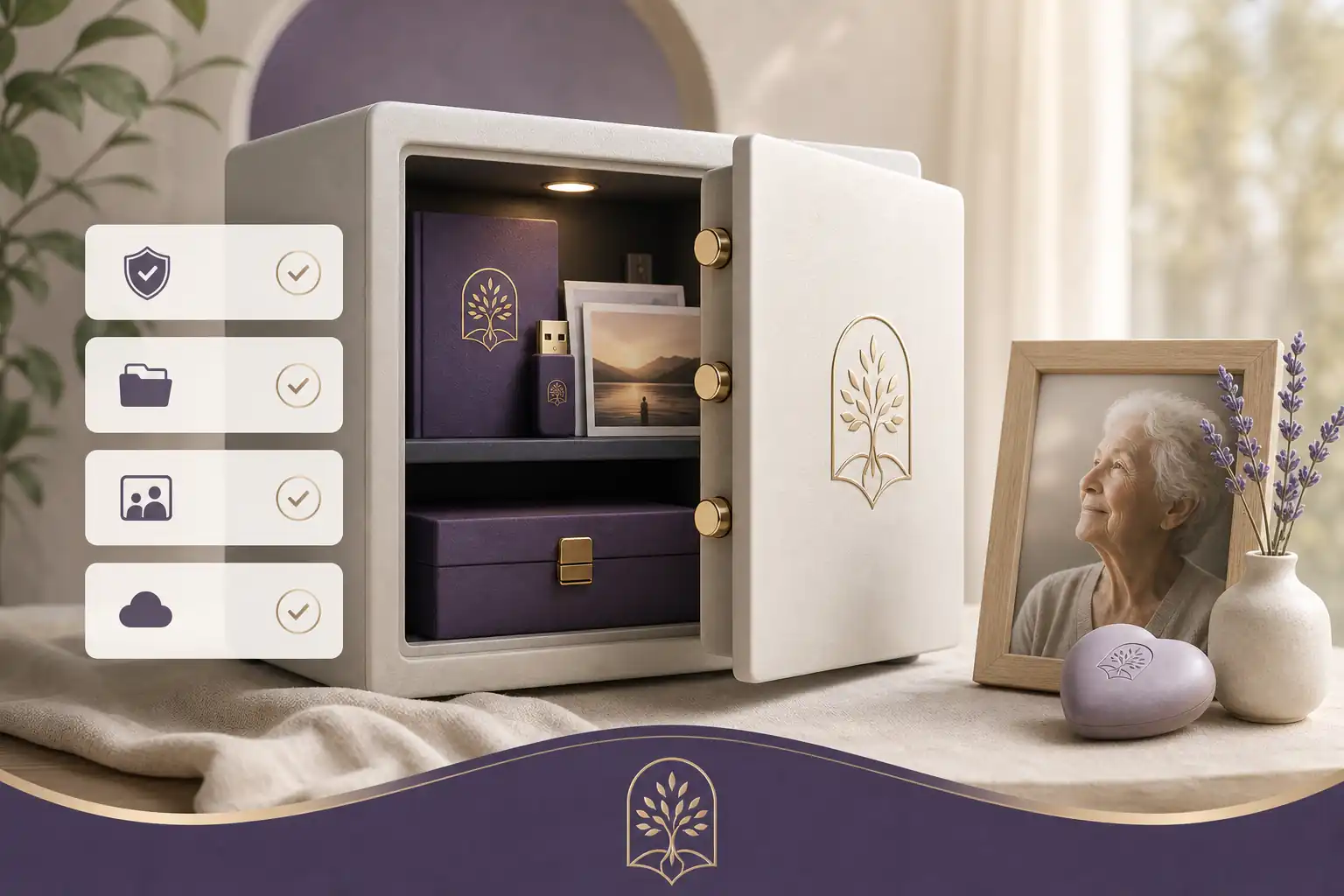
Before choosing or publishing a memorial page, use this checklist to keep the process calm and practical:
- Have we chosen the page purpose: notice, tribute, archive, guestbook or family legacy space?
- Have we compared privacy settings, contributor permissions and administrator access?
- Have we checked whether the platform is easy to use on mobile?
- Have we reviewed free vs paid online memorials and understood any ongoing costs?
- Have we selected photos, captions and stories that feel respectful and appropriate?
- Have we avoided unnecessary personal, medical, legal or financial details?
- Have we nominated at least one trusted person to help maintain the page?
- Have we checked spelling, dates, names, service details and links?
- Have we backed up important files outside the memorial platform?
- Have we allowed family members time to contribute in their own way?
The most reliable local digital legacy spaces are the ones families can understand, maintain and trust. With careful privacy choices, simple organisation and a clear plan for future updates, a digital memorial can become a lasting place of remembrance rather than another scattered online folder.
FAQs about the most reliable local digital legacy spaces
What are the most reliable local digital legacy spaces?
The most reliable local digital legacy spaces are memorial platforms that combine respectful storytelling, clear privacy controls, long-term access, easy family contribution, transparent pricing and practical account security. For most families, the best choice is not simply the prettiest page; it is the service that helps you preserve memories, organise important context, update details over time and share access with the right people when ready.
The most reliable local digital legacy spaces are secure, easy-to-update memorial pages or vaults that keep tributes, photos, messages, wishes and access details organised for trusted people. Look for clear privacy controls, mobile-friendly design, export options, transparent pricing and ongoing account access. Evaheld Memorials offers practical options for the most reliable local digital legacy spaces, while the Library of Congress provides useful guidance on personal digital archiving.
How can an online tribute feel personal and respectful?
It is used to preserve memories, collect family contributions, record funeral or memorial wishes, store meaningful media and share selected information with trusted people when appropriate. A good starting point is a structured Evaheld Memorials page, supported by practical family-archive advice from the U.S. National Archives.
When should a family create or review the memorial?
Families can use one before a death to organise wishes and messages, immediately after a death to gather tributes, or later to keep memories accessible across generations. If you are comparing options, review the Evaheld Memorials features alongside the Digital Preservation Coalition’s digital preservation handbook.
Who should manage the page and approve contributions?
Include a life story, photographs, videos, audio, milestone dates, favourite sayings, service details, tribute messages, guestbook entries, access notes and any non-urgent wishes you want family to understand. Evaheld Memorials’ digital legacy vault can help keep related information together, and Australia’s OAIC explains important privacy rights.
What content belongs on the memorial page?
Start with core details, add photos and stories, invite trusted contributors, set privacy preferences, check accuracy, then review and update the page over time. For practical support, see the Evaheld Memorials support questions, and use the eSafety Commissioner’s guidance on online privacy when deciding what to share.
How can families control privacy and sharing?
Common mistakes include choosing a platform without checking privacy settings, relying on one person’s device, uploading poor-quality files, forgetting permissions and not updating important details. A useful comparison point is what online memorial website reviews usually miss, alongside the FTC’s advice on protecting privacy online.
Which account details and backups should be retained?
Avoid posting sensitive documents publicly, sharing passwords in plain text, publishing private family information without consent, or treating a memorial page as a substitute for legal advice. Compare memorial choices carefully with best online obituary sites, and review the FTC’s guidance on recognising phishing scams.
How can relatives contribute safely?
Privacy and permissions should let you decide who can view, contribute to, edit or receive information. Families should agree on what is public, private or shared only with trusted people. Evaheld Memorials explains relevant options in its online memorial features, and CISA’s Secure Our World guidance is useful for account safety basics.
What common online memorial mistakes should families avoid?
Evaheld Memorials helps families create, complete, store, update and share memorial pages, messages, photos, guestbook contributions, wishes and instructions in one organised place. You can also consider simple virtual guestbooks for family participation, while the Australian Cyber Security Centre explains why multi-factor authentication can protect important accounts.
How does Evaheld Memorials support long-term preservation?
Check names, dates, spelling, photo permissions, privacy settings, contributor access, service details, pricing and whether trusted people know where to find the page. Review Evaheld Memorials plans before choosing a plan, and consider the Australian Cyber Security Centre’s advice on password managers for safer long-term access.
If your family is ready to begin, create a free Evaheld Memorials page and add memories, photos and tributes at your own pace.