Adding Videos, Music and Voice Recordings to an Online Memorial
Media can bring warmth to an online memorial by preserving a person's voice, favourite music, home videos and shared moments.
Last Updated: June 24, 2026
Yes, an online memorial can include videos, music, voice recordings, and slideshow-style media, and those additions are often what make the page feel like the person rather than a formal notice. A short voice note can bring back a laugh. A family video can restore movement and mannerisms that photographs cannot hold on their own. A carefully chosen song can give the memorial emotional texture, especially when the words, tone, or memory attached to it was part of everyday life.
On Evaheld Memorials, those richer contributions fit the product well. The platform already distinguishes between simpler memorial pages and the plans that allow uploads, contributor support, moderation, and fuller tribute media. If you are still shaping the memorial as a whole, it also helps to understand what an online memorial is, what belongs in an online memorial, how to create an online memorial, how a memorial can be updated later, and how service details can sit alongside the tribute.
The key is to add media with care. Not every file needs to be uploaded, and not every moving piece needs to autoplay or compete for attention. The strongest memorials usually choose a few meaningful media elements, present them clearly, and protect both the family’s privacy and the dignity of the person being remembered.
Why videos, music and voice recordings can change the feel of a memorial
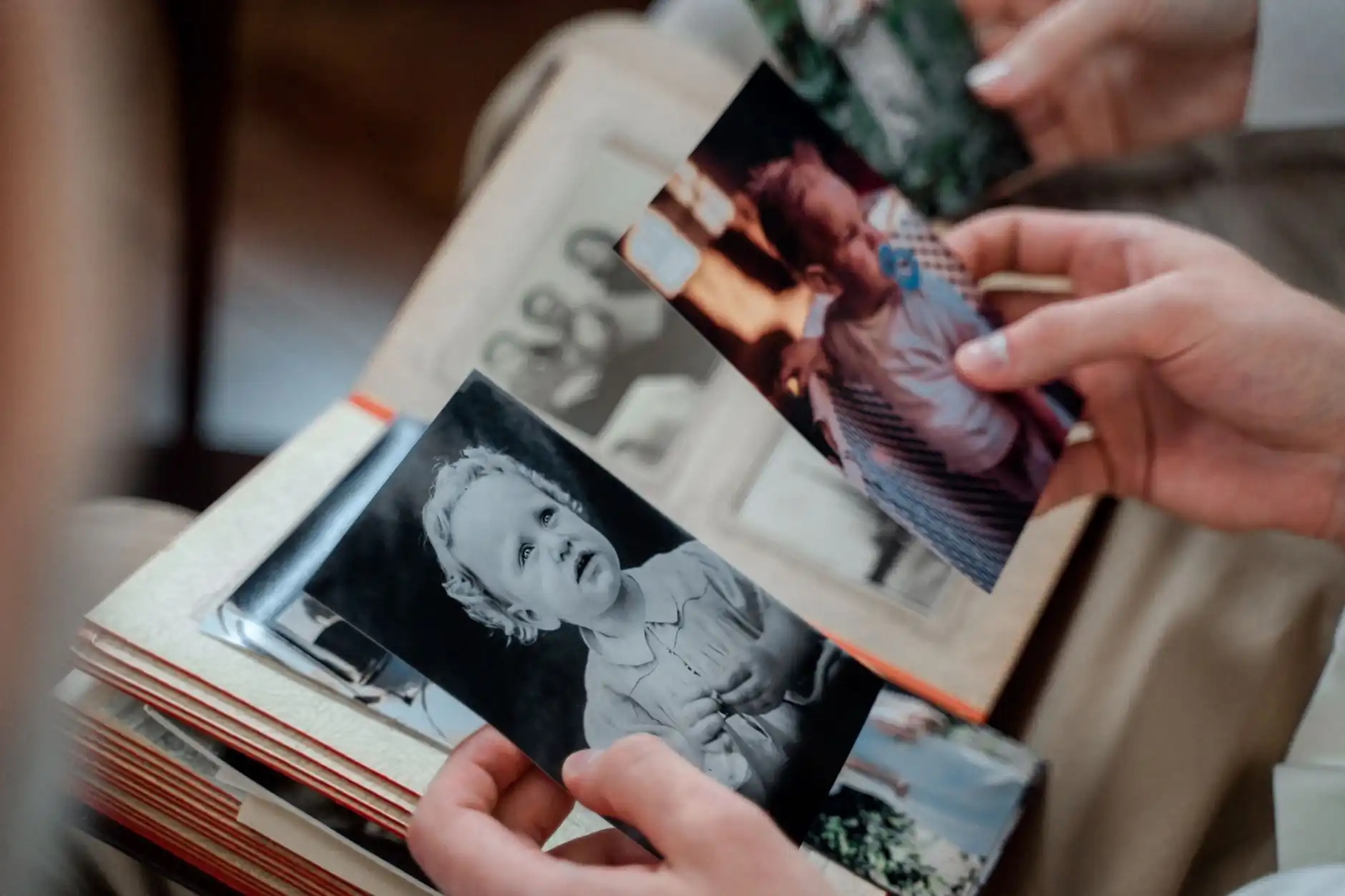
Photos are powerful, but they often leave out the things people miss most after a death: the voice, the pacing of a story, the style of a greeting, the sound of a favourite song in the background, or the quick smile caught in motion. That is why video and audio can feel so emotionally important. They do not replace written tributes, but they can make the memorial feel more like lived memory and less like summary.
For many families, the most moving media is not professionally produced. It might be a short clip from a birthday gathering, a voicemail saved by accident, a song that always played on road trips, or a slideshow of ordinary family photos timed to quiet music. The value comes from recognition. Visitors can hear who this person was in daily life.
Evaheld’s own product structure supports that kind of layered remembrance. The plan catalogue shows that higher memorial tiers include photo, video, and voice uploads, contributor invites, review controls, and the ability to save or remove content over time. That means media can be collected in a way that is collaborative without becoming chaotic. If you are deciding whether the family needs those richer upload features, it helps to look at the difference between the Free and Shared Tribute memorial plans and compare it with what the Funeral Tribute Memorial plan includes.
What kinds of media feel most meaningful
The best memorial media usually does one of three things: it helps visitors hear the person, see their life in motion, or understand the atmosphere around them. A gentle voice recording can be enough if the person had a distinctive way of speaking. A short video montage can show family life across different decades. A slideshow can help structure the memorial for visitors who only knew one chapter of the person’s story.
If your family has only a few recordings, that is still enough. One voicemail, one short speech, one clip at a celebration, and a handful of photographs can create a powerful memorial section when they are introduced thoughtfully rather than padded with filler.
When music adds depth and when it overwhelms
Music can be beautiful in a memorial, but it works best when it supports memory instead of dominating the page. A favourite hymn, a gentle instrumental track, a song used in a service, or music tied to a specific family memory can all make the memorial feel warmer. On the other hand, autoplay audio, multiple songs competing at once, or tracks with unclear rights can quickly turn a thoughtful memorial into something stressful for visitors.
That is why copyright and permissions matter. Families often assume that because a song was meaningful in private life, it can be uploaded or embedded publicly without issue. In practice, that is not always allowed. The US Copyright Office’s digital copyright FAQ is a useful reminder that online copying, distribution, and public display of content still carry legal limits. When in doubt, it is often safer to use licensed music, royalty-cleared tracks, or original recordings rather than commercial songs copied directly into the memorial.
File types families usually work with best
Families do not need perfect technical knowledge to prepare memorial media, but a few basic file habits help. Short videos are usually easiest to manage when they are already in a common format such as MP4. Voice notes often arrive as M4A, MP3, or similar phone-recording formats. Slideshows are often best exported to video rather than uploaded as a complicated mix of disconnected files. Images can be added individually, but when people want a sequence with music or captions, a simple video file is easier for visitors to experience.
If different relatives are contributing, decide on one file-gathering method early. A small shared folder and one named organiser can reduce duplicates, odd filenames, and multiple versions of the same clip. Evaheld already explains how family and friends can help build the memorial, and that guidance matters even more when several people are sending media rather than text alone.
Accessibility and captions matter more than many families realise
Captions are not only for formal video publishing. They are part of making a memorial accessible to older visitors, people with hearing loss, guests watching without sound, and relatives whose first language may differ from the language used in the recording. The W3C guidance on captions for video is a strong practical reference here. Even short captions or transcript text can make memorial media far more usable and inclusive.
If a voice recording is especially important, consider pairing it with a short note explaining who is speaking, when it was recorded, and why it matters. That small context can turn a fragment into a treasured part of the memorial rather than an unexplained file.
Privacy decisions should come before uploads, not after
Media almost always carries more privacy risk than plain text. Videos may show children, private homes, hospital settings, or moments that were never meant for broad sharing. Voice recordings can contain other people in the background. Slideshows may reveal names, places, or dates that the family does not want indexed or widely circulated. That is why privacy choices should be settled before media is added.
The eSafety Commissioner’s guidance on photo and video sharing is especially relevant because memorial media is still online media. Families should think about consent, wider circulation, and whether a file should be public, shared only by direct link, or held privately. On Evaheld, that decision also connects to plan selection, so it is worth reviewing which plan lets a memorial stay private and how long the memorial can stay private before you share it.

How to add memorial media tastefully and practically
The biggest mistake families make with memorial media is treating it like a scrapbook where everything must fit. In most cases, the memorial becomes more powerful when media is curated. One clear voice note, one short tribute video, one slideshow of twenty thoughtful images, and one carefully chosen song or instrumental piece often feels richer than uploading every file available.
Health guidance around grief helps explain why moderation matters here. The Healthdirect guidance on grief, bereavement and loss and the National Institute on Aging guide to grief and mourning both reflect that grief affects concentration, emotional resilience, and energy differently for different people. Memorial pages should therefore be calming to move through, not crowded or overwhelming.
Storage limits and file size planning
Even when a memorial platform supports uploads, families should still think practically about file size and storage. Large raw phone videos, long untrimmed ceremony recordings, or several near-identical versions of the same slideshow can make a page harder to manage. Before uploading, trim clips to the part that matters, give files clear names, and decide whether a long recording is better kept as an archive file rather than a public-facing memorial element.
That is also where plan choice matters. Evaheld’s higher plans include media uploads and fuller editing functionality, while the funeral-focused plan goes further by including a tribute video and QR-linked memorial materials. If the family wants not just uploads but also a more complete service-ready presentation, it helps to check which plan includes a funeral booklet and tribute video before building the media section around assumptions the current plan may not support.
Ideas for meaningful media when you only have a little
You do not need a huge archive to create an emotionally rich memorial. If photos are limited, consider a slideshow built from five to ten strong images with short captions naming the moment or relationship. If you only have one voice note, place it beside a short introduction so visitors know why it matters. If there is no video at all, a sequence of still images combined with text can still create a slideshow effect that feels warm and personal.
Families often underestimate how meaningful ordinary media can be. A quick phone clip at the dinner table can be more moving than a staged portrait. A recording of someone reading a message aloud can matter more than a polished song choice. The goal is not production value. The goal is emotional truth.
Copyright-sensitive music choices
Music is often the part families care about most, and it is also the part most likely to create copyright issues. If a commercial track is important, consider whether the memorial can refer to the song in text, use it only within a private family slideshow, or replace it with a licensed instrumental piece online. Public memorial pages should be especially careful with direct uploads of commercial music, because copyright limits do not disappear in a bereavement context.
If you are unsure, the safest approach is usually one of three options: use original audio recorded by the family, use properly licensed or royalty-cleared music, or keep the song reference as part of the written tribute rather than embedding the track itself. That protects the memorial from takedowns and avoids creating a stressful technical issue later.
How to keep the page tasteful rather than busy
Tasteful presentation usually comes from pacing. Put one media type at the start of a section, not five on top of each other. Use simple captions. Avoid autoplay where possible. Keep the memorial’s main written story readable even when media is present. If a video is long, explain what visitors will see before they press play. If a slideshow is quiet and reflective, do not crowd it with unrelated links or decorative movement.
Families who expect the memorial to grow over time should also leave room for later additions rather than publishing everything at once. That is where it helps to understand how memorial content can be downloaded later and how written tributes work alongside richer memorial content, because media and text usually work best when they support each other rather than compete.
Suggested checklist before you publish memorial media
- Check that each file still feels emotionally right for a public or shared memorial page.
- Confirm who appears or can be heard in the media and whether consent is clear.
- Trim long clips so visitors reach the meaningful part quickly.
- Add captions, transcript notes, or context for important audio and video where possible.
- Use copyright-safe music or keep commercial songs out of the public page unless properly licensed.
- Choose only the strongest media pieces so the memorial stays calm and readable.
If you are just beginning and not sure what details to gather first, Evaheld also explains what information you need to start creating a memorial. That can help families prepare media gradually instead of feeling they must find everything in one sitting.
When to invite others into the media process
It is often wise to build the first draft of the memorial with one or two decision-makers, then invite broader family contributions after the tone is established. That keeps uploads more consistent and prevents the page from becoming a holding area for every file someone wants to share. Once the structure is clear, contributors can add a few meaningful images, recordings, or stories without overwhelming the memorial.
For families who want a careful, media-rich page that still feels calm, the best next step is to create an Evaheld memorial and set the right upload and privacy controls from the start. That gives you room to add video, music, voice, and slideshows in a way that honours the person rather than burying them under too much content.
Related Evaheld Memorials guidance
Families working through adding Videos, Music and Voice Recordings to an Online Memorial often need a few connected decisions in one place: what to include in an online memorial, how to create an online memorial, how to assess memorial websites, whether online memorials are free, online memorial cost choices. These related guides help the article sit inside a fuller memorial planning path rather than leaving each decision isolated.
For Evaheld Memorials product details, the most useful companion pages are private memorial sharing choices, tributes and condolences on a memorial, how quickly can I create an online memorial, plans with private memorial options, subscription or one-time memorial plans. They explain setup, privacy, contribution and sharing choices before a family invites others into the memorial.
FAQs about adding Videos, Music and Voice Recordings to an Online Memorial
What should families know about adding videos, music and voice recordings to an online memorial?
Yes, an online memorial can include videos, music, voice recordings, and slideshow-style media, and those additions are often what make the page feel like the person rather than a formal notice. A short voice note can bring back a laugh. A family video can restore movement and mannerisms that photographs cannot hold on their own. A carefully chosen song can give the memorial emotional texture, especially when the words, tone, or memory attached to it was part of everyday life.
Start with the practical facts, then leave room for memory, emotion and family preferences. private memorial sharing choices can help you organise the Evaheld Memorials side, while Services Australia guidance after a death gives families wider context before decisions feel rushed.
How can an online tribute feel personal and respectful?
A respectful plan usually combines clear information, gentle language and a way for close people to contribute at the right time. tributes and condolences on a memorial supports that shared approach, and USA.gov steps after someone dies is a useful reminder that grief affects people differently.
When should a family create or review the memorial?
Begin as soon as the task would reduce pressure rather than add to it. Families often start with a simple memorial draft, then refine details over time using how quickly can I create an online memorial; GOV.UK guidance after a death can also help with the first administrative steps after a death.
Who should manage the page and approve contributions?
The closest organiser should usually guide the final decisions, but relatives and friends can help with stories, photos and checks. plans with private memorial options explains how collaboration can work, while National Institute on Aging end-of-life guidance outlines broader steps families may need to consider.
What content belongs on the memorial page?
Yes. A memorial page can hold service details, photos, tributes, updates and a lasting place to return to after the immediate arrangements are over. subscription or one-time memorial plans shows how quickly that can begin, and Better Health grief information offers trusted context for bereavement care.
How can families control privacy and sharing?
Keep sensitive information out of public copy, review contributions before publishing and choose privacy settings before sharing widely. what to include in an online memorial explains private memorial options, while FTC funeral rule information gives practical consumer context around funeral and memorial decisions.
Which account details and backups should be retained?
Keep the memorial URL, service details, donation preferences, key family contacts and any relevant documents in one place. how to create an online memorial helps families compare plan needs, and ACCC funeral services information can support cost and planning conversations.
How can relatives contribute safely?
Invite people to contribute specific memories, photographs or messages, then review everything before it appears publicly. how to assess memorial websites explains tribute and condolence controls, while SAMHSA coping tips offers supportive guidance for people coping with loss.
What common online memorial mistakes should families avoid?
Avoid rushing public details, copying private messages without permission or turning the page into a list of tasks. whether online memorials are free helps families understand free and paid options, and Moneysmart funeral costs guidance is useful when funeral-related decisions need clear consumer information.
How does Evaheld Memorials support long-term preservation?
Evaheld Memorials gives families a guided place to create, edit, share and preserve a tribute as needs change. online memorial cost choices keeps the memorial grounded in practical setup, while Healthdirect grief support helps families think about comfort and care beyond the page itself.
If you want a calm place to organise memories, tributes, photos and family contributions, create a lasting Evaheld Memorials tribute for your family.