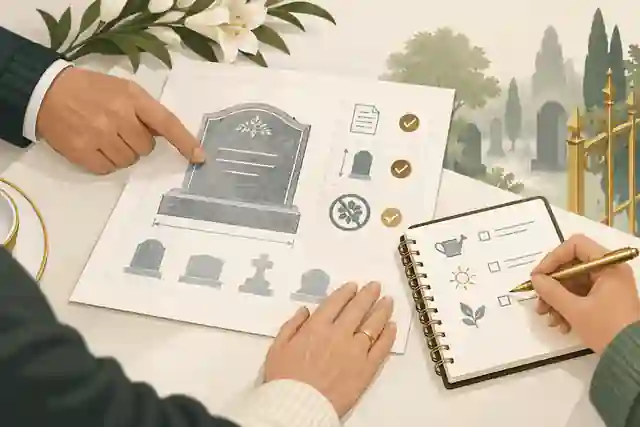
How to Create an Online Memorial Page: Step-by-Step Guide
A practical walkthrough for building an online memorial page with a life story, photos, privacy settings, tributes and respectful sharing steps.
Last Updated: June 24, 2026
Creating an online memorial page can feel like a large task at the exact moment when concentration is hardest. Families often want a place that is warm and personal, but they also need it to be accurate, private where necessary, and simple enough for relatives and friends to use. The page may need to hold a life story, photographs, funeral or memorial service details, tributes, condolences and later updates. It may also need to respect people who are grieving differently.
This step-by-step guide explains how to create an online memorial page with calm decisions rather than rushed guesses. It is written for families in Australia, with practical links to grief, funeral, privacy and after-death information from sources such as healthdirect grief and loss information, Service NSW death and bereavement steps and the ACCC funeral services overview. It also shows where Evaheld Memorials can help when you want a dedicated space for memories rather than scattered posts, messages and files.
What is the purpose of an online memorial page?
An online memorial page gives people one respectful place to remember someone who has died. At its simplest, it records the person’s name, photo and story. A fuller memorial can include galleries, service information, tribute messages, music, videos, family updates and privacy settings. The purpose is not to make grief tidy. It is to keep the practical and personal pieces together so people can visit, contribute and remember in their own time.
Before choosing details, decide what job this page needs to do. Is it mainly a private family archive? Is it a public tribute for friends, colleagues and community members? Is it a practical noticeboard for funeral details? Is it a long-term place for anniversaries and stories? Evaheld’s overview of what an online memorial is and its explanation of how memorial pages work can help you name that purpose before you begin.
Step 1: Gather verified details before you write
Start with information that is factual and family-approved. This usually includes the person’s full name, preferred name, birth and death dates if the family wants them shown, close family relationships, important places, and service details if those are ready to share. Keep a private note of anything still unconfirmed so it does not accidentally appear online as fact. If administrative tasks are happening at the same time, resources such as Legal Aid NSW information for someone who died and Better Health Channel after-death information can help families separate official paperwork from memorial content.
A simple preparation list can prevent confusion. Create a folder for photos, a document for confirmed spellings, a short timeline, and a separate list of people who should approve the page before it is shared. If family members disagree about wording, keep the first version restrained. You can always add richer stories later. Evaheld’s answer on the information needed to start a memorial is useful when you need a quick starting point.
Step 2: Choose the privacy setting first
Privacy should be an early decision, not an afterthought. A public page may suit a person with a wide community, while a private memorial may be better for a child, a complicated family situation, safety concerns, or a page that is still being drafted. The Office of the Australian Information Commissioner’s privacy tips are a helpful reminder that names, photos and personal details can carry risks online. eSafety also warns that sharing photos of children online should be handled carefully.
For most families, the safest workflow is private first, then public only when the core details are checked. Decide who can view the page, who can contribute, who can approve tributes, and who has the final say if something sensitive is submitted. Evaheld explains the difference between private and public online memorials, and families can keep a memorial private until it is ready to share.
Step 3: Write a short life story that feels true
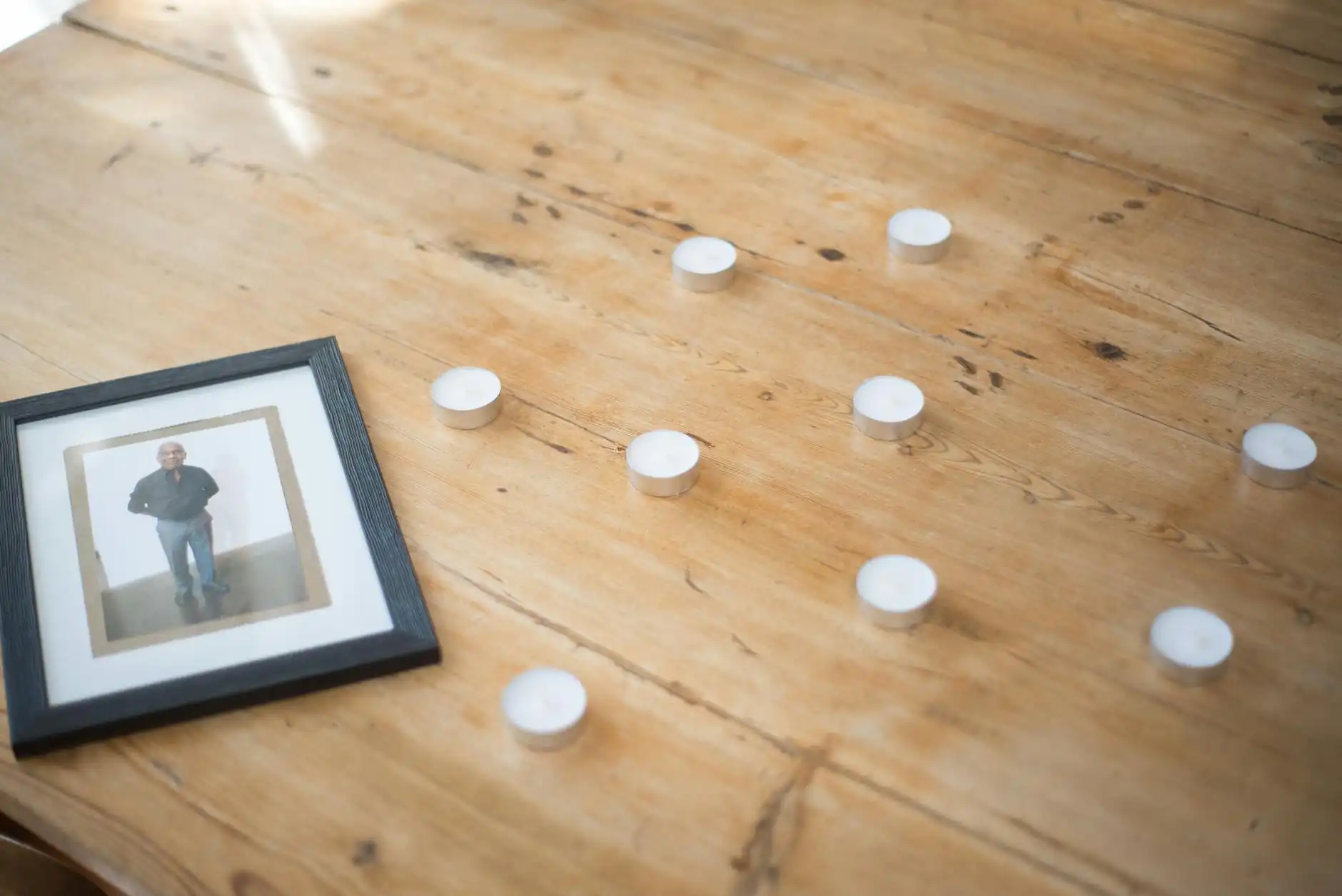
The life story does not need to cover everything. It should help visitors recognise the person. Begin with the facts, then move into what made them themselves: relationships, work, humour, values, routines, favourite places, skills, causes, music, food, sayings or ordinary habits. A useful structure is early life, important relationships, work or community, personal interests, and what people may carry forward.
Keep the first version clear and moderate. Avoid turning the page into a list of achievements if that does not fit the person, and avoid publishing details that belong in a private family conversation. Grief can affect memory and concentration, as Better Health Channel grief information explains, so ask one careful reader to check names and dates. Evaheld’s guidance on writing a memorial tribute can help when family members want to contribute shorter reflections rather than a full biography.
Step 4: Select photos with consent and balance
Photos often carry the emotional weight of the page. Choose a clear main image, then add a balanced set from different stages of life. Include the person alone, with family, with friends, and doing things they loved. Ordinary images can be more powerful than formal portraits: gardening, cooking, travelling, holding a grandchild, standing beside a workbench, laughing at a table. If children or vulnerable people appear, ask before publishing, crop where needed, or keep those photos private.
Do not upload every image at once. Ten thoughtful photos are usually better than a large unedited gallery. Remove duplicates, screenshots, blurry images and anything that may embarrass someone. The eSafety identity protection advice is a useful prompt to avoid revealing addresses, school uniforms, documents or other identifying details in the background. Evaheld’s online memorial inclusion checklist can help families decide which images belong on the public page.
Step 5: Add service details only when they are confirmed
If the page will help people attend a funeral, memorial service, wake, livestream or scattering ceremony, treat those details as practical information. Include the date, time, venue name, address, parking notes, accessibility notes, livestream link if available, dress guidance if the family wants it, and any request about flowers, donations or private family time. Do not publish a home address or private gathering location unless the family has agreed.
Funeral and registration details can vary by state and circumstance. Victoria’s cemetery and crematoria guidance, Western Australia’s death registration information and Births, Deaths and Marriages Victoria death registration guidance show why it is important to keep official tasks separate from public memorial wording. Evaheld has a focused piece on adding funeral details to memorial pages when you need a practical format.
Step 6: Invite tributes without overwhelming the family
Tributes are easier to manage when the request is specific. Instead of asking everyone to send anything they have, ask for one memory, one photo, one song, or one sentence beginning “I will remember...” This gives people a way to help without creating a flood of unusable material. It also helps the person moderating the page approve contributions consistently.
Set a gentle tone at the top of the tribute area. You might write: “Please share a short memory, photo or message that would bring comfort to the family and honour Sam’s life.” If a relationship was complicated, moderation matters even more. The Better Health Channel advice on supporting bereaved people notes that practical support can be meaningful; a well-shaped tribute request is one form of that support. Evaheld lets families invite relatives and friends to help build the memorial and allows visitors to leave tributes and condolences.
Step 7: Review the memorial before sharing the link
Before sharing, read the page as if you are a distant friend who has just heard the news. Can you understand who the person was? Are the dates and names correct? Are service details complete? Are private details protected? Do photos have permission? Are tribute settings clear? Are there any claims about cause of death, family relationships or legal matters that should be removed or softened?
Security is also part of respect. If several people can edit the memorial, use strong account protection and only give access to trusted relatives. The Australian Signals Directorate personal cyber security guidance recommends strong passphrases and multi-factor authentication for important accounts. If you need people to find the memorial, Evaheld’s public memorial directory can be useful for public pages, while memorial plan options explain privacy and feature choices.
Step 8: Share respectfully and update over time
Share the memorial link with a short message that explains what people can do there. For example: “We have created a memorial page for Leila where friends and family can read her story, see service details and leave a memory if they wish.” Send it first to close family, then to wider circles when the page is ready. Avoid pressuring people to contribute. Some visitors will read quietly and return later.
After the service, update the page with the eulogy, selected readings, a photo from the order of service, or a note of thanks if the family wants that shared. Later updates might happen around birthdays, anniversaries, community events or newly found photos. The healthdirect information on anticipatory grief is a reminder that families may be grieving before and after the death in different ways, so a memorial should be allowed to grow gradually. Evaheld’s article on updating an online memorial explains how ongoing changes can be handled without rebuilding the page.
Online memorial page checklist
Use this checklist before the page goes public. Confirm the memorial purpose. Choose private or public visibility. Check the person’s name, dates and key relationships. Select one main photo and a small balanced gallery. Write a short life story in plain language. Add service details only when confirmed. Decide whether visitors can leave tributes. Nominate one person to moderate contributions. Remove private addresses, document numbers, financial details and unapproved images. Check the page on a phone. Send the first version to a trusted family reviewer.
Then decide how the memorial will be maintained. Someone should know how to update photos, approve tributes, correct errors and respond if a family member asks for content to be removed. If the family is still choosing a platform, compare the level of privacy, the type of tribute features, the cost, and whether the page is designed for memorials rather than ordinary social posting. Evaheld Memorials gives families a dedicated place to create an online memorial, and its overview of how Evaheld Memorials works explains the basic flow.
If you want one calm place to gather the story, photos and tributes before sharing more widely, you can start a private memorial page with Evaheld and invite others when the family is ready.
Related Evaheld Memorials guidance
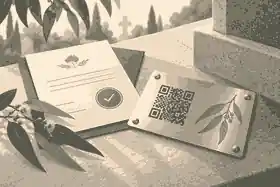
Families working through How to Create an Online Memorial Page: Step-by-Step Guide often need a few connected decisions in one place: where to place a QR code on a headstone, How Much Does a QR Memorial Cost?, whether QR memorials are safe, future-proofing QR memorials, online memorial resources for families. These related guides help the article sit inside a fuller memorial planning path rather than leaving each decision isolated.
For Evaheld Memorials product details, the most useful companion pages are information needed to start a memorial, family and friend memorial collaboration, private memorial sharing choices, tributes and condolences on a memorial, quick online memorial setup. They explain setup, privacy, contribution and sharing choices before a family invites others into the memorial.
FAQs about How to Create an Online Memorial Page: Step-by-Step Guide
How do you create an online memorial page?
Creating an online memorial page can feel like a large task at the exact moment when concentration is hardest. Families often want a place that is warm and personal, but they also need it to be accurate, private where necessary, and simple enough for relatives and friends to use. The page may need to hold a life story, photographs, funeral or memorial service details, tributes, condolences and later updates. It may also need to respect people who are grieving differently.
Start with the practical facts, then leave room for memory, emotion and family preferences. information needed to start a memorial can help you organise the Evaheld Memorials side, while USA.gov steps after someone dies gives families wider context before decisions feel rushed.
How can an online tribute feel personal and respectful?
A respectful plan usually combines clear information, gentle language and a way for close people to contribute at the right time. family and friend memorial collaboration supports that shared approach, and GOV.UK guidance after a death is a useful reminder that grief affects people differently.
When should a family create or review the memorial?
Begin as soon as the task would reduce pressure rather than add to it. Families often start with a simple memorial draft, then refine details over time using private memorial sharing choices; National Institute on Aging end-of-life guidance can also help with the first administrative steps after a death.
Who should manage the page and approve contributions?
The closest organiser should usually guide the final decisions, but relatives and friends can help with stories, photos and checks. tributes and condolences on a memorial explains how collaboration can work, while Better Health grief information outlines broader steps families may need to consider.
What content belongs on the memorial page?
Yes. A memorial page can hold service details, photos, tributes, updates and a lasting place to return to after the immediate arrangements are over. quick online memorial setup shows how quickly that can begin, and FTC funeral rule information offers trusted context for bereavement care.
How can families control privacy and sharing?
Keep sensitive information out of public copy, review contributions before publishing and choose privacy settings before sharing widely. where to place a QR code on a headstone explains private memorial options, while ACCC funeral services information gives practical consumer context around funeral and memorial decisions.
Which account details and backups should be retained?
Keep the memorial URL, service details, donation preferences, key family contacts and any relevant documents in one place. How Much Does a QR Memorial Cost? helps families compare plan needs, and SAMHSA coping tips can support cost and planning conversations.
How can relatives contribute safely?
Invite people to contribute specific memories, photographs or messages, then review everything before it appears publicly. whether QR memorials are safe explains tribute and condolence controls, while Moneysmart funeral costs guidance offers supportive guidance for people coping with loss.
What common online memorial mistakes should families avoid?
Avoid rushing public details, copying private messages without permission or turning the page into a list of tasks. future-proofing QR memorials helps families understand free and paid options, and Healthdirect grief support is useful when funeral-related decisions need clear consumer information.
How does Evaheld Memorials support long-term preservation?
Evaheld Memorials gives families a guided place to create, edit, share and preserve a tribute as needs change. online memorial resources for families keeps the memorial grounded in practical setup, while Services Australia guidance after a death helps families think about comfort and care beyond the page itself.
If you want a calm place to organise memories, tributes, photos and family contributions, create a lasting Evaheld Memorials tribute for your family.
What matters most about How to Create an Online Memorial Page: Step-by-Step Guide
A good memorial page does not have to be elaborate. It needs to be accurate, kind, easy to visit and clear about privacy. Begin with the person’s name, photo and story. Add service details only when they are confirmed. Invite tributes with a simple prompt. Review everything before sharing. Then let the page grow slowly, because families often remember the most meaningful details after the first rush of tasks has passed.
Trusted sources can support different parts of the process: healthdirect’s Griefline listing for grief support, Queensland practical bereavement information for funeral choices, and Better Health Channel funeral information for planning context. The memorial itself should remain focused on the person and the people who loved them.
When you are ready to bring those pieces together, create a lasting memorial space with Evaheld so family and friends have one respectful place to remember, contribute and return.
Related Evaheld resources
Continue with these carefully selected Evaheld Memorials guides and answers.