Preserving Digital Memories and Family Archives
A practical guide to protecting photos, posts, videos and messages so a family's digital memories are not lost.
Last Updated: June 24, 2026
Preserving digital memories can feel urgent once a family realises how much of a person now lives across devices, apps and accounts. Photos may be spread between phones, cloud albums, old laptops, social media posts, email attachments, group chats, USB drives and camera cards. Some files are backed up. Others exist in only one place. Some relatives know the passwords or folder names. Others only know that the memories are there somewhere.
This article is for families who want a practical way to protect photos, social media memories, videos, messages and digital keepsakes before they are lost to broken devices, forgotten logins or platform changes. It is not legal, cyber security or estate advice. It is a careful family workflow: gather what matters, make backups, record context, manage privacy, check platform rules and create a lasting memorial archive that relatives can actually find and understand.
Why are digital memories so easy to lose?
Digital memories feel permanent because they are searchable, shareable and often stored in the cloud. In practice, they are fragile. A phone can be wiped. A subscription can lapse. A laptop can fail. A relative may not know the passcode. A social media account may be locked after a death. A shared album may depend on one organiser's account. Even when files survive, the meaning around them can disappear: who is in the photograph, where it was taken, why a message mattered and whether it should be public.
The Library of Congress personal digital archiving advice recommends identifying important personal files and making a plan for them. That simple idea is a useful starting point for families. Do not begin by trying to save everything. Begin by deciding which digital memories would hurt to lose: funeral photos, family videos, voice notes, scanned letters, milestone posts, tribute messages, favourite recipes, old home movies, albums from travel or events, and the images that explain a person's daily life.
Evaheld Memorials often sits beside this work. A family might keep a complete private backup elsewhere, then use digital memorial and virtual tribute ideas, family history preservation steps and meaningful memorial inclusions to choose what belongs in a tribute. The goal is not to turn grief into admin. It is to stop precious material from being trapped in one device or one person's memory.
What should you gather before organising anything?
Start with an inventory. Write down the devices, accounts and places where digital memories may live. Include current phones, old phones, laptops, tablets, cloud drives, external hard drives, camera memory cards, email accounts, messaging apps, social media profiles, shared albums, funeral livestream recordings, scanned documents and family history folders. The Library of Congress digital preservation information is a reminder that preservation depends on active management, not just storage.
Then separate material into three groups. The first group is essential: irreplaceable photos, videos, voice recordings, documents and messages. The second group is useful: duplicates, event albums, screenshots, downloaded posts and working files. The third group is uncertain: items that may be private, sensitive, low quality or difficult to identify. Do not delete the uncertain group too quickly. Move it into a review folder and ask the right relatives before making decisions.
Context matters as much as the file. A folder of photos named IMG_4021 is hard for future relatives to understand. A photo named 2012-nan-garden-adelaide.jpg is much easier to place. When you gather digital memories, record names, approximate dates, locations, events and who supplied the information. If you later create a memorial, Evaheld's memorial starting details can help turn that raw material into a clearer tribute.
How should photos, videos and messages be backed up?
A practical backup plan has more than one copy and more than one location. Keep a working copy on a computer or trusted cloud folder, a second copy on an external drive and a third copy somewhere separate, such as another secure cloud account or a drive held by a trusted relative. The US National Archives family archives advice supports organised preservation for family materials, and the same principle applies to digital memories.
Use folder names that a relative could understand without you present. For example: Photos, Videos, Voice recordings, Social media exports, Scanned keepsakes, Funeral and memorial, Documents, and To review. Inside those folders, use dates and names where known. If exact dates are unknown, use a broader label such as 1990s or about-2008 rather than leaving files unnamed. Avoid relying on a single app's album structure as the only organisation system.
Video and audio deserve special care because file sizes are large and formats change. The US National Archives format guidance explains why format choices matter over time. Keep original files if possible, but also store usable copies in common formats. For voice recordings, note who is speaking, the date recorded and the topic. For videos, add a short description. If the recording is important to a memorial, Evaheld's video and music memorial options can help families decide how to share it respectfully.
How do you digitise printed photos and keepsakes?
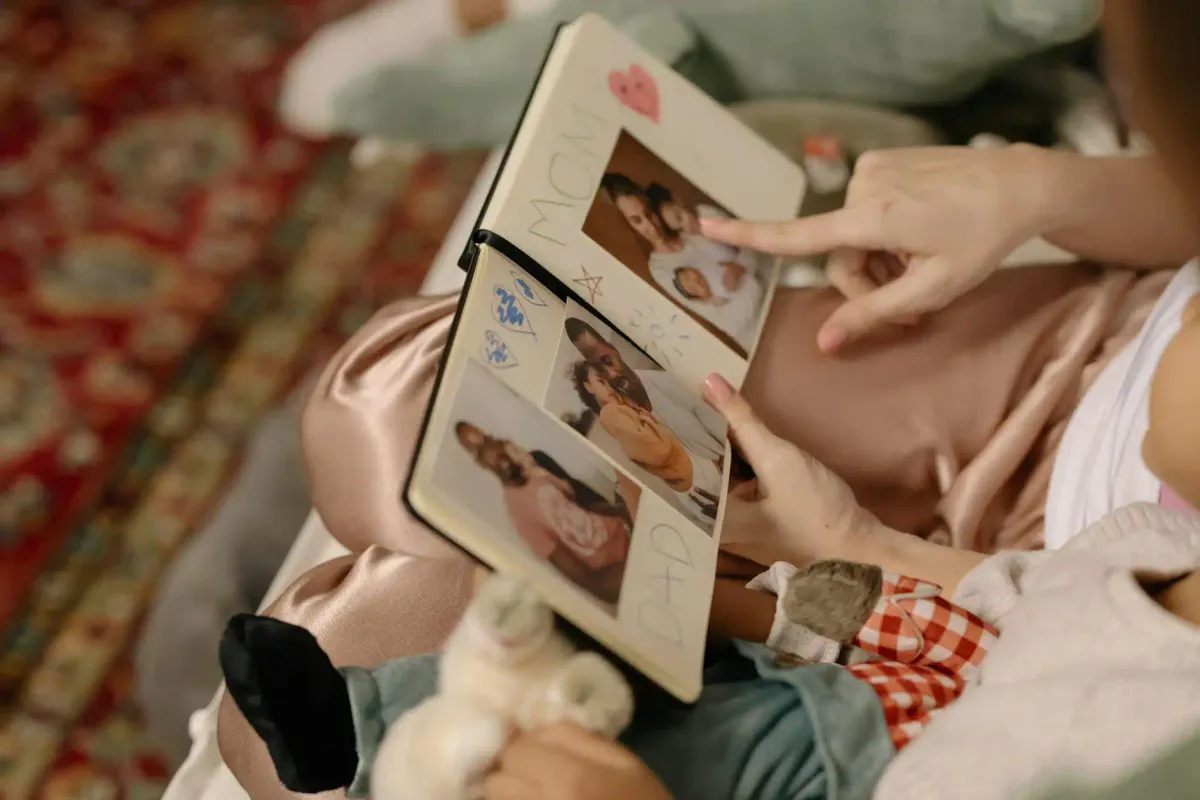
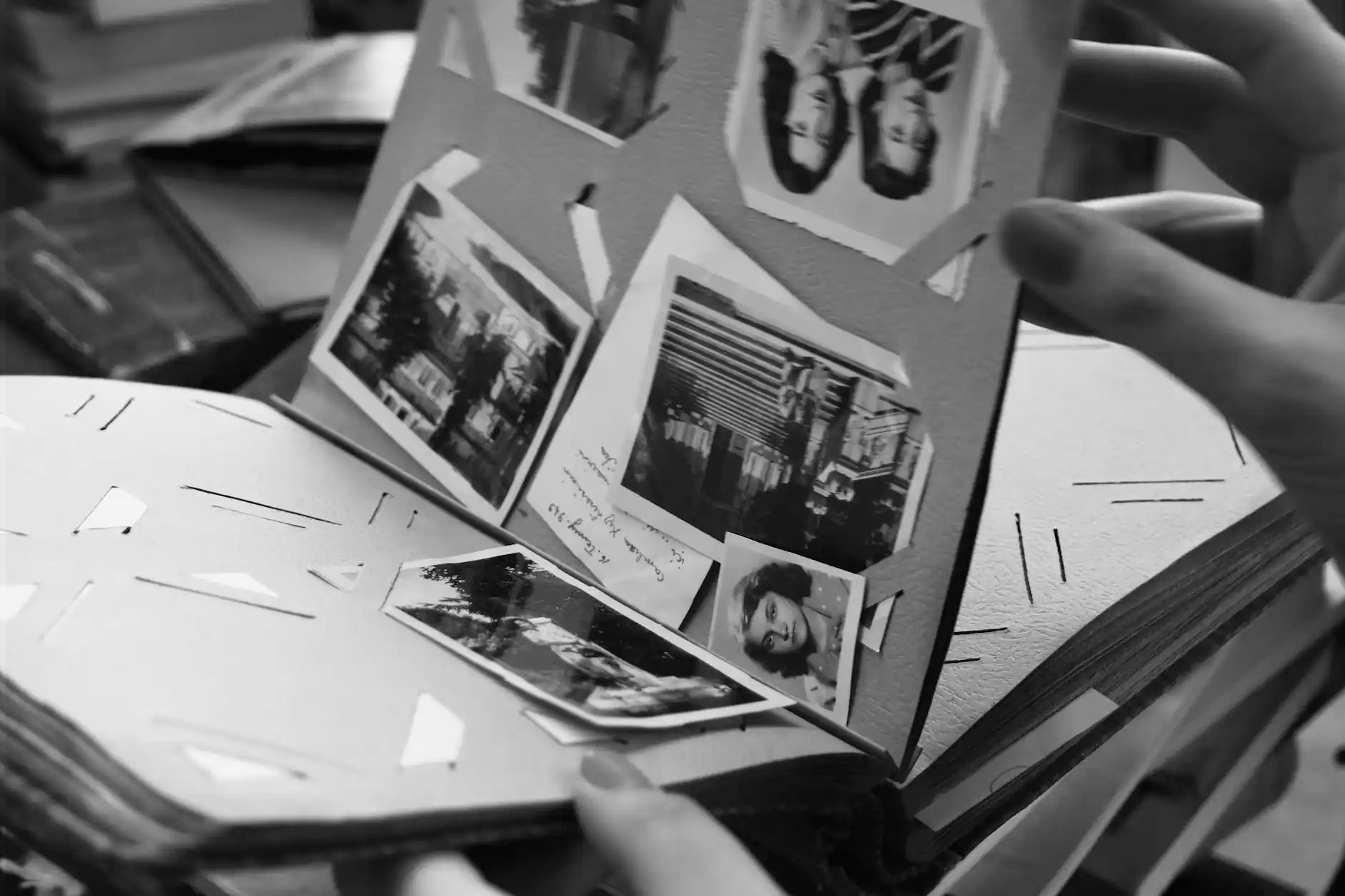
Many digital memory projects begin with printed material: photo albums, funeral booklets, letters, certificates, recipes, newspaper cuttings, sympathy cards and small keepsakes. Before scanning, sort gently and avoid writing on originals. The Library of Congress photograph care advice gives useful guidance on handling and storing photographs. If an item is fragile, photograph it in good light before attempting a scan.
Scanning does not need to be perfect to be useful. A clear phone photograph is better than leaving the item undocumented. For important photos, use a scanner or a scanning app that avoids glare and keeps edges straight. Save a high-quality copy and, if needed, a smaller sharing copy. Name the file with what you know, then add a short note with any uncertainty: "possibly Uncle Ray, late 1970s, identified by Maria in 2026". That note may become more valuable than the scan itself.
Digitised keepsakes can support both private family archives and public memorials. A funeral order of service, a handwritten recipe or a favourite postcard may help tell a story in a way a formal biography cannot. Evaheld's memory table planning ideas and life story obituary prompts can help families choose which physical memories deserve a digital place.
What should families do about social media accounts?
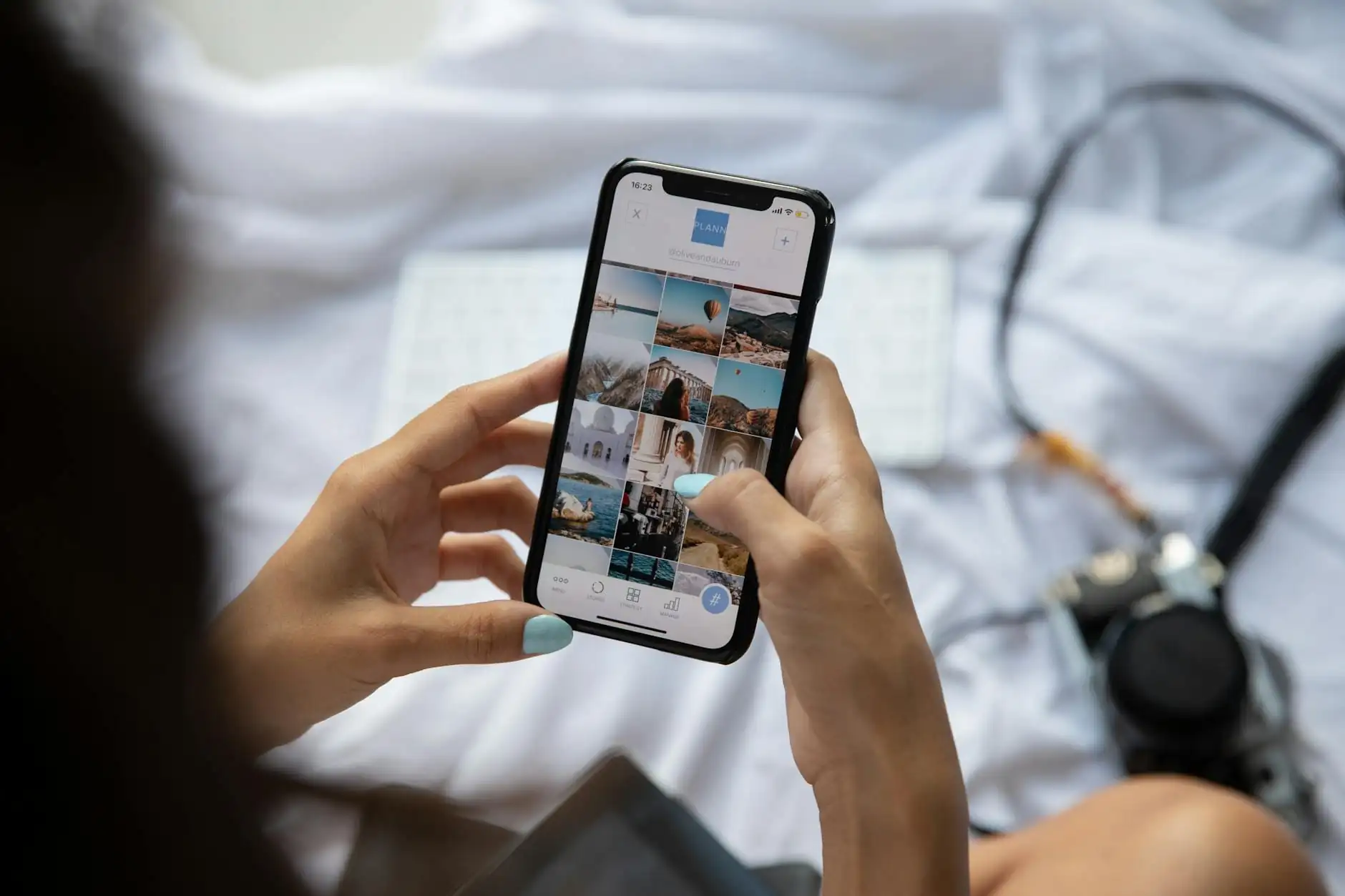
Social media can hold public posts, private messages, tagged photos, comments, groups, videos and tributes from people the family may not know. It can also hold material that should not be copied or shared widely. Before doing anything, check each platform's official process. Facebook memorialisation information and Instagram account memorialisation information explain platform-specific options. Avoid using a deceased person's account in a way that breaches platform rules or surprises friends and family.
If someone is planning ahead, legacy settings are worth discussing while they can make decisions. Apple Legacy Contact support explains Apple's official access option, while Google Inactive Account Manager information explains how a person can nominate trusted contacts and choose what happens after inactivity. These settings are not a substitute for broader planning, but they can reduce confusion at a difficult time.
Families also need to decide what should be preserved outside the platform. Screenshots of tributes, exported photos, downloaded videos and copied captions may be useful, but private messages and images involving living people need care. If relatives want a stable place for selected memories, they can compare Memorials plan options, view public memorial examples and check the Memorials help centre before choosing how open the tribute should be.
How should privacy, consent and access be handled?
Preserving digital memories is not the same as publishing them. A family archive can include private material that never belongs online. Before sharing, ask whether the file identifies living people, includes children, reveals health information, contains private messages, shows conflict, exposes a location or includes cultural material that needs permission. The OAIC photo and video privacy information is a useful reminder that photos and videos can affect privacy depending on context.
Access should be planned, not improvised. Decide who can view the complete archive, who can edit it, who can download copies and who can approve public sharing. Use strong passphrases and multi-factor authentication for any shared account. The Australian Cyber Security Centre passphrase advice and multi-factor authentication guidance both support safer account access.
When a memorial is involved, privacy settings matter. Some families want a public tribute. Others want a private space for relatives and invited friends. Evaheld explains how a memorial can stay private until the family is ready, how people can leave tribute and condolence messages and which private plan options support controlled sharing.
What is a practical digital memory workflow?
Keep the workflow small enough to finish. Choose one person, one device, one account or one folder first. Trying to process every family file in one weekend usually leads to fatigue and unfinished work. A simple staged approach works better.
- List the devices, cloud accounts, social media profiles and drives that may hold memories.
- Copy irreplaceable photos, videos, voice notes, documents and messages into one working folder.
- Create a second backup and a separate off-site or cloud backup.
- Rename the most important files with dates, names, places and events.
- Add context notes for unidentified photos and recordings.
- Scan or photograph printed keepsakes before moving or sharing them.
- Check official social media and legacy contact settings before changing accounts.
- Mark private, family-only and public material separately.
- Invite trusted relatives to identify people, places and missing stories.
- Move selected memories into a memorial, family archive or tribute space.
If your family wants one respectful place for selected photos, videos, memories and tributes, you can start a protected digital memorial archive with Evaheld Memorials and invite relatives once the first version is ready.
How can digital memories remain accessible?
Accessibility is part of preservation. A file that only one person can find, open or understand is still at risk. Add transcripts for important voice recordings, captions for meaningful videos and short descriptions for photos. The W3C transcript guidance, W3C caption guidance and W3C audio description guidance are written for broader digital accessibility, but families can apply the same principles in a simple way.
Accessibility also means leaving instructions. Write down where the archive is stored, who maintains it, what should remain private, where backups sit and how relatives can request access. Store those instructions with other important family papers. Review the archive after major events, device changes or deaths in the family. The eSafety online safety topics are useful for thinking about safer sharing, especially when older relatives, children or public posts are involved.
A good digital archive is not a museum. It is a living family tool. It can support an obituary, a funeral slideshow, a celebration of life, a private family history project or an online memorial. Evaheld's memorial content download planning, private and public memorial choices and creating an online memorial resources can help families keep the system useful beyond the first upload.
Related Evaheld Memorials guidance
Families working through preserving Digital Memories and Family Archives often need a few connected decisions in one place: how written tributes work alongside richer memorial content, how to add funeral details to memorial pages, adding donation links to memorials, How to Create an Online Memorial for a Pet, human composting forest path memorial idea for Evaheld Memorials — visual about What should families ask before choosing recomposition? for What Is Human Composting by Evaheld Memorials. These related guides help the article sit inside a fuller memorial planning path rather than leaving each decision isolated.
For Evaheld Memorials product details, the most useful companion pages are subscription or one-time memorial plans, free vs shared tribute plans, information needed to start a memorial, family and friend memorial collaboration, private memorial sharing choices. They explain setup, privacy, contribution and sharing choices before a family invites others into the memorial.
FAQs about preserving Digital Memories and Family Archives
What should families know about preserving digital memories and family archives?
Preserving digital memories can feel urgent once a family realises how much of a person now lives across devices, apps and accounts. Photos may be spread between phones, cloud albums, old laptops, social media posts, email attachments, group chats, USB drives and camera cards. Some files are backed up. Others exist in only one place. Some relatives know the passwords or folder names. Others only know that the memories are there somewhere.
Start with the practical facts, then leave room for memory, emotion and family preferences. subscription or one-time memorial plans can help you organise the Evaheld Memorials side, while Moneysmart funeral costs guidance gives families wider context before decisions feel rushed.
How can the tribute feel personal and authentic?
A respectful plan usually combines clear information, gentle language and a way for close people to contribute at the right time. free vs shared tribute plans supports that shared approach, and Healthdirect grief support is a useful reminder that grief affects people differently.
When is the right time to begin writing or gathering memories?
Begin as soon as the task would reduce pressure rather than add to it. Families often start with a simple memorial draft, then refine details over time using information needed to start a memorial; Services Australia guidance after a death can also help with the first administrative steps after a death.
Who should contribute stories and check important details?
The closest organiser should usually guide the final decisions, but relatives and friends can help with stories, photos and checks. family and friend memorial collaboration explains how collaboration can work, while USA.gov steps after someone dies outlines broader steps families may need to consider.
Can an online memorial bring the finished tribute together?
Yes. A memorial page can hold service details, photos, tributes, updates and a lasting place to return to after the immediate arrangements are over. private memorial sharing choices shows how quickly that can begin, and GOV.UK guidance after a death offers trusted context for bereavement care.
How can sensitive family information be handled respectfully?
Keep sensitive information out of public copy, review contributions before publishing and choose privacy settings before sharing widely. how written tributes work alongside richer memorial content explains private memorial options, while National Institute on Aging end-of-life guidance gives practical consumer context around funeral and memorial decisions.
Which photos, notes and records are useful to keep nearby?
Keep the memorial URL, service details, donation preferences, key family contacts and any relevant documents in one place. how to add funeral details to memorial pages helps families compare plan needs, and Better Health grief information can support cost and planning conversations.
How can relatives add their own memories?
Invite people to contribute specific memories, photographs or messages, then review everything before it appears publicly. adding donation links to memorials explains tribute and condolence controls, while FTC funeral rule information offers supportive guidance for people coping with loss.
What common writing and storytelling mistakes should be avoided?
Avoid rushing public details, copying private messages without permission or turning the page into a list of tasks. How to Create an Online Memorial for a Pet helps families understand free and paid options, and ACCC funeral services information is useful when funeral-related decisions need clear consumer information.
How can Evaheld Memorials preserve the finished story?
Evaheld Memorials gives families a guided place to create, edit, share and preserve a tribute as needs change. human composting forest path memorial idea for Evaheld Memorials — visual about What should families ask before choosing recomposition? for What Is Human Composting by Evaheld Memorials keeps the memorial grounded in practical setup, while SAMHSA coping tips helps families think about comfort and care beyond the page itself.
If you want a calm place to organise memories, tributes, photos and family contributions, create a lasting Evaheld Memorials tribute for your family.
What matters most about Preserving Digital Memories and Family Archives
Preserving digital memories is partly technical and partly relational. The technical work is making copies, naming files, checking formats, securing accounts and keeping backups. The relational work is asking permission, recording context, involving relatives and deciding what should remain private. Both matter. A folder of files without stories is hard to use. A set of stories without backups is easy to lose.
Start with the memories your family would miss most, then build a simple system around them. Save photos and videos in more than one place, document social media decisions, protect sensitive material and choose a memorial space that fits how your family wants to remember. When you are ready to bring selected memories and tributes together, you can create a lasting digital tribute space.
Related Evaheld resources
Continue with these carefully selected Evaheld Memorials guides and answers.