How do I download pictures from a tribute site? A practical family guide
A practical Evaheld Memorials article that answers “How do I download pictures from a tribute site?”, explains download pictures from a tribute site, shows what to include, avoids common mistakes and helps families plan a practical family guide.

To download pictures from a tribute site, open the tribute or online obituary page, select the photo gallery or memory section, and use the site’s download button if one is available. If there is no download option, ask the page owner or administrator for permission, then save only the images you are allowed to keep, naming and storing them carefully so the family can find them later.
Because tribute photos often include living relatives, children, private family moments and funeral details, it is worth treating each download with care. A simple plan helps you preserve meaningful images without breaching privacy, losing captions, or creating confusing duplicate folders. The guidance below is practical rather than legal advice; privacy and estate requirements vary by country, state and territory, so formal questions should be checked against local rules or a qualified professional where needed.
Direct answer: How do I download pictures from a tribute site?
Most tribute sites, virtual memory pages and online obituary pages let family members download photos in one of three ways: a visible download icon, a right-click or long-press save option, or a request to the page owner for access. Start with the built-in download feature because it usually gives the best-quality image and may preserve filenames or album order.
If the page is private, password-protected or invite-only, do not try to bypass those settings. Instead, contact the person managing the page and ask whether you may download specific images. If you are the page owner, check the memorial page privacy settings before changing access for others. Good privacy practice is especially important in Australia, the UK and the US, where public guidance from the Office of the Australian Information Commissioner, the UK Information Commissioner’s Office and the US Federal Trade Commission encourages people to limit unnecessary sharing of personal information online.
What it means to download pictures from a tribute site
Downloading pictures from a tribute site means saving a copy of memorial photos from a shared online space onto your own device, cloud storage or family archive. This might include portrait photos, funeral service images, scanned letters, family celebrations, travel memories, handwritten recipes, historical documents and images contributed through an online memorial guestbook.
It does not automatically mean you own copyright in those photos, have permission to repost them, or can use them in public materials. In many families, one person uploads a photo, another person appears in it, and a third person wants to preserve it. For that reason, downloading should be paired with notes about who supplied the image, who is pictured, where it came from, and whether it can be shared more widely.
Digital preservation specialists often recommend adding context while you still can. The US Library of Congress personal archiving guidance explains the value of organising personal digital materials early, while the US National Archives family archives guidance encourages families to protect original context and avoid unnecessary handling or alteration. The Library of Congress personal digital archiving resources are useful for families building a long-term photo archive from memorial materials.
When to download pictures from a tribute site
It is sensible to download memorial photos when the family wants a backup, when a tribute page is due to close, when ownership of the page is changing, or when relatives need copies for a funeral booklet, anniversary slideshow, printed album or family history project. If you are trying to transfer ownership of a tribute page, downloading and organising images first can reduce the risk of losing important memories during the handover.
You may also want to save images before changing privacy settings, inviting a wider group of contributors, or moving from scattered folders into a more organised memorial space. Families creating an online memorial in Australia often find that photos arrive through text messages, emails, social media, cloud drives and old devices. A careful download-and-sort process helps turn that mixture into a respectful collection.
However, timing matters. If emotions are high immediately after a death, consider appointing one trusted person to manage downloads so family members are not overwhelmed. The Digital Preservation Coalition handbook notes that preservation is not just about saving files; it is also about making them understandable and usable over time.
What to include when you download pictures from a tribute site
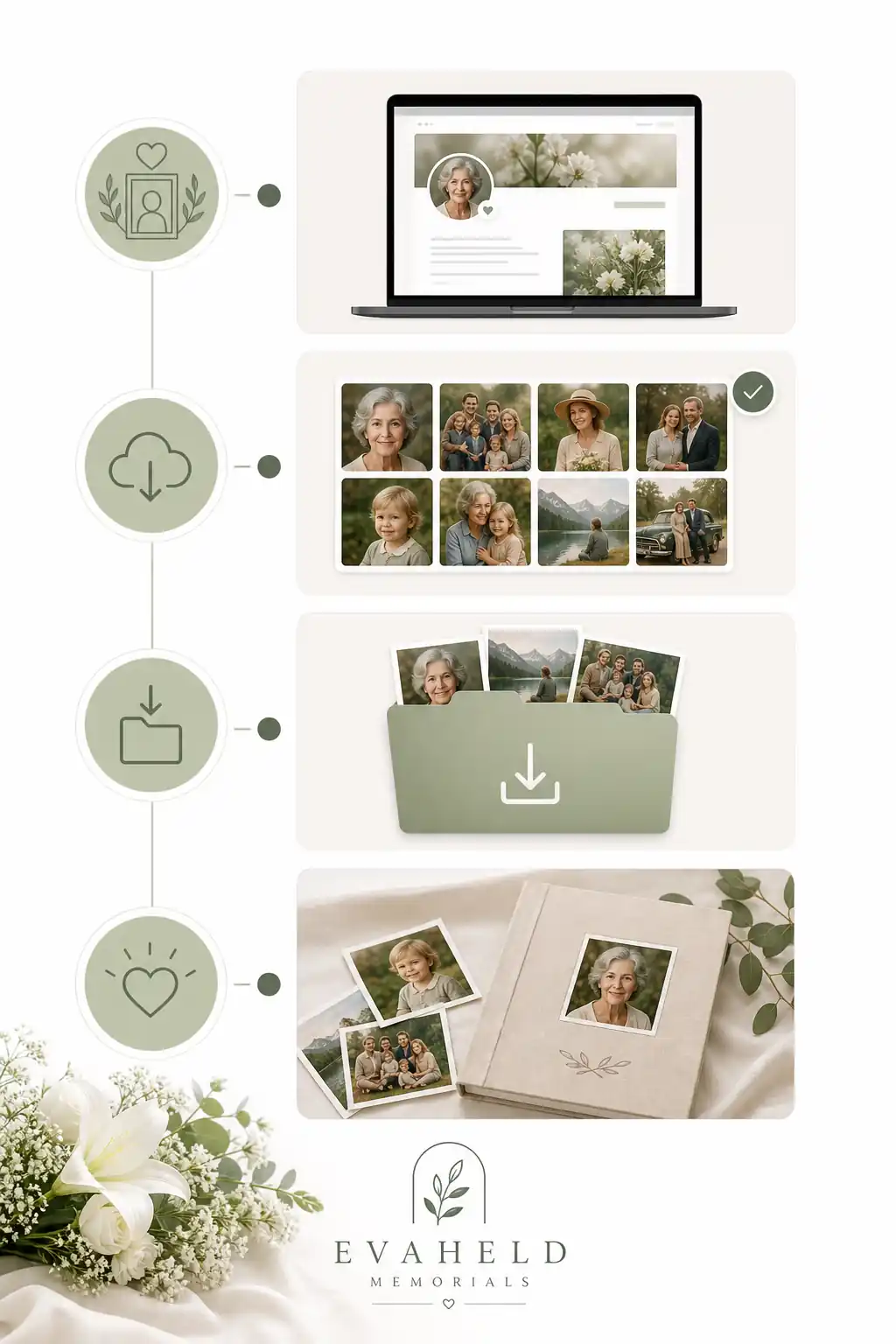
A useful memorial photo download is more than a folder of images. Keep the picture, the caption, the contributor’s name if appropriate, the date downloaded, and any permission notes. If the tribute site allows comments, you may also want to save the related message or guestbook entry beside the image. This is especially helpful when a short comment explains why the photo matters.
For each image, try to record:
- Who is pictured, including correct spelling of names.
- Approximate date, place and occasion.
- Who uploaded or supplied the photo.
- Whether the image may be shared publicly, privately or only within the family.
- Whether a higher-resolution original exists elsewhere.
- Any sensitive context, such as children, health information, addresses or private ceremonies.
If you plan to use images in a printed order of service, slideshow or public post, ask permission where needed. For safety and privacy, the Australian eSafety Commissioner’s privacy guidance is a helpful reminder that images can reveal more than people expect, including locations, relationships and personal details.
Step-by-step instructions to download pictures from a tribute site
Every tribute platform is slightly different, but this process works for most online memorial pages and virtual memorial hosting services.
- Find the correct tribute page. Use the online memorial link supplied by the family, funeral director or page organiser. If you need to find an online obituary by name, check spelling, dates and location before assuming you have the right person.
- Check access and privacy. Look for guest permissions, family-only sections, password prompts or download restrictions.
- Open the photo gallery. Select one album or section at a time, rather than downloading randomly.
- Use the official download button if available. This usually gives the clearest copy and may be intended by the page owner.
- Save the image with a useful filename. For example, use a date, name and short description rather than “IMG_4821”.
- Save captions and context. Copy relevant notes into a document or spreadsheet, or place a text file in the same folder.
- Back up the folder. Keep at least one copy in a secure cloud account or external drive.
- Review before sharing. Remove duplicates, check permissions, and avoid circulating sensitive images too widely.
If the tribute site asks you to sign in, protect the account properly. The Australian Cyber Security Centre explains why multi-factor authentication can reduce unauthorised access, and its guidance on password managers can help families avoid weak or reused passwords. For broader account security, the US Cybersecurity and Infrastructure Security Agency’s Secure Our World advice is a practical starting point.
Practical tips for families
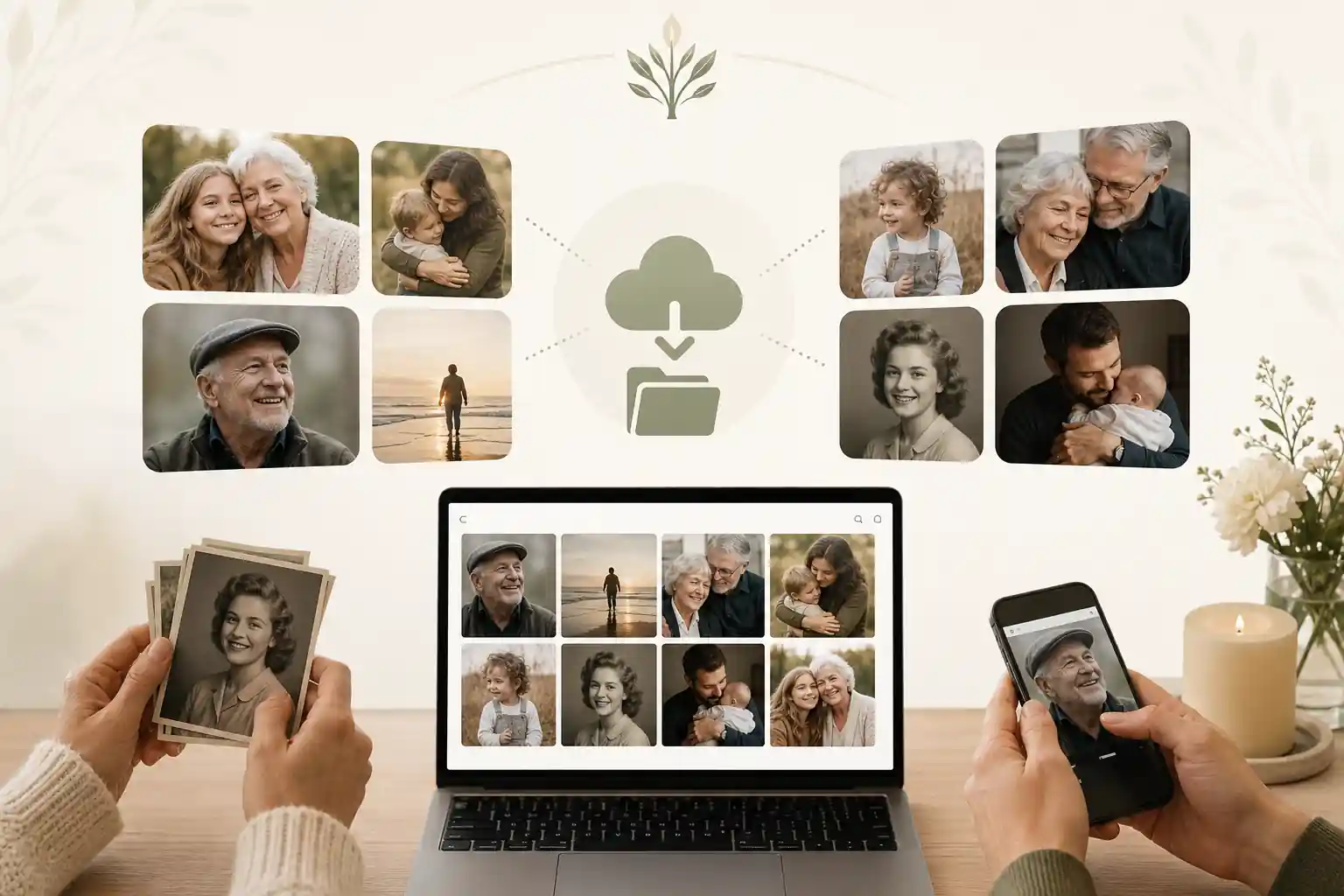
Choose one person to coordinate the photo archive and one backup person who can step in if needed. Agree on a folder structure before downloading: for example, “Portraits”, “Childhood”, “Family gatherings”, “Service and memorial”, “Guestbook contributions” and “Needs permission”. This small decision prevents the same photos being saved ten times under different names.
If you are using an ad-free memorial site or creating a new page, keep the original files where possible. Social media and some websites compress images, which can reduce quality for printing. When a low-resolution tribute-site image is all you have, keep it, but mark it clearly so the family knows to look for a better copy later.
Be careful with screenshots. They may be useful for preserving a page layout, online memorial guestbook message or comment thread, but they are not the same as original image files. If you take screenshots, store them separately and label them as screenshots. Families who plan to share a digital memorial link can also include notes about which albums are private, which are public, and who should be invited.
Common mistakes
The most common mistake is downloading everything quickly without context. A folder full of unnamed files can become almost impossible to interpret in a few years. Another mistake is assuming that a photo on a tribute page is automatically approved for public reposting. A person may have uploaded a picture to comfort a family, not to make it searchable across the internet.
Families also lose images when they rely on one device, one email inbox or one temporary link. If a phone is replaced, a cloud account is closed, or a page subscription ends, the photos may be difficult to recover. Apple’s guidance on downloading iCloud photos and videos and Google’s guidance on downloading your data may help if memorial images are spread across personal accounts.
| Issue | Why it matters | Better approach |
|---|---|---|
| Unnamed files | Family members may not know who or what the photo shows. | Rename files and save captions beside them. |
| No permission notes | Private images may be shared too widely. | Record who supplied the image and how it may be used. |
| One storage location | A device failure or account closure can cause loss. | Keep a secure backup and review access regularly. |
| Downloading during phishing risk | Fake memorial links can be used to steal logins. | Use trusted links and verify unusual requests. |
What not to do
Do not bypass privacy settings, guess passwords, scrape an entire memorial page without permission, or repost private family photos to public social media because they feel comforting in the moment. Do not download images from a tribute site and remove the names or stories that explain them. Do not forward login details through group chats, especially if the page contains personal information.
Be alert to scams. Memorial pages can be emotionally sensitive, and scammers sometimes imitate donation pages, tribute links or account notices. The FTC’s guidance on recognising and avoiding phishing scams is useful before clicking unfamiliar links. For password standards and authentication concepts, the NIST digital identity guidance provides detailed technical context, although families do not need to become security experts to make safer choices.
Also avoid treating an online memorial archive as a substitute for formal legal or estate records. Some jurisdictions have rules about access to digital assets after death, and those rules vary. The Uniform Law Commission’s materials on fiduciary access to digital assets are a useful US reference point, but local advice may still be needed.
How Evaheld Memorials helps you download pictures from a tribute site
Evaheld Memorials helps families turn downloaded photos, guestbook memories, wishes and related instructions into an organised memorial experience. Rather than leaving images scattered across phones, email threads and temporary folders, you can create a structured online space, add context, update it over time and share access with trusted people when appropriate.
For families starting from scratch, the create memorial page option provides a practical place to bring photos and stories together. The online memorial features page explains how tribute content can be gathered and managed, while digital legacy vault information may help families think beyond a single photo gallery to messages, records and wishes that need to stay connected.
This does not replace professional legal, financial, counselling or funeral advice. Funeral directors, lawyers, cemetery authorities, counsellors, government agencies and family archivists may all have a role depending on the situation. Evaheld Memorials is best understood as a practical memorial planning layer: a place to create, complete, store, update and share memorial content in a calmer, more organised way.
If you are ready to organise family photos and memories, create a secure Evaheld Memorials page for download pictures from a tribute site, then update it over time and share it with trusted people when ready. You can also review online memorial plans or visit the memorial support questions page before deciding what suits your family.
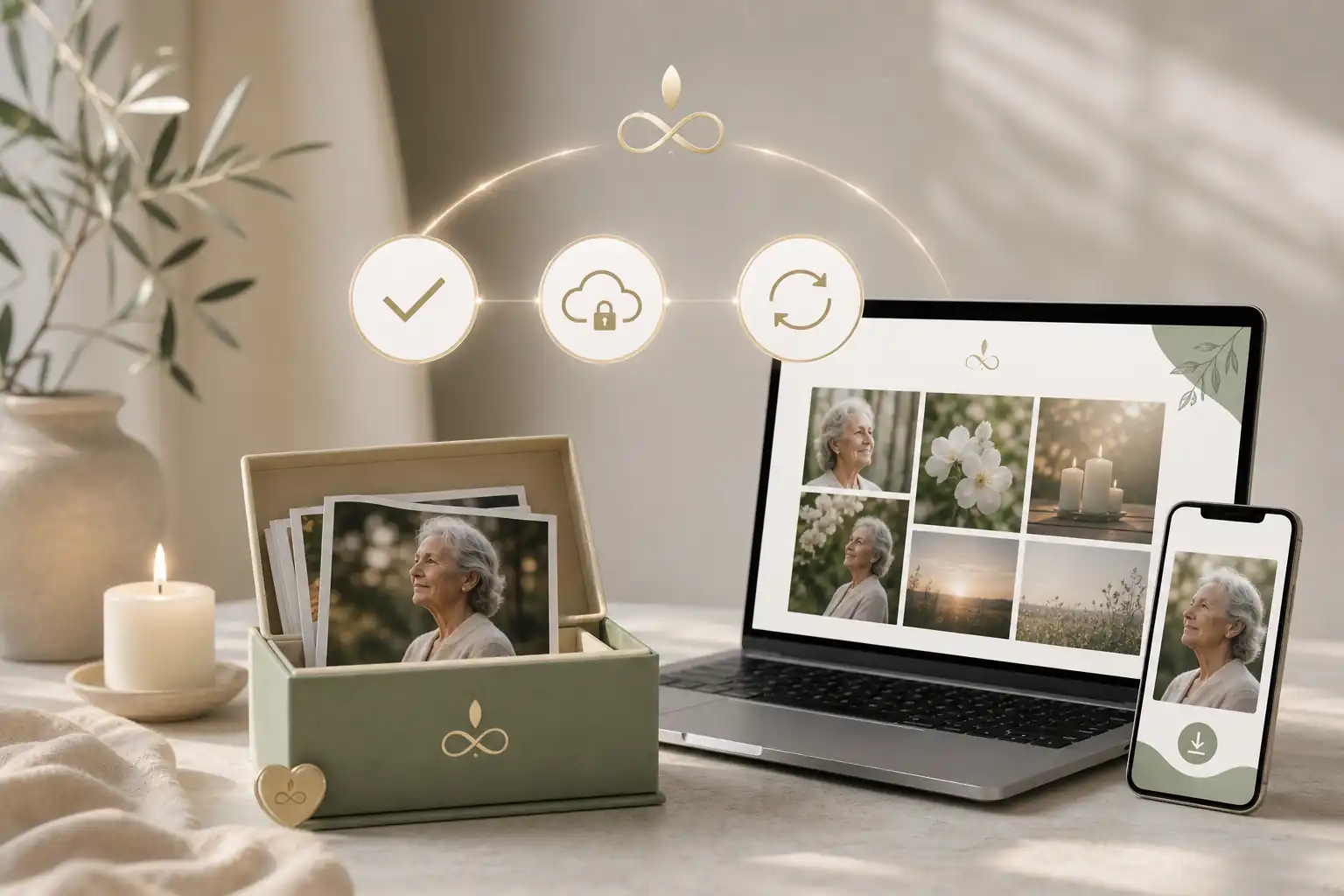
Final checklist
Before you finish, use this checklist to make sure the downloaded tribute photos are respectful, useful and easier for the family to preserve.
- Confirm you are using the correct tribute page or online memorial link.
- Check whether the page owner permits downloads.
- Use the official download button where available.
- Save captions, guestbook notes and contributor details with the images.
- Rename files so people can understand them later.
- Separate public, private and permission-needed images.
- Back up the folder in at least one secure location.
- Protect any account used to access the page with strong security settings.
- Avoid reposting sensitive images without consent.
- Consider placing selected photos into an Evaheld Memorials page so trusted family members can find, update and share them over time.
Handled carefully, downloading memorial photos is not just a technical task. It is a way of preserving family history, protecting privacy and keeping the stories behind each image close to the people who will value them most.
FAQs about download pictures from a tribute site
How do I download pictures from a tribute site?
To download pictures from a tribute site , open the tribute or online obituary page, select the photo gallery or memory section, and use the site’s download button if one is available. If there is no download option, ask the page owner or administrator for permission, then save only the images you are allowed to keep, naming and storing them carefully so the family can find them later.
Open the tribute page, select the photo, use the site’s download option or your browser’s save function, then store the image in a clearly named folder. If access is restricted, ask the page owner first. Evaheld Memorials can help you organise photos on a memorial page, while the Library of Congress offers practical guidance on personal digital archiving.
How can an online tribute feel personal and respectful?
It means saving memorial photos from an online obituary page, virtual memory page or online memorial guestbook to a personal device or family archive. Keep filenames, dates and permissions clear. You can review Evaheld Memorials online memorial features and compare them with the National Archives’ advice on preserving family archives.
When should a family create or review the memorial?
Download photos when the page may expire, when relatives need copies, before transferring ownership, or when creating a family archive. Avoid rushing if permissions are unclear. If page control is changing, read Evaheld Memorials’ guide to transfer ownership of a tribute page and the Digital Preservation Coalition’s digital preservation handbook.
Who should manage the page and approve contributions?
Save the image, the person’s name, approximate date, source page, contributor name if known, and any permission notes. This helps prevent confusion later. Evaheld Memorials’ digital legacy vault can keep related records together, and the OAIC explains Australian privacy rights.
What content belongs on the memorial page?
Sign in if needed, open the photo, choose download or save image, rename the file, back it up, and record who supplied it. For a new family page, see how to create an online memorial in Australia, and review eSafety’s guidance on privacy online.
How can families control privacy and sharing?
Common mistakes include downloading low-resolution previews, losing contributor details, sharing private images too widely, and failing to back up files. Evaheld Memorials’ memorial support questions can help with practical setup, and the FTC explains how to protect your privacy online.
Which account details and backups should be retained?
Avoid bypassing privacy settings, reposting sensitive images without consent, scraping whole pages, or changing captions in a way that misrepresents the memory. If you are ready to organise and share access thoughtfully, create a secure page for download pictures from a tribute site, and follow CISA’s advice to secure your world.
How can relatives contribute safely?
Privacy depends on the site settings, the family’s wishes and local rules. Legal requirements vary by country, state and territory, so formal questions should be checked locally. Evaheld Memorials supports memorial page privacy, and the UK ICO explains public data protection rights.
What common online memorial mistakes should families avoid?
Evaheld Memorials helps families create, update and share a respectful place for photos, guestbook messages, wishes and instructions, rather than leaving memories scattered across devices. You can compare options on online memorial plans, and use the Australian Cyber Security Centre’s advice on multi-factor authentication.
How does Evaheld Memorials support long-term preservation?
Check image quality, captions, spelling of names, privacy settings, contributor consent, backup copies and who can access the online memorial link. Evaheld Memorials explains how to share a digital memorial link, and Google provides guidance on downloading account data.
If your family is ready to begin, create a free Evaheld Memorials page and add memories, photos and tributes at your own pace.