How do I share a digital memorial link? A practical family guide
A practical Evaheld Memorials article that answers “How do I share a digital memorial link?”, explains share a digital memorial link, shows what to include, avoids common mistakes and helps families plan a practical family guide.
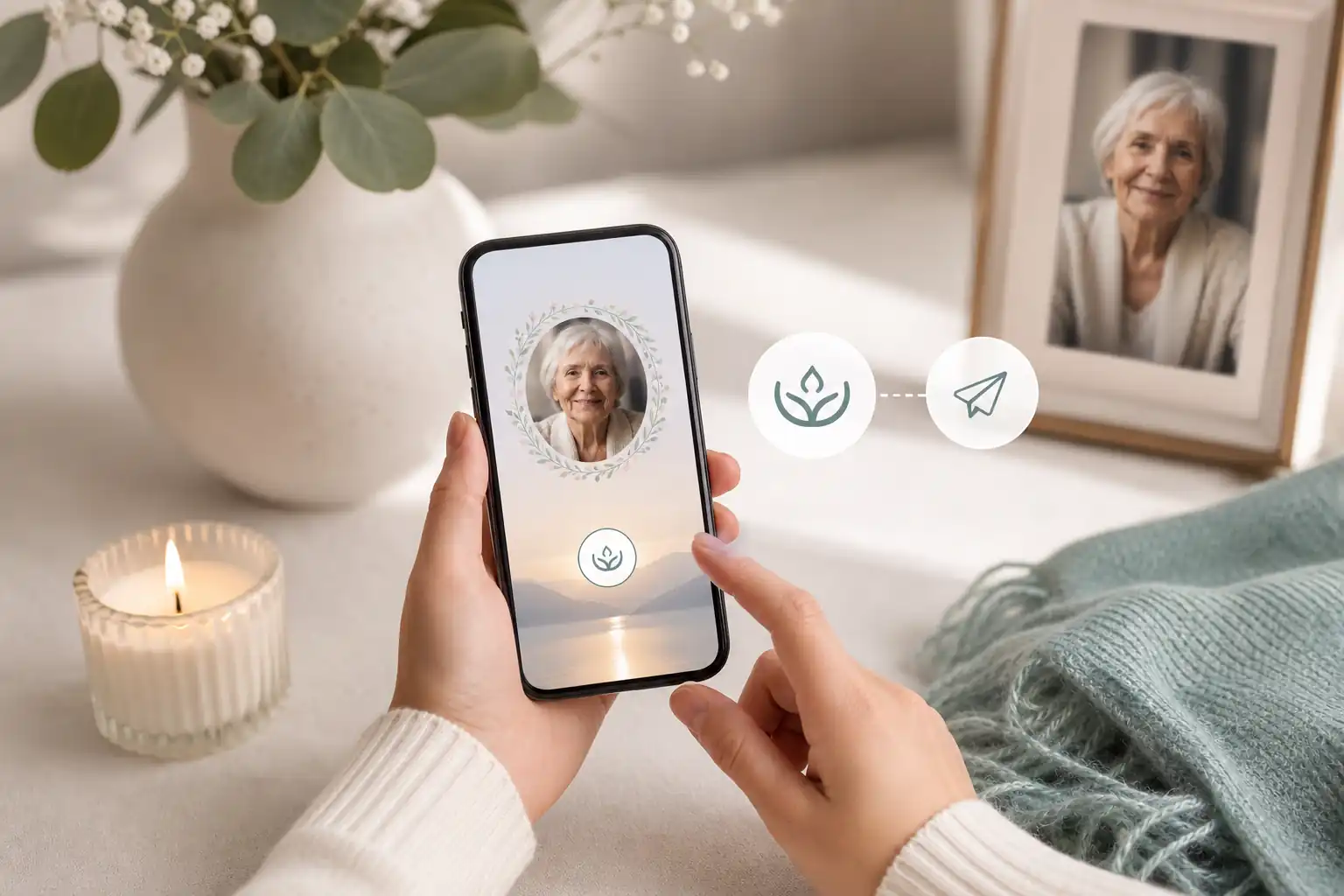
To share a digital memorial link, create or open the online memorial page, check the privacy settings, copy the memorial’s share link, and send it through the channels your family has agreed to use, such as email, text, a funeral notice, social media or a private family group. Before you share a digital memorial link widely, make sure the page includes accurate details, respectful photos, clear contribution instructions and only information the family is comfortable making public.
Direct answer: How do I share a digital memorial link?
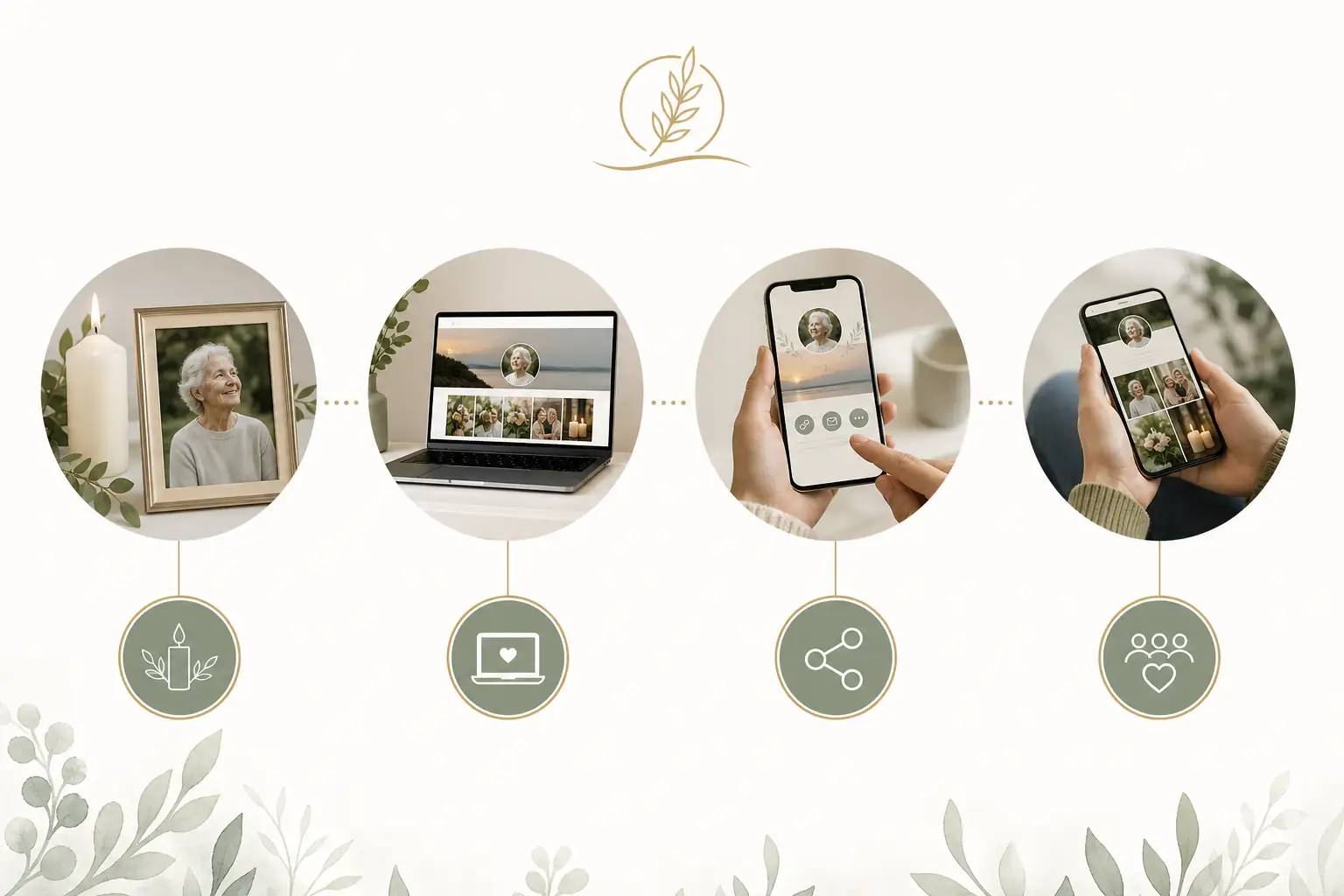
The simplest approach is to prepare the memorial first, then share the link in stages. Start with close family or the person coordinating funeral arrangements, confirm dates and spellings, then invite friends, colleagues and wider community members when the page is ready. This helps avoid corrections being circulated across several messages and gives people one calm place to visit, contribute and return to.
A digital memorial link can point to an online memorial page, a digital tribute page, an online obituary page, or a virtual remembrance book where people can read the tribute, view photos and leave messages. If you are sharing sensitive details, use a platform with appropriate privacy options rather than relying only on public social media posts.
Digital preservation guidance from the Library of Congress notes that personal digital archives are easier to manage when files are selected, organised and backed up deliberately rather than scattered across devices and accounts. Their personal digital archiving guidance is a helpful reminder to keep important photos, text and records in a place families can find later.
What it means to share a digital memorial link
To share a digital memorial link means giving other people access to a memorial page through a URL. That link may allow people to read a tribute, view funeral or remembrance details, contribute memories, sign a guestbook, upload photos, or revisit the page after the service. Depending on the memorial settings, the link may be public, private, password-protected or shared only with selected people.
Families often use an online memorial website because it reduces repeated admin at a difficult time. Instead of sending separate photo folders, event updates, guestbook messages and obituary text in different apps, the family can point people to one organised place. If relatives are overseas, interstate or unable to attend in person, a virtual memory page can help them feel included.
It is still important to treat the memorial as part of the family’s broader records. The US National Archives offers practical advice on caring for family papers, photographs and personal records in its family archives preservation guidance, while the Digital Preservation Coalition’s Digital Preservation Handbook explains why digital material needs active care over time.
When to share a digital memorial link
There is no single correct time to share an online memorial link. Some families share it soon after the death so people can receive funeral updates and leave condolences. Others wait until the service details are confirmed, the tribute wording has been reviewed, or the family has chosen the first set of photos. If emotions are high or information is still changing, it can be wise to share the link privately first.
Common moments to share a memorial link include when a funeral notice is published, when invitations are sent, after a livestream or ceremony, on an anniversary, or when the family is ready to invite photo and story contributions. If the page includes personal information, consider who truly needs access. Australian readers may find the Office of the Australian Information Commissioner’s privacy rights guidance useful, while UK readers can refer to the Information Commissioner’s Office guide for the public.
Legal requirements vary by country, state and territory, so formal documents should be checked against local rules or reviewed by a qualified professional where needed. Evaheld Memorials is designed to help families organise, preserve, update and share memorial content; it is not a substitute for legal, medical, financial, funeral director or grief counselling advice.
What to include when you share a digital memorial link
A useful digital memorial link usually leads to a page that feels complete enough to share, even if it will be updated later. Include the person’s preferred name, dates if the family wishes to publish them, a short tribute, selected photos, and any remembrance or service details that are confirmed. If you are inviting contributions, explain what people can add and whether submissions will be moderated.
Consider including:
- A clear opening tribute that reflects the person warmly and accurately.
- One main photo and a small gallery of meaningful images.
- Funeral, memorial or livestream details only when confirmed.
- Guestbook instructions, including tone and moderation expectations.
- Donation, flower or family preference details, if appropriate and verified.
- Contact guidance for close family, if the family wants to provide it.
- Privacy notes, such as whether the page may be reshared.
Be careful with private information. Avoid publishing home addresses, identity documents, account details, private medical history or family conflict. The Australian eSafety Commissioner’s privacy advice and the US Federal Trade Commission’s guide on protecting your privacy online are both useful references when deciding what not to post publicly.
Step-by-step instructions to share a digital memorial link
Use this simple process to prepare and share the link without rushing.
- Create the memorial page. Add the person’s name, tribute text, photos and any confirmed remembrance details. Evaheld Memorials’ online memorial features can help keep memories, guestbook contributions and related information together.
- Review the content. Ask one or two trusted people to check spelling, dates, photo choices and privacy concerns.
- Set access permissions. Decide whether the page should be public, private or shared with a limited group.
- Copy the link carefully. Use the official share option or copy the full online memorial link from the memorial page.
- Write a short message. Explain what the link is, who it honours and whether people are invited to add memories.
- Share with close family first. This gives immediate relatives a chance to raise any concerns before wider sharing.
- Share more broadly. Send the link by email, text, funeral notice, community group or social post, depending on the family’s wishes.
- Monitor contributions. Check guestbook entries and photo uploads, especially in the first few days.
- Update when needed. Add service recordings, extra photos, anniversary notes or corrected details over time.
For account safety, use strong passwords and multi-factor authentication where available. The Australian Cyber Security Centre provides practical advice on password managers and multi-factor authentication, while CISA’s Secure Our World guidance offers simple safety habits for families managing online accounts.
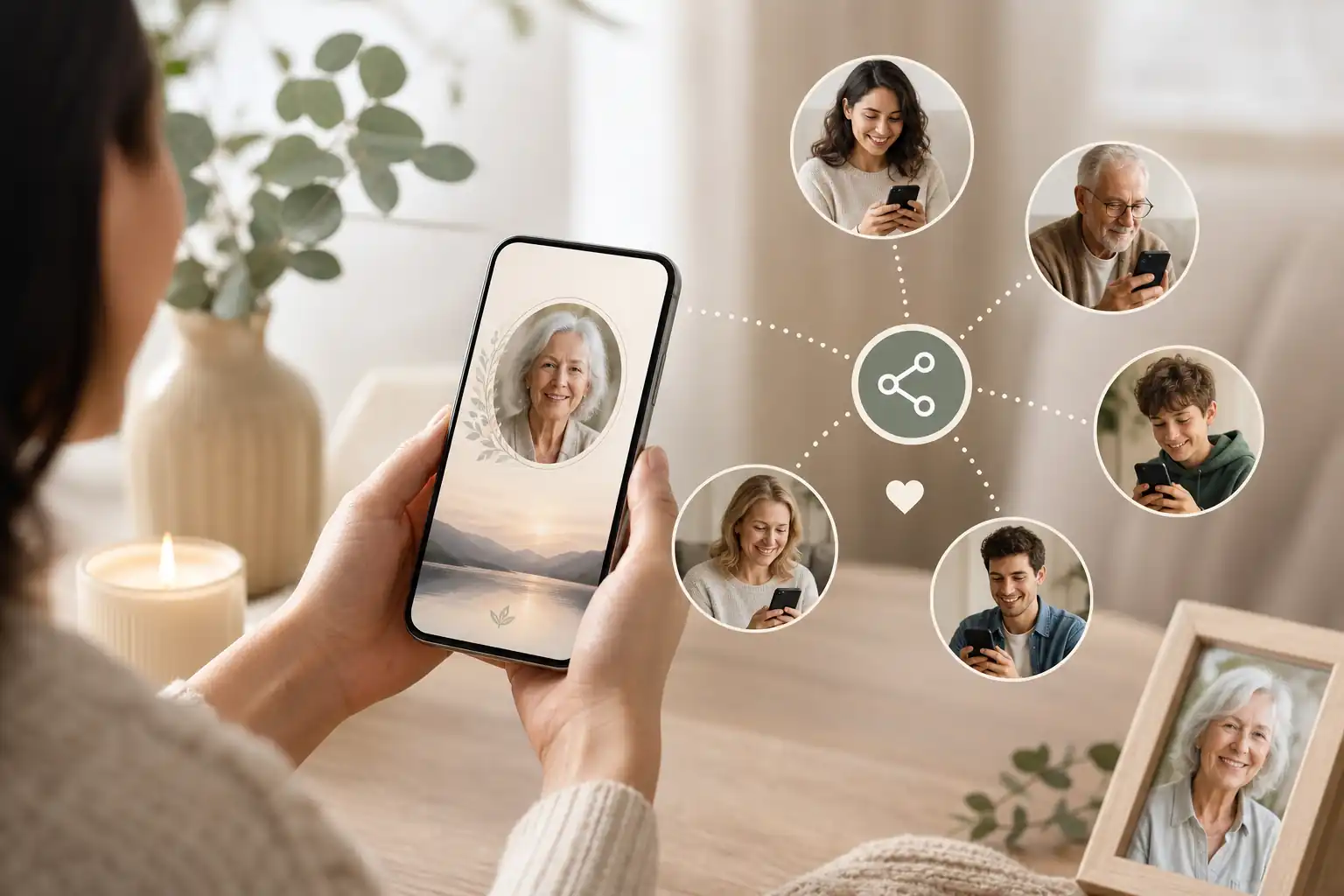
Practical tips for families
Choose one person, or a small pair of people, to manage the page. Too many administrators can lead to duplicated edits, inconsistent wording or accidental sharing. Keep a simple note of what has been published, what still needs checking and who has been invited to contribute.
Write the sharing message in plain language. For example: “We have created a memorial page for Mum where family and friends can read her tribute, view photos and leave a memory if they wish. Please feel welcome to share a message there.” If the link is private, add: “Please do not forward this link without checking with the family.”
Think about accessibility. Some people may not use social media, so email or text may be more appropriate. Older relatives may appreciate a phone call explaining what the page is. If you are helping someone find someone’s memorial page, give them the exact name used on the page and the safest way to access it.
If photos are important to the family, decide whether visitors can download them. Some families are happy for images to be saved; others prefer viewing only. For related guidance, see our article on how families may download pictures from a tribute site in a respectful way.
Common mistakes
One common mistake is sharing before the page has been checked. A wrong date, misspelt name or unapproved photo can be painful once the link has spread. Another is using too many platforms at once, which can split condolences across social posts, emails, texts and separate photo folders.
Families also sometimes forget to explain what people should do when they open the link. If you want memories, ask for memories. If you only want people to read the tribute, say that gently. If the family is moderating guestbook entries, make that clear so people understand why their message may not appear immediately.
Security mistakes are also worth avoiding. Be wary of unexpected messages asking for login details, donations or page access. The FTC’s guide on recognising and avoiding phishing scams is a helpful reference, especially when a memorial page is being shared widely. NIST’s digital identity guidance also explains why authentication and account protection matter in online services; see NIST SP 800-63B for the technical standard.
What not to do
Do not publish private family disagreements, unverified causes of death, financial details, personal identification documents, or private messages without consent. Do not assume every relative wants their name, photo or relationship details online. If children appear in photos, take extra care and check with parents or guardians where appropriate.
Do not use the memorial link as the only place for urgent or official instructions. Funeral directors, celebrants, cemetery authorities, lawyers and government agencies may have their own requirements and processes. If estate, probate, donation, guardianship or official record issues are involved, get appropriate professional advice for your location.
Do not rely on one device or one person’s inbox as the only record of important memorial material. Apple’s information on Legacy Contact for Apple ID and Google’s Inactive Account Manager show how major account providers handle access planning differently. The Uniform Law Commission’s materials on fiduciary access to digital assets may also be relevant for US readers, but local rules and platform terms still matter.
How Evaheld Memorials helps you share a digital memorial link
Evaheld Memorials gives families a practical way to create, complete, store, update and share a memorial page in one organised experience. Rather than relying on scattered notes, separate photo folders and long message threads, you can keep the tribute, images, guestbook contributions, wishes and related instructions together.
Families can begin with a simple online tribute page, then update it as details become clearer. This is helpful when a service date is not yet confirmed, when relatives are still choosing photos, or when people want to add stories after the ceremony. If you are starting from scratch, our guide to how to create an online memorial website may help you plan the page before sharing it.
Evaheld Memorials can also support families who want a more organised digital legacy approach. The digital legacy vault is designed to help keep meaningful information and messages together, while the memorial support questions page can help with common practical concerns. You can review online memorial plans if you are comparing options with family members.
Create a secure Evaheld Memorials page to share a digital memorial link, then update it over time and share it with trusted people when ready.
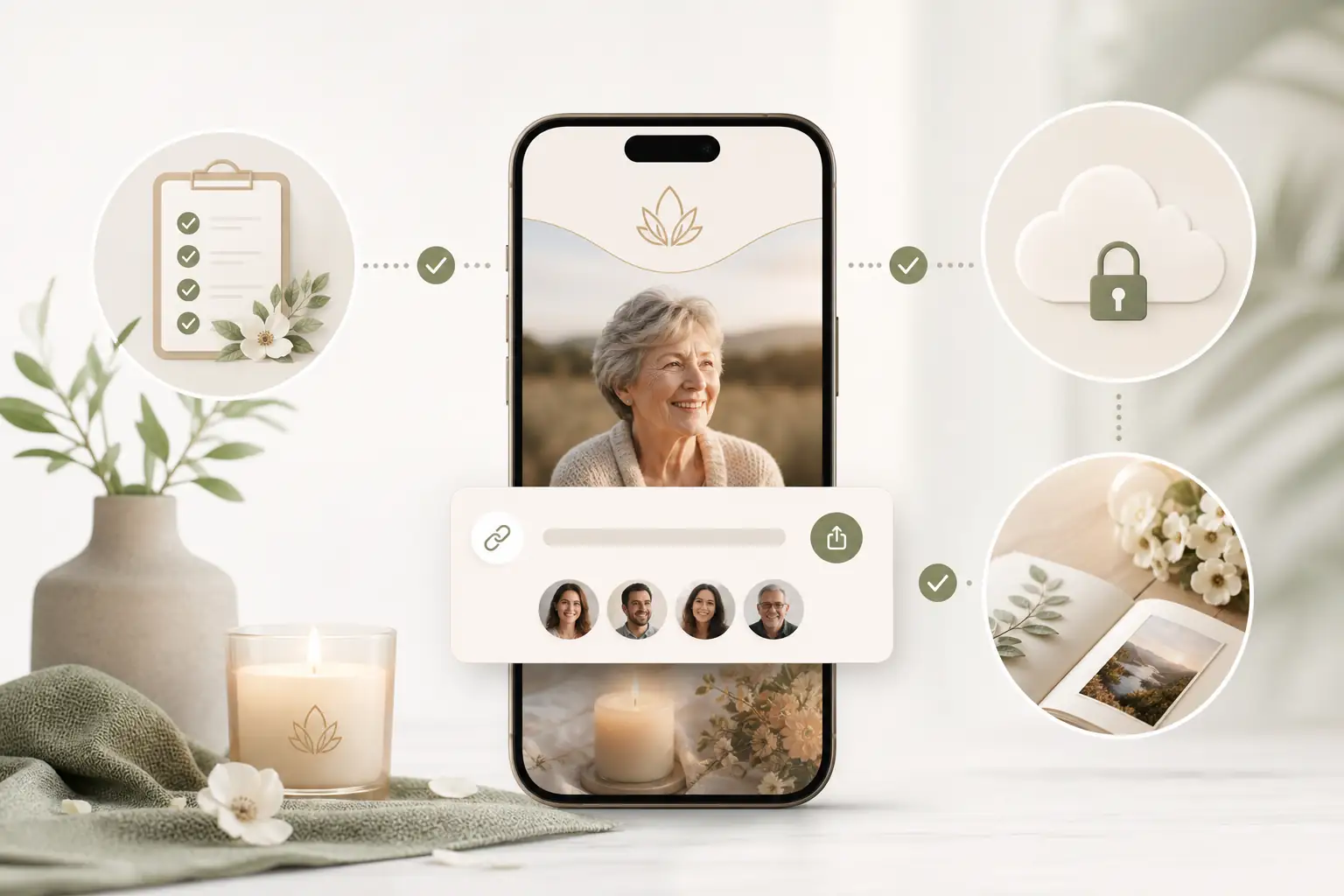
Final checklist
Before you share the link, take a quiet moment to check the essentials. A few careful minutes can prevent confusion and help the page feel respectful from the start.
- The person’s name, dates and tribute text have been checked.
- Photos are respectful and approved by the family where needed.
- Service, livestream or remembrance details are confirmed before publishing.
- Privacy settings match the family’s wishes.
- The sharing message explains what the link is and how people can contribute.
- At least one trusted person has tested the link before wider sharing.
- Guestbook or photo contribution settings are clear.
- No sensitive personal, financial, legal or medical information has been included unnecessarily.
- Login details are protected with strong account security.
- The family knows who will update and monitor the memorial page over time.
A digital memorial link is most helpful when it gives people a single, respectful place to remember, contribute and return to. With clear privacy choices, careful wording and an organised online memorial page, families can share memories in a way that feels steady, inclusive and considerate.
FAQs about share a digital memorial link
How do I share a digital memorial link?
To share a digital memorial link, create or open the online memorial page, check the privacy settings, copy the memorial’s share link, and send it through the channels your family has agreed to use, such as email, text, a funeral notice, social media or a private family group. Before you share a digital memorial link widely, make sure the page includes accurate details, respectful photos, clear contribution instructions and only information the family is comfortable making public.
Create or update the memorial page, check the spelling, dates, photos, privacy settings and guestbook options, then copy the approved link and send it through email, text, funeral notices, social media or printed service materials. Evaheld Memorials lets you share a digital memorial link when the page is ready. For privacy basics, see the OAIC privacy rights guidance.
How can an online tribute feel personal and respectful?
It means giving family, friends and community members access to an online memorial page where they can read the tribute, view photos, leave messages and find service or remembrance details if included. You can learn more about creating a page through Evaheld Memorials’ create memorial page guide, and review digital preservation principles from the Library of Congress personal archiving guidance.
When should a family create or review the memorial?
Share it once the core details have been checked and the family is comfortable with the page being seen. Some families share it before a service for updates, while others wait until photos and tributes are complete. Evaheld Memorials’ online memorial features can help organise contributions, and the eSafety Commissioner’s privacy guidance is useful when deciding what to make public.
Who should manage the page and approve contributions?
Include the person’s name, life dates, a short tribute, selected photos, service details if appropriate, donation or flower preferences if relevant, and clear guestbook guidance. Evaheld Memorials can help keep these elements together in an create an online memorial website. For family records and photographs, the U.S. National Archives family archives guidance offers helpful preservation tips.
What content belongs on the memorial page?
First, create the page. Second, add and review the tribute details. Third, set privacy and guestbook preferences. Fourth, copy the link. Fifth, send it to the right people with a short note explaining its purpose. Evaheld Memorials’ memorial support questions can help, and CISA’s Secure Our World guidance is a useful reminder to keep accounts protected.
How can families control privacy and sharing?
Common mistakes include sharing before details are checked, using low-quality photos without permission, posting sensitive information publicly, forgetting to moderate messages and sending different versions of the link. Evaheld Memorials’ guide to finding someone’s memorial page can help families think about access, while the FTC’s online privacy guidance explains practical privacy precautions.
Which account details and backups should be retained?
Avoid publishing private addresses, financial details, identity documents, unapproved medical information or family disagreements. It is also best not to pressure people to contribute publicly. Evaheld Memorials’ digital legacy vault helps keep sensitive items organised separately, and the FTC phishing guidance explains why careful sharing matters.
How can relatives contribute safely?
Privacy depends on the platform settings, who receives the link, and what information is published. Ask permission before using sensitive photos, stories or details about living people, and remember that privacy laws vary by location. Evaheld Memorials explains available options on its features page, while the UK Information Commissioner’s Office public guidance is a useful general privacy resource.
What common online memorial mistakes should families avoid?
Evaheld Memorials helps families create, complete, store, update and share an online tribute page, keeping photos, guestbook messages and related information in one organised place instead of scattered messages or folders. You can compare options on Evaheld Memorials plans, and review account security basics through the Australian Cyber Security Centre’s multi-factor authentication guidance.
How does Evaheld Memorials support long-term preservation?
Check names, dates, spelling, photo permissions, service details, privacy settings, guestbook moderation, mobile display and who should receive the link first. If people may download or save images, Evaheld Memorials’ guide to downloading pictures from a tribute site may help, and the Digital Preservation Coalition handbook offers broader digital preservation context.
If your family is ready to begin, create a free Evaheld Memorials page and add memories, photos and tributes at your own pace.