How do I find someone's memorial page? A practical family guide
A practical Evaheld Memorials article that answers “How do I find someone's memorial page?”, explains find someone's memorial page, shows what to include, avoids common mistakes and helps families plan a practical family guide.

To find someone's memorial page, start with the memorial link shared by the family, funeral director, celebrant or close friends; then search the person's full name with words such as “memorial”, “tribute”, “obituary” or their town if you do not have the link. Once you find the page, check that it is the right person, respect any memorial page privacy settings, and follow the family's instructions before posting photos, messages or personal details.
Direct answer: How do I find someone's memorial page?
The quickest way to find a memorial page is to look for an find an online memorial link in funeral notices, family messages, social posts, printed service booklets, emails or text messages. If there is no direct link, search using the person's full name, date of death, location, school, workplace, club, faith community or funeral home, combined with terms like “online memorial page”, “digital tribute page”, “online obituary page” or “virtual memory page”.
If you are creating a page for others to find, the goal is the opposite: make one respectful, accurate and easy-to-share place for memories, photos, service details and guestbook messages. An online memorial page can help reduce confusion when relatives are relying on scattered texts, social media posts, old emails and informal group chats.
Before sharing or posting, pause for privacy. Australia's Office of the Australian Information Commissioner explains practical privacy rights and responsibilities, while the UK Information Commissioner's Office provides plain-English guidance for the public on personal information and privacy. Legal requirements vary by country, state and territory, so formal documents should be checked against local rules or reviewed by a qualified professional where needed.
What it means to find someone's memorial page
To find someone's memorial page is not only to locate a web address. It means finding the family's chosen place for remembrance: a page where people may read a life story, view funeral or memorial service details, sign a guestbook, upload photos, leave condolences, light a virtual candle or revisit memories over time.
Different families use different names for this space. You might see it called an online memorial website, online tribute page, virtual remembrance book, permanent digital memorial, online obituary page or digital tribute page. Some are public and searchable. Others are private, invite-only, password-protected or shared through a direct online memorial link.
The most useful pages are clear about what visitors can do. They explain whether people may contribute stories, whether photos need approval, whether donations are being requested, and who manages the page. The Digital Preservation Coalition's digital preservation handbook is a helpful reminder that digital materials need active care if families want them to remain understandable, findable and meaningful over time.
When to find someone's memorial page
You may need to find a memorial page at several points. In the days after a death, people often look for service details, livestream links, dress guidance, donation preferences or a place to leave condolences. In the weeks afterwards, relatives may want to share photos, collect stories or revisit messages from people who could not attend. Months or years later, a memorial page can become a gentle place to mark birthdays, anniversaries and family milestones.
There are also practical reasons. A relative may be helping an older family member access the page, a friend may want to confirm memorial service arrangements, or a family may need to transfer ownership of a tribute page when the original organiser can no longer manage it. If the person lived in Australia, families may also be comparing options for how to create an online memorial in Australia that suits local family, privacy and funeral customs.
Because grief can make simple tasks feel heavy, it helps to use a calm process. Search, verify, read the page rules, then contribute only what feels appropriate. If anything on the page appears incorrect or distressing, contact the page manager rather than correcting it publicly.

What to include when you find someone's memorial page
If you are visiting a page, you do not need to add everything you know. A meaningful contribution can be brief: a memory, a photograph, a message of comfort, a favourite saying, a note about how the person helped you, or thanks to the family. If the page includes a guestbook, write as you would in a condolence card: personal, respectful and not too revealing.
If you are creating or helping manage the page, consider including:
- The person's preferred name, full name where appropriate, and key life dates.
- A warm life story or obituary-style tribute, checked by close family.
- Service, wake, livestream or commemoration details, if the family wants them public.
- A guestbook or virtual remembrance book for condolences and memories.
- Photographs, audio, video or scanned keepsakes that the family is comfortable sharing.
- Clear instructions about donations, flowers, cultural customs or family preferences.
- Privacy settings, contribution rules and contact details for the page manager.
For family photographs and keepsakes, the US National Archives gives practical advice on preserving family archives, and the Library of Congress offers guidance on personal digital archiving. These sources are useful when choosing file names, scanning photos, keeping originals safe and deciding what belongs in a public memorial versus a private family archive.
Step-by-step instructions to find someone's memorial page
- Check direct family messages first. Look through texts, emails, messaging apps, printed invitations, funeral booklets and social posts for an online memorial link.
- Search the person's full name carefully. Include middle names, maiden names, nicknames, location, school, workplace, club, faith community or funeral home if relevant.
- Use memorial-specific words. Try searches such as the name plus “memorial page”, “tribute page”, “obituary”, “guestbook”, “virtual memory page” or “celebration of life”.
- Check funeral and community notices. Funeral directors, newspapers, churches, clubs and community groups may link to the family's chosen online memorial website.
- Verify the details. Confirm dates, family names, location and photographs before assuming you have found the correct person.
- Read privacy and contribution settings. Some pages allow open posting, while others require approval, invitation or a password.
- Ask before sharing widely. If the page is not clearly public, ask the page manager or closest family member before forwarding the link.
- Save the link safely. Bookmark it, add it to a trusted family document, or store it with other memorial information so it is easy to find later.
Be cautious with search results and messages that ask you to log in, pay unexpectedly or enter personal information before viewing a memorial. The US Federal Trade Commission explains how to recognise and avoid phishing scams, and the US Cybersecurity and Infrastructure Security Agency shares simple secure online habits that are relevant when clicking unfamiliar links.
Practical tips for families
If your family is creating a memorial page, choose one primary link and share that consistently. This avoids the confusion of multiple posts, duplicate pages and different versions of service details. A stable online memorial link is especially helpful for relatives overseas, friends who hear the news later, and people who want to return to the page on anniversaries.
Decide early who will manage the page. That person does not need to do everything alone, but they should be responsible for checking names and dates, approving contributions, updating service information and answering simple questions. If several relatives are helping, agree on a tone: formal, conversational, faith-based, humorous, private or public.
Privacy is not one setting; it is a family conversation. Australia's eSafety Commissioner has accessible advice on online privacy, including what to consider before sharing personal details. For account access, the Australian Cyber Security Centre explains the value of multi-factor authentication and password managers, both of which can help protect memorial administration accounts.
When you are ready, you can create a secure Evaheld Memorials page for find someone's memorial page, then update it over time and share it with trusted people when appropriate.

Common mistakes
The most common mistake is assuming that every memorial page is public. Many families deliberately keep a digital tribute page private, especially when children, family conflict, high-profile circumstances, sensitive medical details or cultural customs are involved. If you cannot find a page, it may not exist, may not be indexed by search engines, or may only be available by invitation.
Another mistake is posting too much too soon. In the first days after a death, close relatives may still be contacting people personally. Avoid uploading hospital photos, private family images, addresses, financial information, documents, screenshots of messages or anything that could distress others. NIST's digital identity guidance, including its work on authentication and account security, is a useful reminder that identity, access and verification matter online.
Families also run into trouble when no one knows who controls the page. If the original organiser changes email address, loses access or dies, the family may be left unable to update details. This is why ownership, administrator access and trusted backup contacts should be considered from the start, without turning the memorial into a legal document or making promises it cannot keep.
What not to do
- Do not share a private memorial link publicly unless the family has clearly agreed.
- Do not copy photos from a memorial page to social media without permission.
- Do not publish addresses, phone numbers, legal documents, financial details or identity information.
- Do not argue, correct family members or raise disputes in the guestbook.
- Do not assume a donation request is genuine unless it is clearly connected to the family or official organisation.
- Do not use the page to announce sensitive news before close relatives have done so.
- Do not treat an online tribute page as a substitute for wills, probate documents, funeral contracts, medical records or professional advice.
If a memorial page links to account closure, legacy contact or digital asset steps, check the official provider's guidance. For example, Apple explains Legacy Contact for Apple accounts, and Google provides information about its Inactive Account Manager. In the United States, the Uniform Law Commission provides background material on fiduciary access to digital assets, but laws and processes differ widely. Legal requirements vary by country, state and territory, so formal documents should be checked against local rules or reviewed by a qualified professional where needed.
How Evaheld Memorials helps you find someone's memorial page
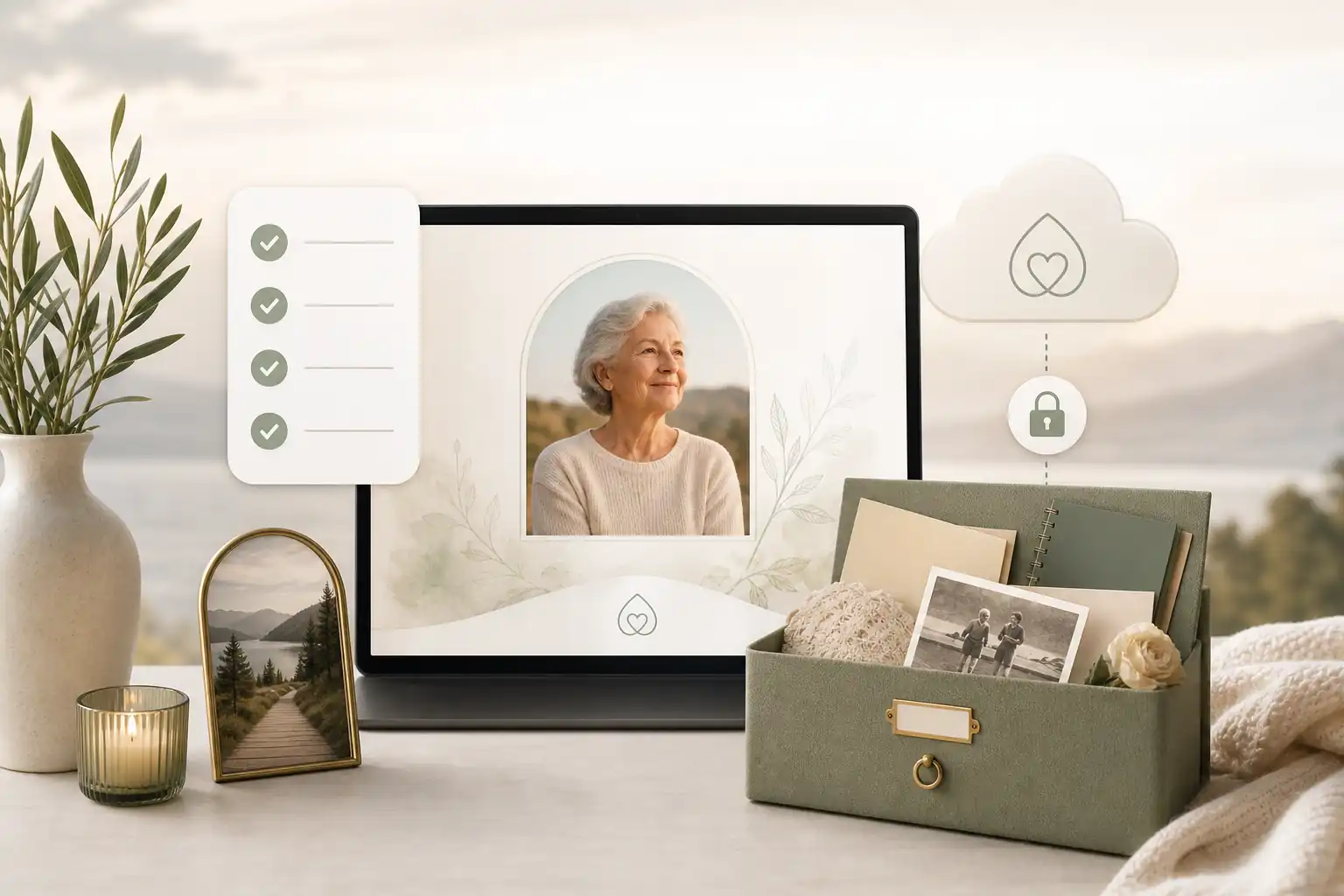
Evaheld Memorials helps families create, complete, store, update and share a respectful online tribute page in one organised experience. Rather than relying on scattered notes, old folders, messaging threads and static downloads, families can keep memories, photos, guestbook contributions, wishes and instructions together so the page remains easier to manage over time.
Through Evaheld Memorials, families can begin with a create memorial page flow, explore online memorial features, compare online memorial plans, and consider how a digital legacy vault may sit alongside a public or private memorial. For common practical questions, the memorial support questions page can help families understand options before they publish or share.
This does not replace the role of funeral directors, celebrants, lawyers, counsellors, cemetery authorities, government agencies or professional advisers. Instead, Evaheld Memorials provides a practical memorial-planning layer: a place to organise remembrance content, keep related information together, update it when details change, and share access with trusted people when the family is ready.
Final checklist
Before you rely on, publish or share a memorial page, use this simple checklist:
- Have you confirmed it is the correct person and not someone with a similar name?
- Does the page use the person's preferred name and accurate life dates?
- Are service details, livestream links and time zones correct?
- Have close family members approved the public wording and main photographs?
- Are guestbook, photo upload and moderation settings clear?
- Have you removed private addresses, identity documents and sensitive family information?
- Is there one stable online memorial link for relatives and friends to use?
- Does at least one trusted person know who manages the page?
- Are passwords and administrator accounts protected appropriately?
- Is the page respectful to the person's life, culture, faith, privacy and family circumstances?
Finding or creating a memorial page is a practical act of care. Done thoughtfully, it gives people one gentle place to remember, contribute and return to, while helping the family keep memories and instructions organised for the months and years ahead.
FAQs about find someone's memorial page
How do I find someone's memorial page?
To find someone's memorial page , start with the memorial link shared by the family, funeral director, celebrant or close friends; then search the person's full name with words such as “memorial”, “tribute”, “obituary” or their town if you do not have the link. Once you find the page, check that it is the right person, respect any memorial page privacy settings, and follow the family's instructions before posting photos, messages or personal details.
Start by searching the person’s full name, date of death, funeral notice, family-shared link or the memorial provider named in the obituary. If you are creating or organising one, Evaheld Memorials lets you set up a page through its create memorial page option, while the Library of Congress offers practical guidance on keeping personal digital materials organised through its personal digital archiving resources.
How can an online tribute feel personal and respectful?
It usually means locating an online memorial page, digital tribute page, obituary page or shared remembrance book where family and friends can view details, photos and messages. Evaheld Memorials explains key options on its online memorial features page, and the National Archives provides useful background on protecting family records through its family archives guidance.
When should a family create or review the memorial?
A family may need to find it before a funeral, after a service, around anniversaries, or when sharing memories with people who could not attend. The guide to find an online memorial may help with next steps, and the Digital Preservation Coalition’s digital preservation handbook explains why ongoing access and preservation matter.
Who should manage the page and approve contributions?
Look for the person’s name, dates, photos, funeral or remembrance details, guestbook entries, family-approved stories and any privacy settings before sharing further. Evaheld Memorials’ digital legacy vault can help keep related memories and instructions together, while the OAIC’s privacy rights guidance is useful for Australian privacy awareness.
What content belongs on the memorial page?
Search the full name in quotation marks, check funeral home notices, ask close family for the official online memorial link, review social posts carefully, and confirm the page is genuine before contributing. Evaheld Memorials’ memorial support questions can help families organise details, and eSafety’s privacy guidance is a helpful reminder to share respectfully.
How can families control privacy and sharing?
Common mistakes include sharing an unverified link, posting private family information, uploading photos without permission, or assuming every page is public. If access or administration needs to change, see transfer ownership of a tribute page, and the FTC’s guidance on recognising and avoiding phishing scams can help you avoid unsafe links.
Which account details and backups should be retained?
Avoid posting sensitive addresses, financial details, private disputes, medical information or anything the immediate family has not approved. Evaheld Memorials’ online memorial features can help families manage sharing thoughtfully, and the UK ICO offers clear public guidance on privacy and information rights.
How can relatives contribute safely?
Privacy depends on the memorial platform, the page owner’s settings and the family’s wishes; some pages are public, while others are shared only by invitation. You can review Evaheld Memorials options on online memorial plans, and CISA’s Secure Our World guidance is useful for account safety.
What common online memorial mistakes should families avoid?
Evaheld Memorials helps families create, update, store and share an organised online tribute page with photos, messages and guestbook contributions in one place. You can create a secure Evaheld Memorials page to find someone's memorial page, and the Australian Cyber Security Centre explains how multi-factor authentication can help protect accounts.
How does Evaheld Memorials support long-term preservation?
Check names, dates, spelling, photo permissions, guestbook settings, privacy choices, administrator access and whether the family is comfortable with the page being shared. If you are creating one locally, Evaheld Memorials’ guide to create an online memorial in Australia may help, and the FTC’s online privacy guidance is a useful final check.
If your family is ready to begin, create a free Evaheld Memorials page and add memories, photos and tributes at your own pace.
Related Evaheld resources
Continue with these carefully selected Evaheld Memorials guides and answers.