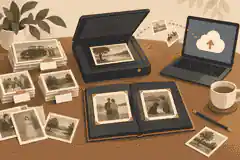
What are the best online memorial sites for photos and video? Features, privacy and family fit
A practical Evaheld Memorials article that answers “What are the best online memorial sites for photos and video?”, explains online memorial sites for photos and video, shows what to include, avoids common mistakes and helps families plan features, privacy and family fit.
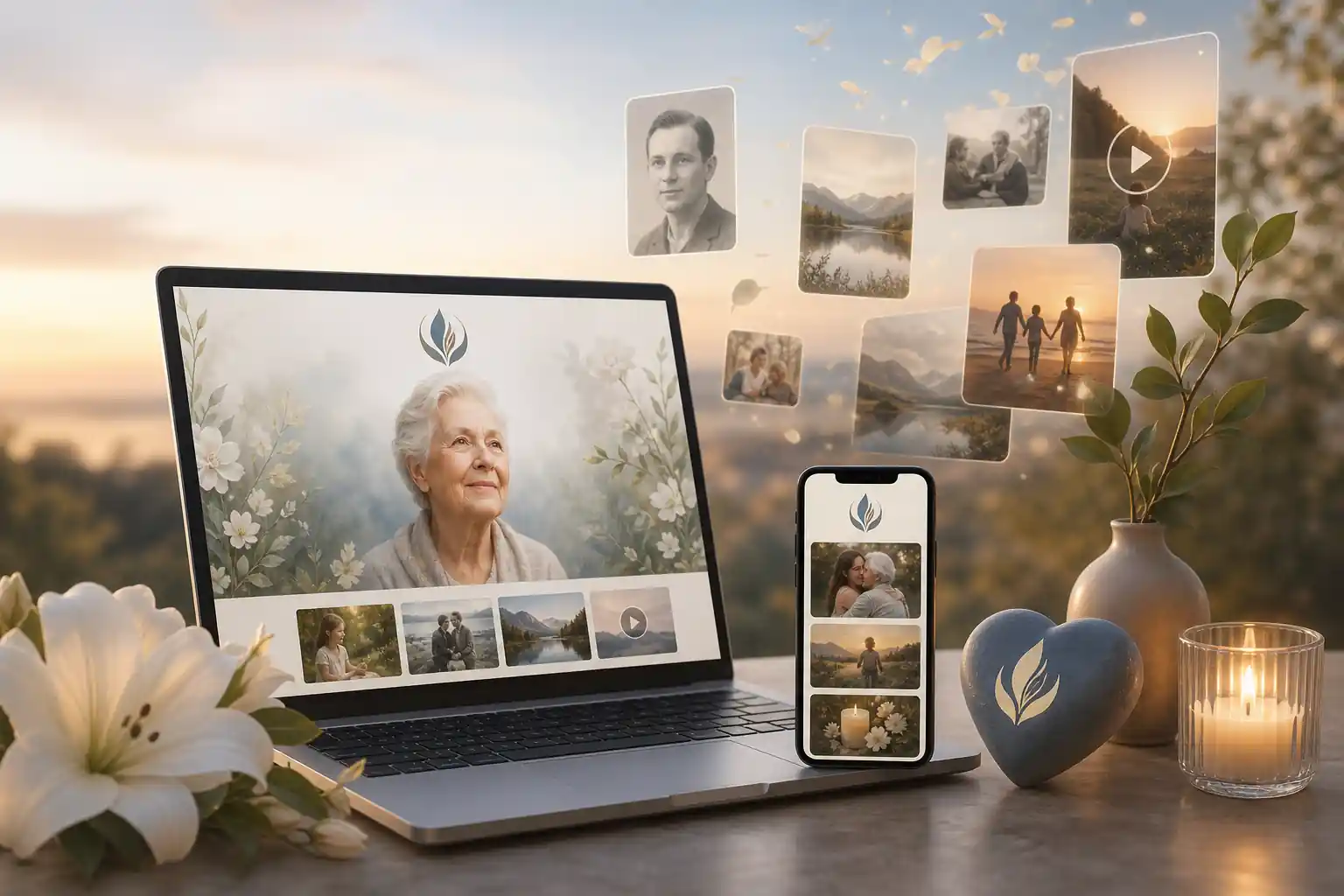
The best online memorial sites for photos and video are the ones that make it easy to upload media, invite family contributions, control privacy, update details over time and preserve the page in a clear, mobile-friendly format. For most families, the right choice is less about one flashy feature and more about fit: secure sharing, simple editing, respectful design, transparent pricing and enough structure to keep memories, messages and wishes together.
Direct answer: What are the best online memorial sites for photos and video?
A practical comparison starts with five questions: can family members contribute safely, can you organise photos and videos clearly, can privacy settings be adjusted, is pricing understandable, and will the page remain easy to access later? A strong memorial platform should support remembrance without turning the process into a technical project.
Some families prefer a simple online obituary. Others need a fuller tribute page with photo albums, video messages, guestbook entries, funeral details, life stories and future updates. If you are comparing options, it may help to read more broadly about best online obituary sites, because obituary-style pages and multimedia memorial pages often overlap but are not always designed for the same purpose.
Evaheld Memorials is designed as a practical memorial planning layer: families can create, complete, store, update and share remembrance content in one organised place. It is not a replacement for legal, medical, financial, counselling or funeral advice, but it can help reduce the confusion that often comes from scattered folders, old messages, cloud links and paper notes.
What online memorial sites for photos and video is for
Online memorial pages help families gather meaningful memories in a format that can be visited from different places and devices. They are especially useful when relatives live across countries, when people cannot attend a service, or when the family wants a lasting tribute that can be added to after the funeral or anniversary.
Photos and videos often carry details that written notices cannot: a laugh, a favourite place, a hobby, a voice, a song, a family gathering or a simple everyday moment. The U.S. Library of Congress offers helpful personal archiving guidance on keeping digital materials organised and accessible, including photos, videos and documents. Its personal digital archiving guidance is a useful reminder that preservation is not just about uploading files; it is about naming, organising, backing up and maintaining them over time.
A good memorial site can also act as a shared reference point. It might include service information, a guestbook, a biography, media galleries, donation guidance, cultural or faith details, and notes about how the family would like people to contribute. If you are comparing tools, Evaheld Memorials’ online memorial features page can help you think through which functions are most useful for your family.
When to use online memorial sites for photos and video
Families often create an online memorial shortly after a death, but that is not the only time it can be useful. A page can be prepared before a service, expanded after a funeral, revisited on anniversaries, or created later when the family feels ready to gather memories properly.
Online memorials can be particularly helpful when:
- family and friends are spread across different locations;
- there are many photos, videos or stories to organise;
- people want to contribute memories but do not know where to send them;
- the family wants privacy controls rather than a fully public post;
- service information may need to be updated;
- children, grandchildren or future relatives may want a respectful record later.
It is also worth thinking about digital privacy early. The Office of the Australian Information Commissioner explains key privacy rights in Australia, while the UK Information Commissioner’s Office provides public guidance on personal information rights. These sources are not memorial-specific, but they are useful when deciding what personal details, images or stories should be shared online.
Legal requirements vary by country, state and territory, so formal documents should be checked against local rules or reviewed by a qualified professional where needed. A memorial site can help organise and share remembrance information, but it should not be treated as a substitute for a will, probate document, enduring power of attorney, advance care directive or other formal record.
What to include in online memorial sites for photos and video
The most useful memorial pages usually combine emotional warmth with practical clarity. You do not need to include everything at once. Start with the essentials, then add layers as the family has time and permission.
Consider including:
- A clear name and life dates, with preferred spelling, titles and cultural details checked carefully.
- A short life story that captures personality, relationships, work, interests and values.
- Photo albums grouped by life stage, family branch, events or themes.
- Video memories, such as speeches, home videos, recorded messages or service clips where appropriate.
- Service or gathering details, if the page is being used before or around a funeral or memorial event.
- A guestbook or tribute area where others can share memories in one place.
- Privacy preferences, including whether the page is public, private or shared only with invited people.
- Contribution instructions, so relatives know what to upload and what to avoid.
- Future update notes, including who can maintain the page.
The U.S. National Archives has clear advice on preserving family archives, including photographs and personal records. For digital materials, the Digital Preservation Coalition’s Digital Preservation Handbook is a useful reference for thinking beyond immediate sharing and towards long-term access.
If the page will contain sensitive family information, personal stories, images of children, health references, conflict details or private addresses, slow down before publishing. The eSafety Commissioner’s guidance on online privacy is a helpful starting point for families deciding what belongs in a shared online space.
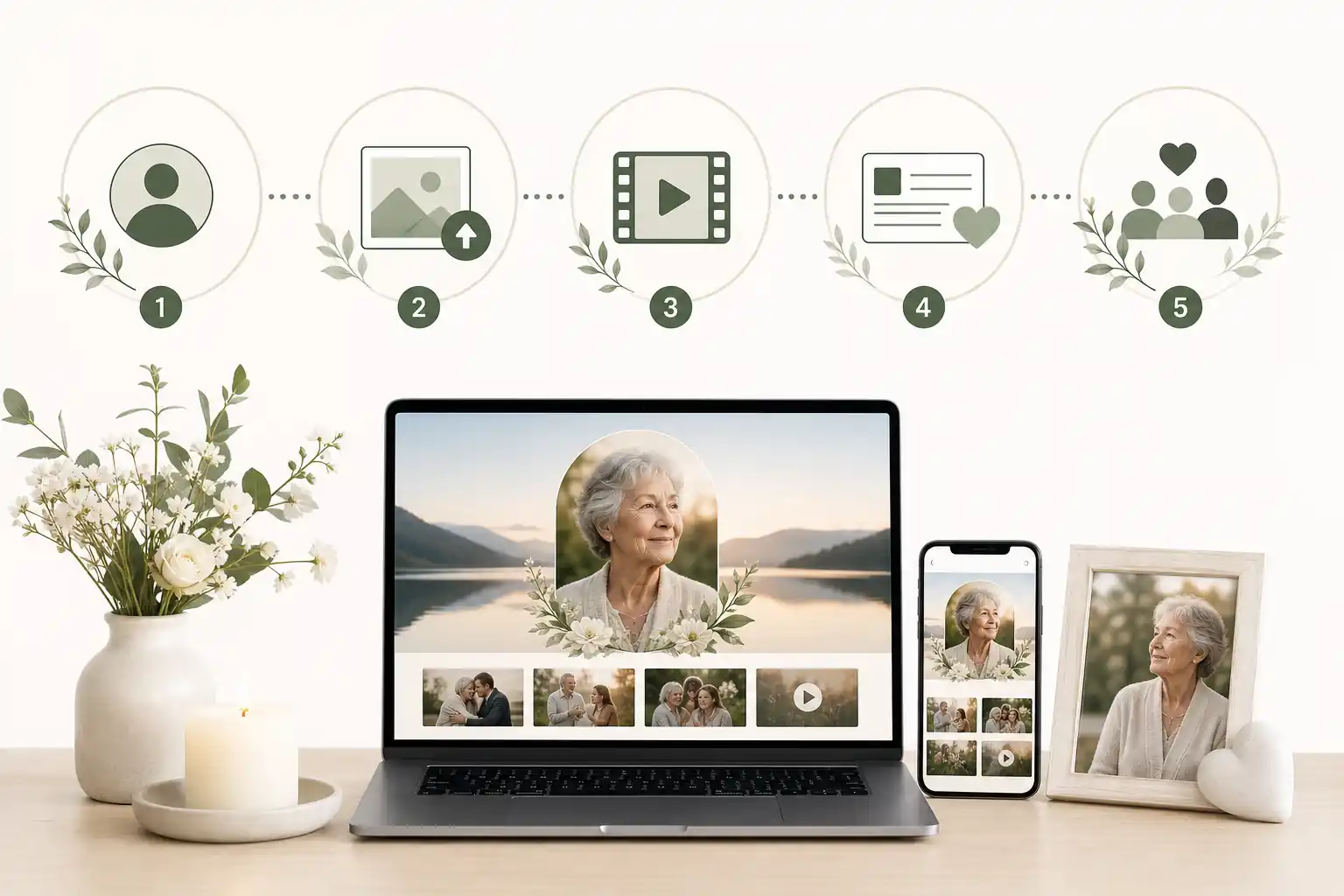
Step-by-step instructions for online memorial sites for photos and video
A simple process makes the task less overwhelming, especially when several people are involved.
- Choose the purpose. Decide whether the page is mainly for service details, long-term remembrance, family storytelling, photo sharing or all of these.
- Nominate one or two coordinators. This avoids duplicate uploads, conflicting edits and unclear privacy decisions.
- Gather core information. Confirm the full name, dates, biography details and any funeral or gathering information before publishing.
- Sort photos and videos. Remove duplicates, choose a small first collection, and save originals separately where possible.
- Check permissions. Ask before posting sensitive images, children’s photos, private messages or videos involving other people.
- Set privacy levels. Choose whether the memorial should be public, invitation-only or shared with selected groups.
- Invite contributions carefully. Give clear instructions about tone, file types, captions and deadlines if needed.
- Review before sharing widely. Check names, dates, links, captions, spelling and emotional tone.
- Plan maintenance. Decide who will update the page for anniversaries, new photos or changes to access.
You can start a structured tribute through create memorial page and build from the essentials rather than trying to complete everything in one sitting. For families comparing broader options, this guide to the easiest online memorial builders may also help clarify what “easy” should mean in practice: not just quick setup, but simple contribution, editing and sharing.
Security matters as much as design. The Australian Cyber Security Centre explains why multi-factor authentication helps protect accounts, and also provides advice on using password managers. These steps are especially sensible when a memorial page includes private family media or access for several relatives.
Practical tips for families
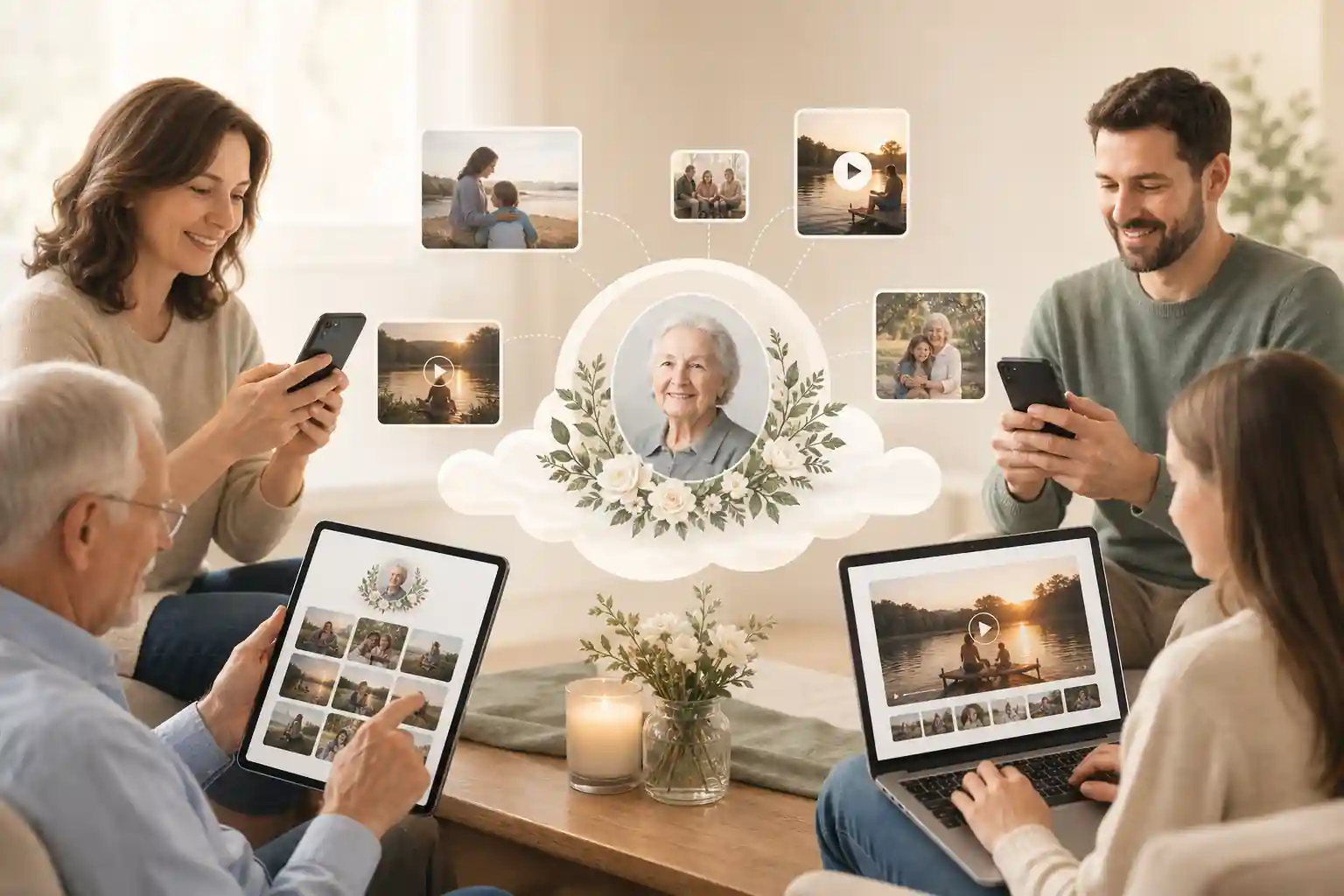
Begin with a small, well-chosen collection rather than hundreds of files. A thoughtful first version might include a portrait, a family photo, one favourite video, a short biography and a place for tributes. More can be added later.
Use clear file names before uploading, such as “Mum-70th-birthday-2018” or “Dad-garden-video-2020”. This helps future family members understand the context. The Library of Congress’ archiving guidance and the National Archives’ family preservation advice both reinforce the value of order, labels and context.
If several relatives want to contribute, create a short family note explaining what you are looking for: favourite photos, brief stories, accurate captions and respectful videos. Ask people not to upload screenshots of private conversations, medical details or images that include others without permission.
When reviewing what online memorial website reviews usually miss, look beyond star ratings. Reviews may not fully cover privacy controls, long-term access, export options, moderation tools, family permissions, mobile usability or how easy it is to correct mistakes after publishing.
For families who want to understand costs before committing, compare whether a platform uses a subscription, a one-time fee, optional upgrades or paid media storage. Evaheld Memorials provides information about online memorial plans, and families can also explore plans for online memorial sites for photos and video when they are ready to choose a practical setup.
Common mistakes
The most common mistake is creating a page quickly, sharing it widely, and only later realising that private details, incorrect dates or unapproved images have been included. A short review step can prevent a great deal of distress.
- Uploading too much at once. Large, unsorted galleries can feel overwhelming and may bury the most meaningful memories.
- Forgetting mobile users. Many people will visit from a phone, so the page should be easy to read and navigate on a small screen.
- Ignoring privacy settings. A public link may travel further than expected.
- Using weak account security. Shared passwords and old email accounts can create avoidable risks.
- Not checking permissions. Photos and videos often include people who may not want to be shown publicly.
- Relying on one storage location. A memorial page is useful, but families should also keep original files backed up where appropriate.
The U.S. Federal Trade Commission offers practical advice on protecting privacy online and recognising phishing scams. These are relevant because memorial pages can involve emotional timing, shared access and links sent through email or messaging apps.
CISA’s Secure Our World guidance also encourages simple protective habits such as strong authentication, software updates and caution with suspicious messages. A memorial page should feel warm and human, but the account behind it still deserves ordinary cyber safety.
What not to do
Do not treat a memorial page as a place to settle family disputes, publish unverified claims, disclose private medical or financial information, or share legal documents without proper advice. If a document has legal effect, check local rules and seek qualified help where needed.
Do not assume every photo is appropriate because it is meaningful to one person. Some images may show children, former partners, private homes, workplaces, religious ceremonies, hospital settings or people who are grieving. A gentle permission check is often the kindest path.
Do not use the same weak password across multiple accounts, especially if several relatives need access. NIST’s digital identity guidance discusses authentication principles in depth, including the importance of secure account access; its authentication guidance is technical, but the practical message is simple: protect accounts that hold personal information.
Do not rely only on a social media post if the family wants a calmer, more permanent remembrance space. Social platforms can be useful for announcements, but they are not always ideal for organising life stories, family permissions, videos, guestbook entries and long-term updates.
How Evaheld Memorials helps create, complete, store, update and share online memorial sites for photos and video
Evaheld Memorials helps families bring remembrance content into one organised experience. Rather than keeping photos in one cloud folder, videos in a message thread, service details in a text chain and wishes in a notebook, a memorial page can connect the practical and personal pieces.
Families can use Evaheld Memorials to create a tribute, complete it gradually, store related memories and instructions, update it over time and share access with trusted people when appropriate. This is particularly helpful when a memorial is not finished in the first week, or when new stories and photos arrive after the service.
The digital legacy vault can also support families who want to keep related wishes, messages and records together. This does not replace formal estate planning or professional advice, but it can make family communication clearer and less scattered.
If you have questions about access, setup or family use, the Evaheld Memorials memorial support questions page is a useful next step. For device-specific legacy planning, Apple provides information about Legacy Contact for Apple ID, and Google explains its Inactive Account Manager. These account tools are separate from a memorial page, but they can form part of a wider digital legacy plan.
For legal access to digital assets after death, rules differ across jurisdictions. The Uniform Law Commission’s materials on fiduciary access to digital assets provide U.S. context through its digital assets committee documents. Families in Australia, the UK, the U.S. and elsewhere should check local requirements and seek qualified advice for formal legal matters.
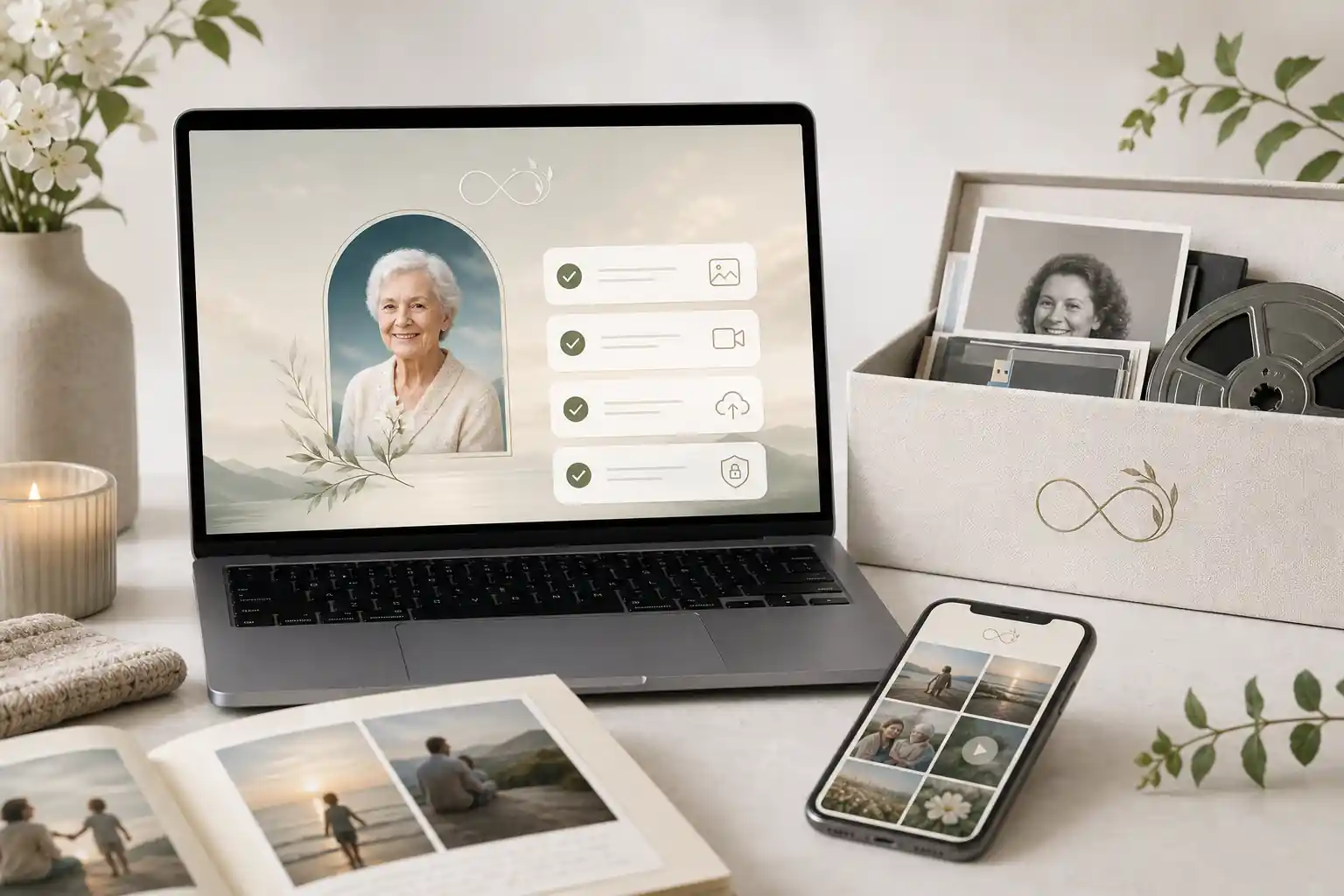
Final checklist
Before publishing or sharing a memorial page, use this checklist to slow the process down and protect both the memory and the family:
- Confirm the person’s name, dates and key biographical details.
- Choose a small, meaningful first set of photos and videos.
- Check permission for images involving children, private settings or other people.
- Set privacy and sharing permissions deliberately.
- Review spelling, captions, links and service information.
- Use strong account security and avoid shared weak passwords.
- Keep original media backed up outside the memorial page where appropriate.
- Nominate who can update the page later.
- Separate remembrance content from legal, medical or financial instructions that require professional review.
- Invite contributions with clear, respectful guidance.
The best platform is the one your family can actually use with confidence: clear enough for the least technical person, respectful enough for a difficult time, secure enough for personal memories, and flexible enough to grow as more stories arrive. Evaheld Memorials can help make that process calmer by keeping photos, videos, tributes, wishes and sharing instructions together in one thoughtful place.
FAQs about online memorial sites for photos and video
What are the best online memorial sites for photos and video?
The best online memorial sites for photos and video are the ones that make it easy to upload media, invite family contributions, control privacy, update details over time and preserve the page in a clear, mobile-friendly format. For most families, the right choice is less about one flashy feature and more about fit: secure sharing, simple editing, respectful design, transparent pricing and enough structure to keep memories, messages and wishes together.
The best online memorial sites for photos and video are easy for relatives to use, support images, video, stories and guestbook messages, offer clear privacy controls, and make it simple to update or share the page over time. Evaheld Memorials provides a practical option for families who want an organised, secure remembrance page; compare features on the online memorial features page and follow digital preservation basics from the Library of Congress personal archiving guidance.
How can an online tribute feel personal and respectful?
Online memorial sites for photos and video are used to gather a person’s life story, images, video tributes, funeral details, guest messages and shared memories in one accessible place. You can begin with creating a memorial page and use family archive tips from the U.S. National Archives family archives guidance.
When should a family create or review the memorial?
A family might use one before a service, after a funeral, on an anniversary, or when relatives are spread across different places and need a shared space to contribute memories. If you are comparing options, the guide to the easiest online memorial builders can help, alongside broader preservation advice from the Digital Preservation Coalition handbook.
Who should manage the page and approve contributions?
Include a short life story, selected photos, video clips, service information if appropriate, favourite sayings, family-approved messages, and any sharing instructions. Evaheld Memorials’ digital legacy vault can help keep related memories and wishes together; privacy rights guidance from the Office of the Australian Information Commissioner is also useful.
What content belongs on the memorial page?
Start with basic details, choose privacy settings, upload a small set of meaningful photos and videos, invite trusted contributors, review everything, then publish or share when ready. Evaheld Memorials’ memorial support questions can guide setup, and the eSafety Commissioner privacy resources are helpful when sharing online.
How can families control privacy and sharing?
Common mistakes include uploading too much at once, using unclear permissions, forgetting mobile users, sharing private details publicly, and not keeping a backup of important files. The article on what online memorial website reviews usually miss explains comparison gaps, while the FTC online privacy guidance covers practical safety steps.
Which account details and backups should be retained?
Avoid posting sensitive addresses, financial details, private family disputes, unapproved photos of others, or content that may distress close relatives. Review sharing settings through Evaheld Memorials features and consider phishing-awareness advice from the FTC phishing scam guidance.
How can relatives contribute safely?
Privacy and permissions usually control who can view, contribute to, edit or share the memorial page. Families should choose settings that match their comfort level and review them over time. Evaheld Memorials explains available options through online memorial plans, and account security advice from CISA Secure Our World is a useful reference.
What common online memorial mistakes should families avoid?
Evaheld Memorials helps families create, complete, store, update and share tribute pages, photos, videos, messages, guestbook contributions and related wishes in one organised place. You can start a secure page for online memorial sites for photos and video, while password manager guidance from the Australian Cyber Security Centre can support safer account access.
How does Evaheld Memorials support long-term preservation?
Check names, dates, captions, permissions, privacy settings, mobile display, video playback, contributor access and whether close family members are comfortable with the content. If the page also functions like an obituary, compare it with best online obituary sites and consider multi-factor authentication guidance from the Australian Cyber Security Centre.
If your family is ready to begin, create a free Evaheld Memorials page and add memories, photos and tributes at your own pace.
Related Evaheld resources
Continue with these carefully selected Evaheld Memorials guides and answers.