What are the top mobile-friendly memorial sites? Features, privacy and family fit
A practical Evaheld Memorials article that answers “What are the top mobile-friendly memorial sites?”, explains the top mobile-friendly memorial sites, shows what to include, avoids common mistakes and helps families plan features, privacy and family fit.
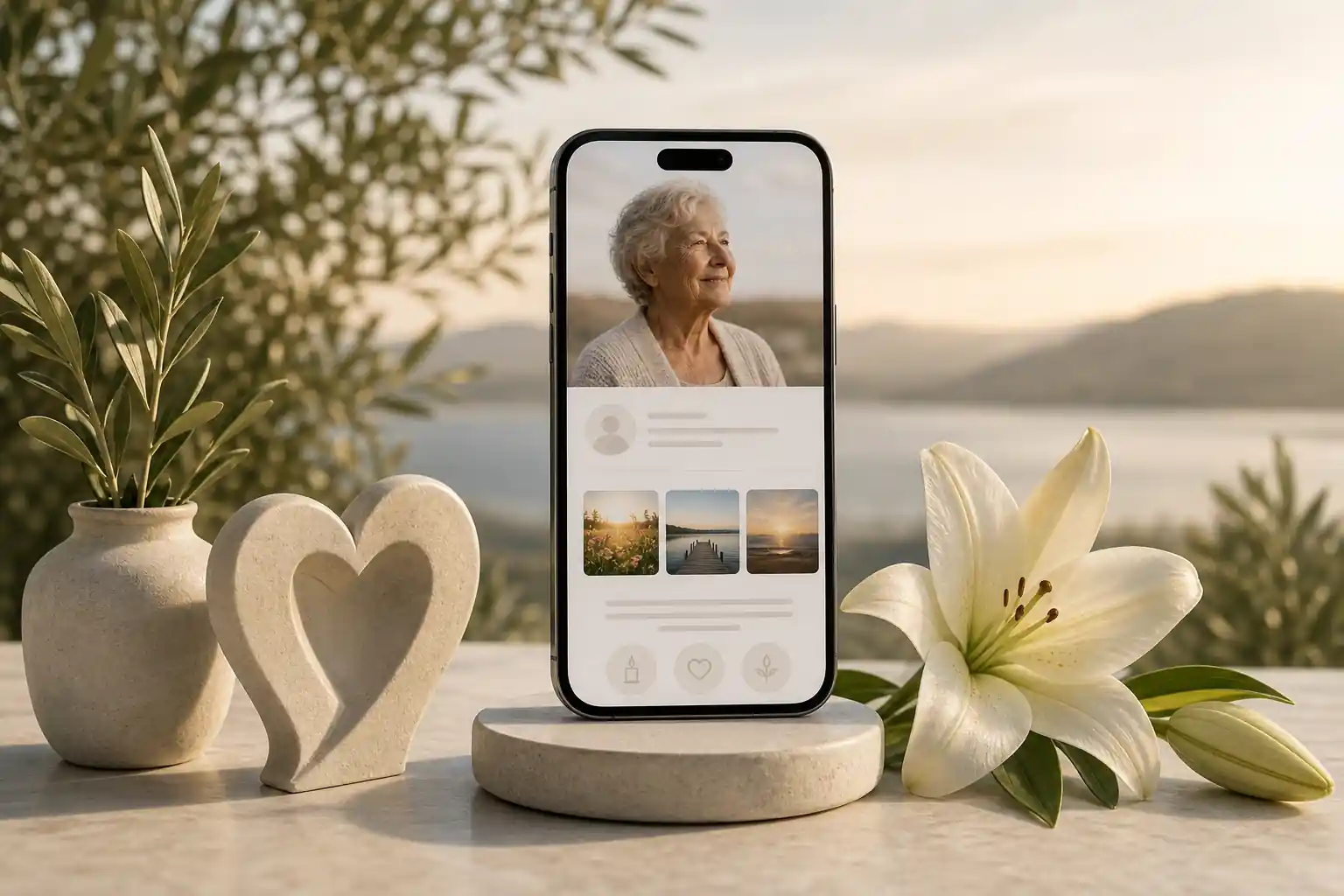
The top mobile-friendly memorial sites are the ones that load quickly on a phone, are easy for older and less technical relatives to use, protect family privacy, allow thoughtful photo and story sharing, and make it simple to update access over time. Rather than looking for one universal “best” platform, compare memorial websites by mobile design, privacy controls, guestbook features, permanence, pricing, export options and how comfortably your family can contribute.
For many families, the right choice is a calm, secure digital space that feels respectful on any device. A good mobile memorial page should help people read the life story, view photos, leave messages, find ceremony or donation details if appropriate, and return later without confusion. Evaheld Memorials supports this planning layer by helping families create, complete, store, update and share tribute pages, photos, messages, wishes and related instructions in one organised place.
Direct answer: What are the top mobile-friendly memorial sites?
The top mobile-friendly memorial sites usually share a few practical qualities: simple navigation, readable text, responsive photo galleries, privacy settings, guestbook moderation, clear pricing, long-term access options and a respectful visual design. They should also support secure digital remembrance pages without requiring every visitor to download an app or create an account just to pay respects.
When comparing the best online memorial websites, focus less on glossy examples and more on real family use. Can a grandparent open the page from a text message? Can siblings upload photos without breaking the layout? Can you control whether the page is public, private or shared only with invited people? Can you edit details later if service times, donation links or family wishes change?
Digital preservation matters too. The U.S. Library of Congress offers practical personal digital archiving guidance, and the U.S. National Archives provides helpful advice on preserving family archives. These sources are not memorial-platform reviews, but they highlight an important point: memories last longer when files, context and access are organised thoughtfully.
What the top mobile-friendly memorial sites is for
A mobile-friendly memorial site is for gathering a person’s story, photos, tributes and practical remembrance details in a single place that family and friends can reach from wherever they are. It may be used for a recent death, an anniversary tribute, an online condolence book, a life celebration, or ongoing digital legacy planning.
At its best, a memorial site does three things. First, it honours the person through biography, photos, audio, video, stories and messages. Second, it helps people participate, even if they live far away or cannot attend a service. Third, it reduces the burden on close family members by keeping details and contributions in one accessible location instead of scattered across texts, social media posts, email threads and cloud folders.
If you are comparing digital memorial platforms, look for features that match your family’s actual needs. Some families want a simple obituary-style page. Others need contribution prompts, guestbook moderation, private sharing, memory uploads, ceremony information, donation guidance, or a longer-term digital legacy vault. Evaheld Memorials’ online memorial features are designed around this practical need to keep memories and instructions together, while still allowing families to share at a pace that feels right.
Privacy should be part of the purpose from the beginning. Australia’s Office of the Australian Information Commissioner explains core privacy rights, the UK Information Commissioner’s Office provides public guidance on personal information and data protection, and the U.S. Federal Trade Commission offers plain-language advice on protecting privacy online. These are useful reminders to think carefully before publishing personal details, addresses, dates, private family information or images of people who may not want to be identified publicly.
When to use the top mobile-friendly memorial sites
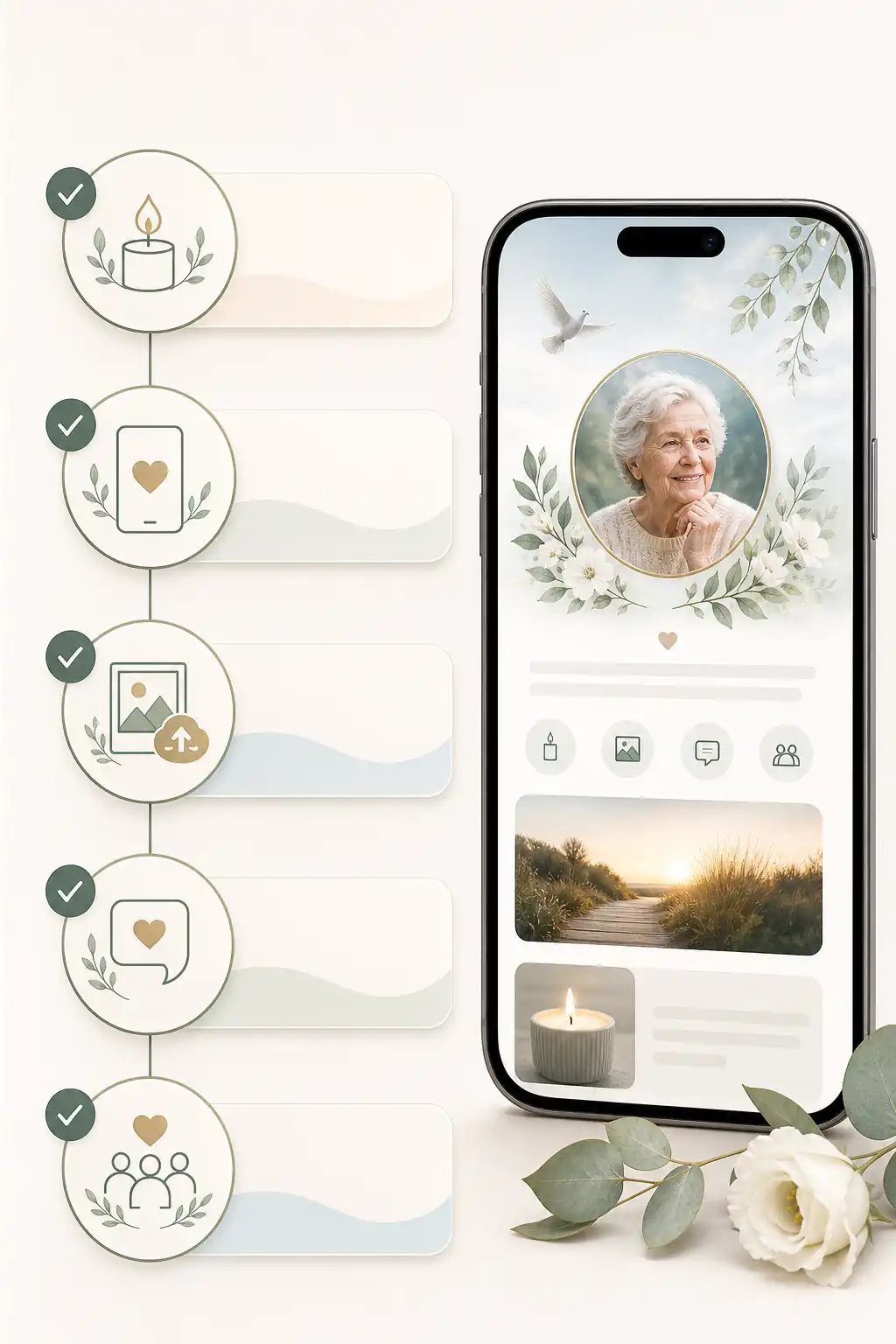
Use a mobile-friendly memorial site when family and friends need a central, respectful place to gather memories, share condolences or receive updates. It is especially useful when relatives are spread across different cities or countries, when many people will open the page from a phone, or when you want a quieter alternative to fast-moving social media posts.
It can also help before a funeral or memorial service by keeping service information, livestream details, photo requests and family preferences in one location. After the service, the same page can become a permanent or long-term remembrance space, depending on the platform and plan you choose. If permanence is a major concern, it is worth reading more about best permanent digital obituaries and comparing how different providers explain storage, access and future updates.
Families may also use memorial platforms proactively. A person may prepare messages, photos, wishes, readings or personal reflections in advance, then decide who should access them later. This does not replace a will, funeral plan, advance care document or professional advice. Legal requirements vary by country, state and territory, so formal documents should be checked against local rules or reviewed by a qualified professional where needed.
What to include in the top mobile-friendly memorial sites
A useful memorial page should include enough to honour the person without overwhelming visitors. Start with the essentials: full name, preferred name, dates if the family wishes to share them, a warm life story, selected photos, service or gathering details if relevant, and a clear way for visitors to leave messages. If the page will be public, be cautious with addresses, private family information and details that could expose someone to risk.
Consider including a short biography that feels human rather than formal. Mention values, relationships, work, community, humour, favourite places, music, hobbies and stories that show character. Add a curated gallery rather than every available image. If the site supports it, use captions so future readers understand who is pictured, when the photo was taken and why it matters.
For best virtual memorial features, look for guestbook comments, moderated contributions, photo and video uploads, invitations, privacy controls, mobile-friendly layouts, export or download options, and a clear way to update information. If donations are mentioned, link only to verified charities or official fundraising pages, and avoid implying financial or tax outcomes unless a qualified adviser or the charity itself has provided that information.
Good digital housekeeping also matters. The Digital Preservation Coalition’s Digital Preservation Handbook explains the value of preserving digital material with context and care. For families, that can be as simple as naming files clearly, keeping original copies somewhere safe, recording dates and places where known, and choosing a platform that allows the memorial to be maintained over time.
Step-by-step instructions for the top mobile-friendly memorial sites
- Clarify the purpose. Decide whether the page is for immediate condolences, ceremony information, long-term remembrance, private family sharing, or a combination.
- Choose the audience. Work out whether the memorial should be public, private, invite-only, or shared with a limited group first.
- Gather core content. Collect the life story, preferred photos, key dates, ceremony details, readings, music, donation information and family contact preferences.
- Check permissions. Ask before publishing sensitive images, children’s photos, private stories or information about living people.
- Compare platform features. Review mobile design, guestbook controls, storage, updates, pricing, advertisements, export options and support.
- Create the page. Use a clear title, a readable biography, a small set of strong images and simple navigation.
- Review on a phone. Open the page on different devices, check text size, image loading, buttons, forms and sharing links.
- Invite contributions carefully. Give relatives a simple prompt, such as “share a favourite memory”, and explain whether comments will be moderated.
- Publish or share gradually. Start with close family if needed, then widen access when everyone is comfortable.
- Maintain the page. Update details, add selected memories, review privacy settings and keep a backup of important files.
If you are ready to compare options and begin in a structured way, you can create a secure Evaheld Memorials page for top mobile-friendly memorial sites, then update it over time and share it with trusted people when ready.
Practical tips for families
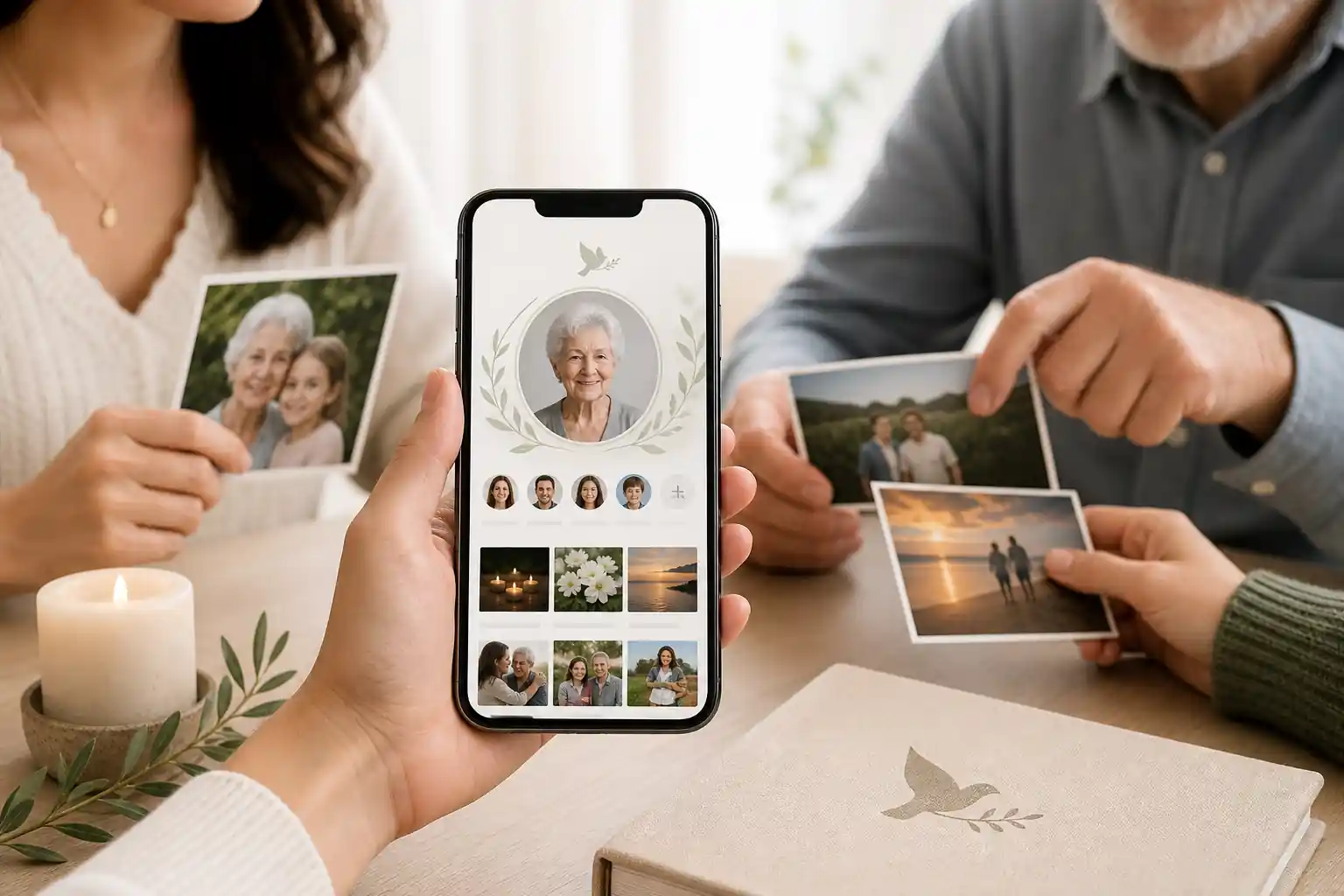
Choose clarity over completeness. A memorial page does not need to contain every photo, every achievement or every message at once. Families often create a better experience by publishing a calm first version, then adding memories over time. This approach also gives close relatives room to check spelling, dates, names and sensitivities before a wider audience sees the page.
Make the page easy to use for people who are grieving. Use plain headings, short paragraphs and obvious buttons. Avoid forcing visitors through complicated sign-ups. Test the page on a phone with mobile data, not only on home Wi-Fi. If several people are helping, assign one or two trusted editors so the page remains consistent.
Security is part of care. The Australian Cyber Security Centre explains why multi-factor authentication strengthens account protection, and also provides guidance on using password managers. CISA’s Secure Our World guidance is another helpful reminder to use strong passwords, update software and be cautious with suspicious links.
Think about accessibility too. Use high-contrast text, avoid tiny fonts, write descriptive captions, and do not rely only on images to communicate service details. Mobile-friendly design is not just about looking good on a phone; it is about helping people of different ages, abilities and devices participate with dignity.
Common mistakes
- Choosing by appearance alone. A beautiful template is not enough if privacy settings, editing tools or mobile usability are poor.
- Publishing too much personal information. Avoid addresses, private conflict, financial details, identification documents or sensitive health information.
- Forgetting consent. Photos and stories may include living people who have their own privacy preferences.
- Using scattered tools. A social post, shared drive and message thread can quickly become confusing without a central memorial page.
- Not checking long-term access. Free vs paid online memorials can differ significantly in storage, advertisements, editing rights and permanence.
- Not planning for account access. If only one person knows the login, updates may become difficult later.
For broader account planning, Apple provides information about its Legacy Contact feature, and Google explains Inactive Account Manager. These tools are separate from a memorial website, but they show why families should think ahead about access, permissions and digital assets.
What not to do
Do not treat a memorial site as a substitute for formal legal, financial, medical or estate-planning documents. A memorial page can organise wishes, memories, messages and instructions, but it should not be relied on to change a will, appoint a decision-maker, manage probate or override local requirements. If official decisions are involved, speak with a qualified professional, funeral director, cemetery authority or relevant government office.
Do not rush public sharing when emotions are raw. It is reasonable to create a draft, invite a small group to review it, and wait before posting widely. Do not copy a person’s private messages, medical history or family disputes into a public tribute. Do not upload images that could distress close relatives without warning. And do not assume that a platform described as “free” has no trade-offs; check whether it includes advertising, data limitations, reduced support or future upgrade costs.
Be alert to scams and impersonation around bereavement. The FTC’s guidance on recognising and avoiding phishing scams is useful when families are receiving many messages, donation requests or unfamiliar links. If a memorial page includes donation details, use official charity pages and check links carefully before sharing.
How Evaheld Memorials helps create, complete, store, update and share the top mobile-friendly memorial sites
Evaheld Memorials helps families turn scattered memories and instructions into an organised online memorial experience. You can create a memorial page, add photos and messages, keep related details together, and update the page as plans or family preferences change. This is especially helpful when several relatives are contributing from different places and most visitors will open the memorial on a phone.
The platform is best understood as a practical memorial planning layer: a place to create, complete, store, update and share remembrance content with trusted people when appropriate. It does not replace professional advice, official records or local legal requirements. Instead, it helps families keep the human side of remembrance organised: stories, guestbook inputs, photos, wishes, instructions and access decisions.
If you are comparing online memorial pricing, review what each plan includes before committing. Evaheld Memorials provides online memorial plans information, and families considering broader planning can also explore the digital legacy vault. For questions about support, access or setup, the memorial support questions page is a helpful place to start.
It is also worth comparing related platform priorities. Some families care most about permanence, others about one-time payment options, and others about avoiding advertising. These deeper comparisons may help: online memorial platforms with a one-time fee and best ad free online memorial platforms.
Final checklist
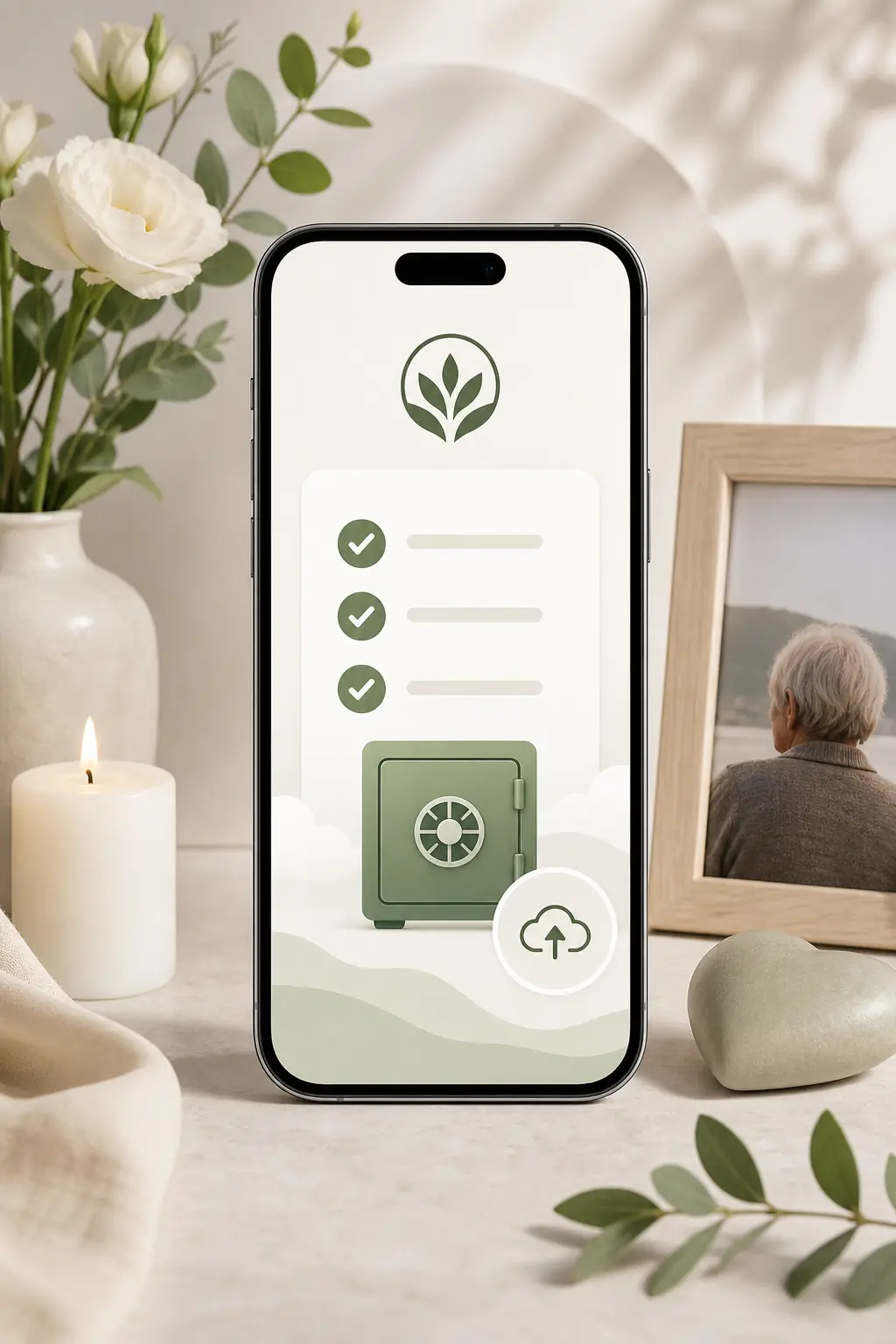
- Is the memorial easy to read and navigate on a phone?
- Can visitors leave messages or memories without confusion?
- Have you chosen public, private or invite-only access deliberately?
- Have living people in photos or stories been considered respectfully?
- Are service, donation or gathering details accurate and easy to update?
- Does the platform explain pricing, storage, advertising and long-term access clearly?
- Are account logins protected with strong passwords and, where available, multi-factor authentication?
- Have important photos and text been backed up outside the platform?
- Have formal legal or estate matters been kept separate from the memorial page?
- Does the page feel like the person: warm, accurate, respectful and simple to share?
The best online memorial sites are not simply the most feature-heavy. They are the ones your family can use gently, safely and confidently during a difficult time. A mobile-friendly memorial should make remembrance easier, not more complicated, while giving you enough control to protect privacy, preserve memories and share the page when the time feels right.
FAQs about the top mobile-friendly memorial sites
What are the top mobile-friendly memorial sites?
The top mobile-friendly memorial sites are the ones that load quickly on a phone, are easy for older and less technical relatives to use, protect family privacy, allow thoughtful photo and story sharing, and make it simple to update access over time. Rather than looking for one universal “best” platform, compare memorial websites by mobile design, privacy controls, guestbook features, permanence, pricing, export options and how comfortably your family can contribute.
The top mobile-friendly memorial sites are platforms that are easy to read, update and share on a phone, with clear tribute pages, photo and story sections, guestbook options, privacy controls and reliable access over time. Evaheld Memorials supports this through organised memorial pages and sharing tools; for preservation basics, see the Library of Congress guide to personal digital archiving.
How can an online tribute feel personal and respectful?
They are used to create a central online place for memories, photos, messages, service details, guestbook entries and family updates. A practical starting point is to create a memorial page, then keep the content accurate and respectful. The U.S. National Archives also offers helpful guidance on caring for family archives.
When should a family create or review the memorial?
A family may use one before a service, after a funeral, on an anniversary, or when relatives and friends are spread across different locations. Evaheld Memorials’ online memorial features can help keep contributions together. For wider digital preservation context, the Digital Preservation Coalition’s digital preservation handbook is a useful reference.
Who should manage the page and approve contributions?
Include a short life story, selected photos, key dates, service or memorial details, family-approved messages, guestbook prompts and any sharing preferences. You can compare options through online memorial plans. For privacy considerations, the Office of the Australian Information Commissioner explains privacy rights in accessible terms.
What content belongs on the memorial page?
Choose the platform, gather approved details and images, set privacy permissions, invite contributors, review everything on a phone, then publish or share with trusted people. Evaheld Memorials’ digital legacy vault can help keep related wishes and memories organised. For account safety, the Australian Cyber Security Centre explains multi-factor authentication.
How can families control privacy and sharing?
Common mistakes include uploading too much at once, using unclear privacy settings, sharing sensitive details publicly, forgetting mobile readability and not asking family before posting certain photos. The memorial support questions page can help with practical setup points. The eSafety Commissioner also has guidance on online privacy.
Which account details and backups should be retained?
Avoid publishing private contact details, passwords, financial information, family disputes or unverified service instructions. If you are ready to compare access options, create a secure Evaheld Memorials page for top mobile-friendly memorial sites, then update it over time and share it when appropriate. The FTC explains how to protect your privacy online.
How can relatives contribute safely?
Privacy settings usually control who can view, contribute to or edit a memorial page, so families should decide what is public, private or shared by invitation. Evaheld Memorials’ online memorial features support organised sharing. The UK Information Commissioner’s Office provides helpful public guidance on data protection rights.
What common online memorial mistakes should families avoid?
Evaheld Memorials helps families create, complete, store, update and share memorial content in one organised experience, rather than relying on scattered folders, messages or static files. You can start with create a memorial page. For general cyber safety, CISA’s Secure Our World guidance is a practical reference.
How does Evaheld Memorials support long-term preservation?
Check spelling, dates, photo permissions, privacy settings, mobile layout, service details, family approvals and who has ongoing access. If you are comparing long-term options, see best permanent digital obituaries. For safer account access, the Australian Cyber Security Centre explains password managers.
If your family is ready to begin, create a free Evaheld Memorials page and add memories, photos and tributes at your own pace.
Related Evaheld resources
Continue with these carefully selected Evaheld Memorials guides and answers.