Are there subscription-free online memorials? Features, privacy and family fit
A practical Evaheld Memorials article that answers “Are there subscription-free online memorials?”, explains there subscription-free online memorials, shows what to include, avoids common mistakes and helps families plan features, privacy and family fit.

Yes — there are subscription-free online memorials, including memorial pages that use a one-time fee, free limited plans, or included access through another service. The main thing is to compare what “subscription-free” actually covers: hosting length, privacy controls, guestbook moderation, photo and video storage, advertising, download options, and what happens if the provider changes its terms.
For families, the best choice is not always the cheapest page. It is the platform that lets you preserve the person’s story, invite the right contributions, protect sensitive details and keep the memorial accessible without creating ongoing uncertainty. If you are comparing the online memorial platforms with a one-time fee, the best ad free online memorial platforms, or broader platforms for storing life stories, use the same practical checklist: cost, control, privacy, permanence and ease for relatives.
Direct answer: Are there subscription-free online memorials?
Subscription-free online memorials do exist, but the wording can mean different things. Some platforms offer a free memorial with limited features. Others charge a one-time fee for a page, vault or upgrade. Some are ad-supported, some restrict storage, and some may require payment for long-term hosting, extra media, custom links or advanced privacy settings.
Before choosing, ask for plain answers to three questions: will the page remain online without recurring payments, can the family update it later, and who controls access if the original organiser is unavailable? Good digital preservation practice also means thinking beyond the first upload. The U.S. Library of Congress’ personal digital archiving guidance encourages families to organise, describe and back up important digital material so it remains understandable over time.
With Evaheld Memorials, families can create a secure memorial space, keep memories and instructions together, and choose when to share access with trusted people. You can also review online memorial plans and create a page for subscription-free online memorials when you are ready.
What there subscription-free online memorials is for
A subscription-free online memorial is for preserving remembrance without relying on a never-ending monthly or annual payment. It may be used to share a life story, funeral or memorial details, photos, videos, messages, guestbook entries, readings, music, family history, personal values and practical wishes. For some families, it becomes a central place to gather memories that would otherwise sit in text messages, cloud folders, email threads or social media posts.
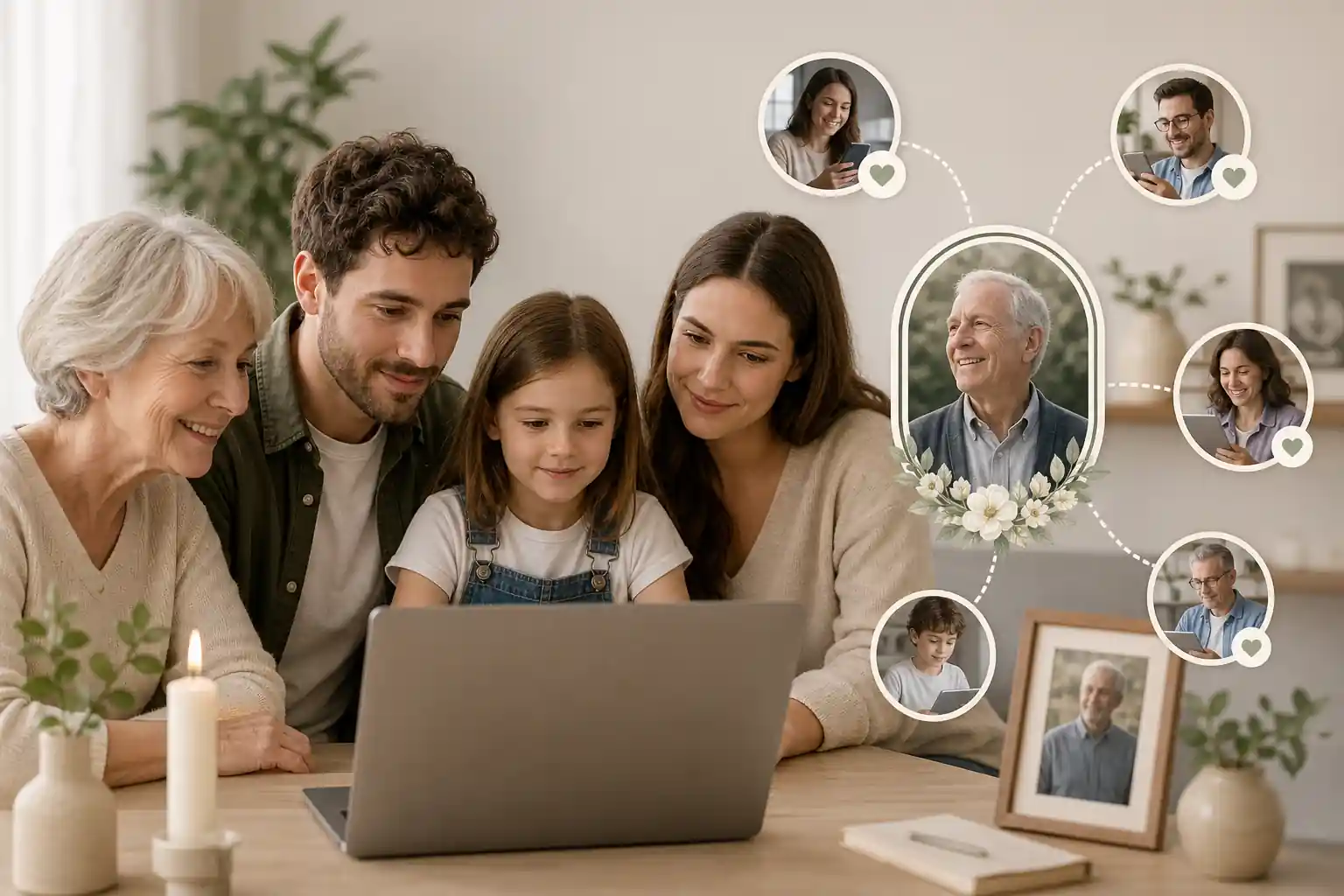
It is also a way to reduce the pressure on one person. Instead of one relative trying to collect every photo and anecdote, a well-structured memorial page can invite contributions from siblings, grandchildren, friends, colleagues and community members. The U.S. National Archives family archives advice is a useful reminder that family history is often scattered across photographs, papers, recordings and everyday records. A memorial platform helps bring those pieces into a more coherent story.
It is not a substitute for a will, probate process, funeral director, cemetery authority, therapist or legal adviser. Legal requirements vary by country, state and territory, so formal documents should be checked against local rules or reviewed by a qualified professional where needed. A memorial page is best understood as a remembrance and organisation tool, not a binding legal document.
When to use there subscription-free online memorials
Families often use subscription-free online memorials in three moments: soon after a death, before a memorial event, or as part of longer-term digital legacy planning. Soon after a death, the page can help communicate service details and collect condolences. Before an event, it can gather stories, photos and readings. Later, it can become a lasting remembrance space that is easier to revisit than a social media thread.
It can also be useful before loss occurs, particularly when someone wants to organise their life story, messages, wishes and photos for the future. This should be done sensitively and with consent. If a person is preparing digital legacy material, they may also need to consider account access rules from major services, such as Apple’s Legacy Contact information and Google’s Inactive Account Manager guidance. These are separate from an online memorial, but they can affect how photos, emails and files are retrieved or preserved.
Privacy is especially important when memories include children, family conflict, health details, addresses, dates of birth or financial information. Australian readers may find the Office of the Australian Information Commissioner’s privacy rights guidance helpful, while U.K. readers can refer to the Information Commissioner’s Office public privacy guidance. These sources do not choose a memorial platform for you, but they help frame the questions families should ask.
What to include in there subscription-free online memorials
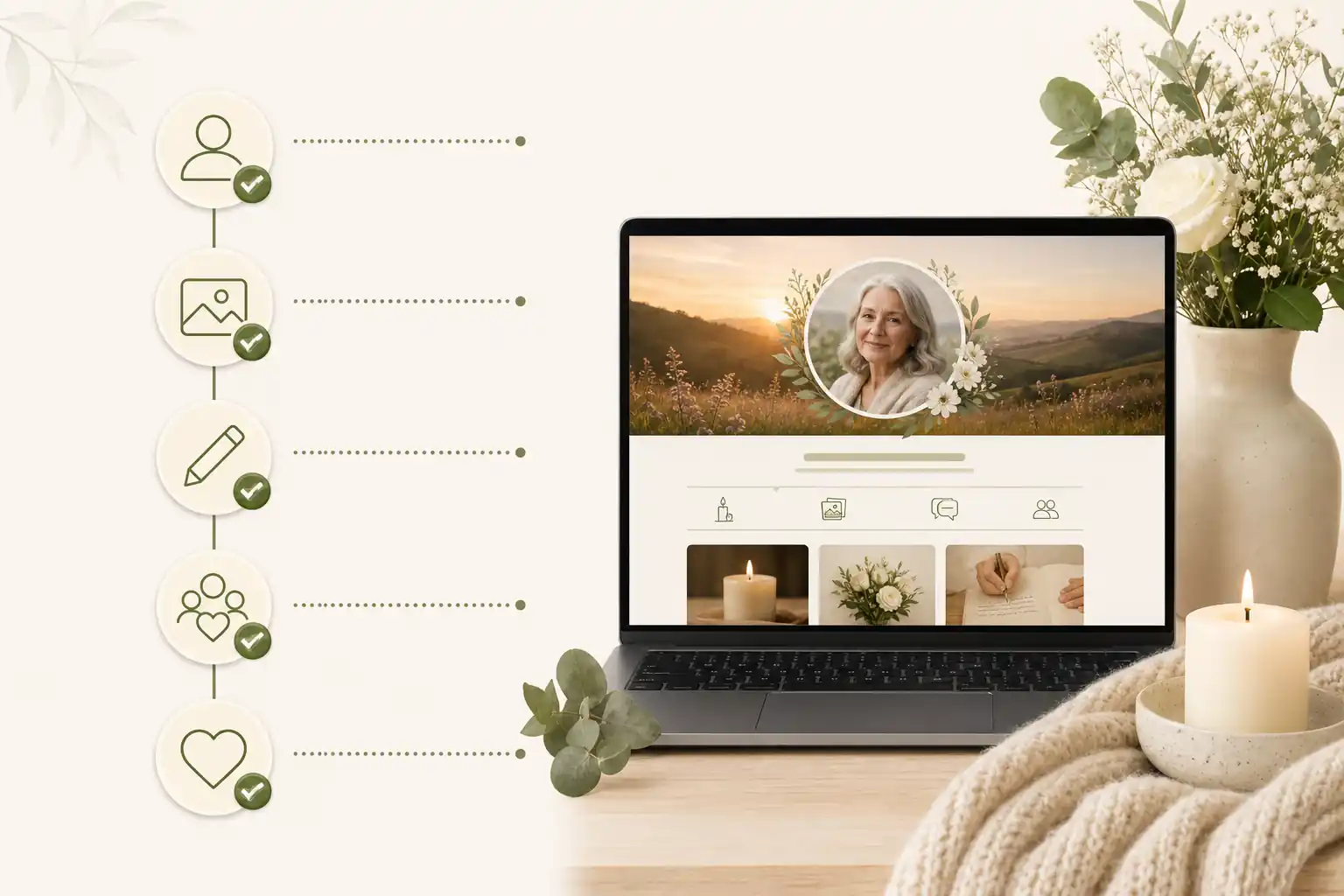
A strong memorial page usually includes both emotional and practical material. Start with the person’s full name, preferred name, dates, a clear photo, a short life summary and the tone the family wants the page to carry. Then add deeper memories: stories, milestones, family roles, friendships, work, service, faith or culture, hobbies, favourite sayings, music, recipes and places that mattered.
Include event information only if it is appropriate to share publicly or with a restricted group. If the service is private, say so gently rather than leaving people uncertain. If donations, flowers or attendance details are included, check the wording with the family and any relevant organisation. Avoid posting home addresses, travel plans or sensitive personal details.
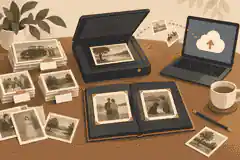
For digital preservation, include context. A folder of photos is helpful; labelled photos are far more useful. Add names, approximate dates, places and why the memory matters. The Digital Preservation Coalition’s digital preservation handbook explains that preservation is not only storage — it is also about keeping information usable and understandable over time.
A practical memorial structure might include:
- a short welcome message explaining the purpose of the page;
- a life story or obituary-style biography;
- selected photos, captions and video or audio memories;
- guestbook messages and moderated tributes;
- memorial event details, if appropriate;
- cultural, spiritual or personal preferences;
- links to related family history or digital legacy material;
- clear privacy settings and a named page organiser.
Step-by-step instructions for there subscription-free online memorials
Start by deciding the audience. Is the memorial public, invitation-only, family-only or temporary until after a service? This decision affects everything else, from what photos you choose to whether comments need moderation. The Australian eSafety Commissioner’s online privacy guidance is a useful starting point for thinking about what should and should not be shared online.
- Choose the purpose. Decide whether the page is mainly for funeral information, long-term remembrance, life story preservation, family collaboration or digital legacy planning.
- Compare costs clearly. Check whether the platform is free, subscription-free, one-time fee, ad-supported or feature-limited. Read what happens after the first year.
- Review privacy and permissions. Look for access controls, moderation, password or invitation settings, contributor roles and removal options.
- Gather core content. Collect the biography, selected images, service details, messages, readings and any instructions the family is comfortable sharing.
- Label and organise memories. Add dates, names and context so future relatives understand the material.
- Invite trusted contributors. Ask a small group to review the page before wider sharing.
- Check security settings. Use strong passwords and multi-factor authentication where available. The Australian Cyber Security Centre explains why multi-factor authentication helps protect accounts.
- Publish or share carefully. Send the link only to the intended audience and explain whether contributions are welcome.
- Review after the service. Remove time-sensitive details, add new memories and confirm who will maintain the page.
Evaheld Memorials’ online memorial features are designed to support this kind of organised process, rather than leaving families to manage scattered messages and folders.
Practical tips for families
Choose one organiser and one backup organiser. The main organiser can keep the page consistent; the backup helps if the first person becomes overwhelmed or unavailable. Grief can make even simple admin feel heavy, so the process should be calm, shared and realistic.
Use plain language. A memorial does not need to sound formal to be meaningful. A warm paragraph that sounds like the person is often better than a long polished biography. Ask family members for one favourite memory each rather than asking for “anything you want to say”, which can feel too broad.
Protect accounts used to manage the page. The U.S. Cybersecurity and Infrastructure Security Agency’s Secure Our World guidance recommends strong passwords, password managers, software updates and multi-factor authentication. The Australian Cyber Security Centre also has practical advice on using password managers. These habits matter because a memorial page may contain family names, photos, dates and emotional messages.
Be careful with links and invitations. Scammers sometimes exploit grief and urgency. The U.S. Federal Trade Commission’s advice on recognising phishing scams is useful for families sharing links, collecting donations or receiving unexpected messages after a death.
Common mistakes
The most common mistake is assuming “free” and “subscription-free” mean the same thing. A free plan may include ads, limited storage, reduced privacy or an upgrade prompt. A subscription-free plan may still have a one-time fee. Neither is automatically good or bad; what matters is whether the arrangement is clear and suitable for the family.
Another mistake is uploading everything at once. Too many unlabelled photos can make the memorial harder to navigate. Curate first, then create albums or sections. Keep a backup copy of important files outside the memorial platform, especially original photos and videos.
Families also sometimes post details that should remain private: addresses, identity documents, family disputes, medical history, financial matters or information about vulnerable people. The FTC’s online privacy protection guidance is a helpful reminder to limit what you share and check account settings.
A further mistake is failing to plan for maintenance. A memorial page may need updates after the service, on anniversaries, or when contributors request changes. Choose a platform that makes updating straightforward, and decide who has permission to edit or approve content.
What not to do
Do not publish sensitive information because it feels convenient in the moment. A memorial page can be shared widely and quickly, even when the family intended it for a small circle. Avoid posting private contact details, unconfirmed service arrangements, family conflict, legal documents, financial information or anything that could expose someone to harm.
Do not rely on one person’s phone, one social media account or one cloud folder as the only archive. Accounts can be lost, passwords forgotten and files deleted. The National Institute of Standards and Technology’s digital identity guidance is technical, but it reinforces a simple point: account access and authentication matter when information needs to remain protected.
Do not assume a memorial platform can override account, estate or privacy rules. In some places, digital asset access is affected by law, platform terms or estate documents. U.S. readers may wish to understand the Uniform Law Commission’s fiduciary access to digital assets materials, while readers elsewhere should check local requirements. Legal requirements vary by country, state and territory, so formal documents should be checked against local rules or reviewed by a qualified professional where needed.
How Evaheld Memorials helps create, complete, store, update and share there subscription-free online memorials
Evaheld Memorials helps families turn scattered memories into an organised online memorial experience. Instead of keeping photos in one person’s camera roll, messages in a group chat and wishes in a separate document, families can create a memorial page, complete it over time, store related content together, update details when needed and share access with trusted people.
This is especially helpful when different relatives hold different pieces of the story. One person may have the childhood photos, another may know the service details, and another may remember the music, recipes or sayings that made the person unique. A structured memorial space gives those contributions a home.
Evaheld Memorials is not presented as the only option, nor as a replacement for professional legal, financial, funeral or counselling support. It is a practical memorial planning layer: a place to preserve stories, organise remembrance material, manage sharing thoughtfully and keep important tribute content together. Families who want to begin can create a memorial page, explore the digital legacy vault, review support answers in the memorial support questions, or compare plan options before deciding.
Final checklist
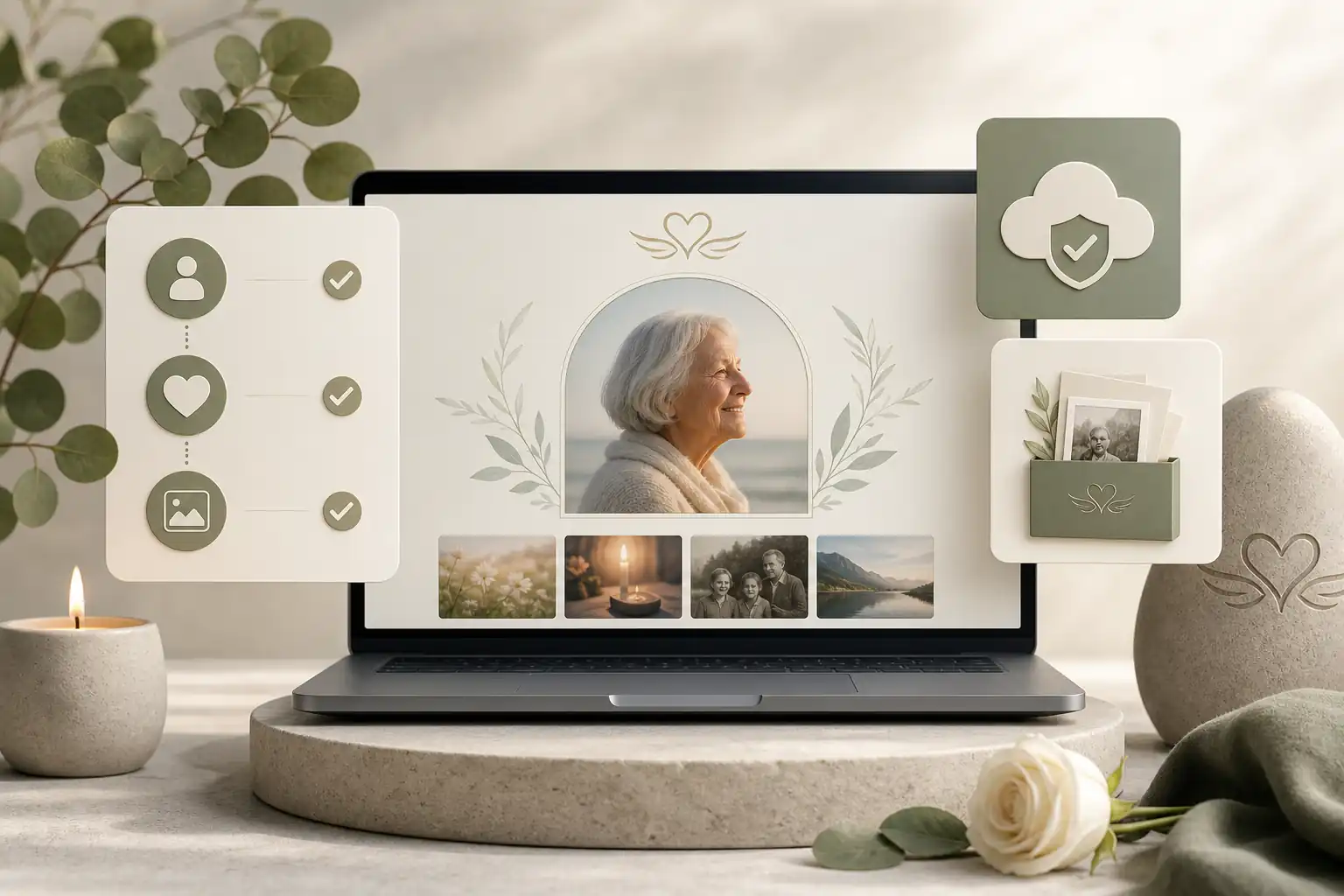
Before publishing or sharing a subscription-free memorial, pause and work through a final review. This protects the family, improves the tribute and makes the page easier to maintain.
- Confirm whether the platform is genuinely subscription-free, free with limits, ad-supported or one-time fee.
- Check hosting length, storage limits, download options and what happens if terms change.
- Review privacy settings, contributor permissions and guestbook moderation.
- Remove sensitive addresses, identity details, financial information and unapproved private material.
- Label important photos with names, dates, places and context.
- Ask at least one trusted person to proofread the life story and event details.
- Use strong account security, including multi-factor authentication where available.
- Keep backup copies of original photos, videos and written material.
- Name a page organiser and a backup organiser.
- Decide when the page should be reviewed, updated or shared more widely.
The right memorial platform should make remembrance feel clearer, not more complicated. By comparing pricing, privacy, storage, family access and long-term control, you can choose a subscription-free option that honours the person and supports the people who love them.
FAQs about there subscription-free online memorials
Are there subscription-free online memorials?
Yes — there are subscription-free online memorials, including memorial pages that use a one-time fee, free limited plans, or included access through another service. The main thing is to compare what “subscription-free” actually covers: hosting length, privacy controls, guestbook moderation, photo and video storage, advertising, download options, and what happens if the provider changes its terms.
Yes. Some platforms offer subscription-free online memorials through a one-time fee or plan-based access rather than ongoing monthly payments. Compare inclusions, privacy settings, storage limits and update options before choosing. Evaheld Memorials outlines options for subscription-free online memorials, and the Library of Congress offers helpful guidance on personal digital archiving.
How can an online tribute feel personal and respectful?
They are used to preserve a loved one’s story, photos, messages, service details, guestbook entries and family wishes in one accessible place. You can start with a memorial page and use the National Archives’ advice on preserving family archives to organise meaningful records.
When should a family create or review the memorial?
A family may use one before a service, after a funeral, on an anniversary, or when scattered photos and stories need a shared home. Evaheld Memorials’ online memorial features can help with updates and sharing, while the Digital Preservation Coalition explains broader digital preservation principles.
Who should manage the page and approve contributions?
Include a biography, selected photos, dates, service information, tributes, cultural or faith preferences, permissions and any instructions for trusted people. Evaheld Memorials’ digital legacy vault can help keep related materials together, and the OAIC explains Australian privacy rights.
What content belongs on the memorial page?
Choose a platform, gather accurate details, upload photos, set privacy permissions, invite contributors, review the page and share it with trusted people. Evaheld Memorials’ memorial support questions can guide setup, and eSafety has practical advice on online privacy.
How can families control privacy and sharing?
Common mistakes include choosing a platform without checking fees, posting sensitive details publicly, using low-quality files, forgetting permissions and not appointing someone to maintain the page. Compare online memorial plans carefully and review the FTC’s tips on protecting privacy online.
Which account details and backups should be retained?
Avoid sharing private addresses, identity documents, financial information, passwords, family conflict, or anything the person would not have wanted public. For safer choices, read about best ad free online memorial platforms and the FTC’s guidance on recognising phishing scams.
How can relatives contribute safely?
Privacy settings usually control who can view, contribute to, edit or share the memorial. Check whether access can be changed later and who manages invitations. Evaheld Memorials explains practical sharing features, and CISA provides clear advice to secure your world online.
What common online memorial mistakes should families avoid?
Evaheld Memorials helps families create, complete, store, update and share tribute content, photos, messages, guestbook inputs, wishes and instructions in one organised place. You can compare online memorial platforms with a one-time fee and follow Australian guidance on multi-factor authentication.
How does Evaheld Memorials support long-term preservation?
Check names, dates, photo permissions, spelling, privacy settings, contributor access, cultural sensitivities and whether any formal documents need local professional review. Evaheld Memorials can support platforms for storing life stories, and the ACSC explains safe use of password managers.
If your family is ready to begin, create a free Evaheld Memorials page and add memories, photos and tributes at your own pace.