What are the best permanent digital obituaries? Features, privacy and family fit
A practical Evaheld Memorials article that answers “What are the best permanent digital obituaries?”, explains best permanent digital obituaries, shows what to include, avoids common mistakes and helps families plan features, privacy and family fit.
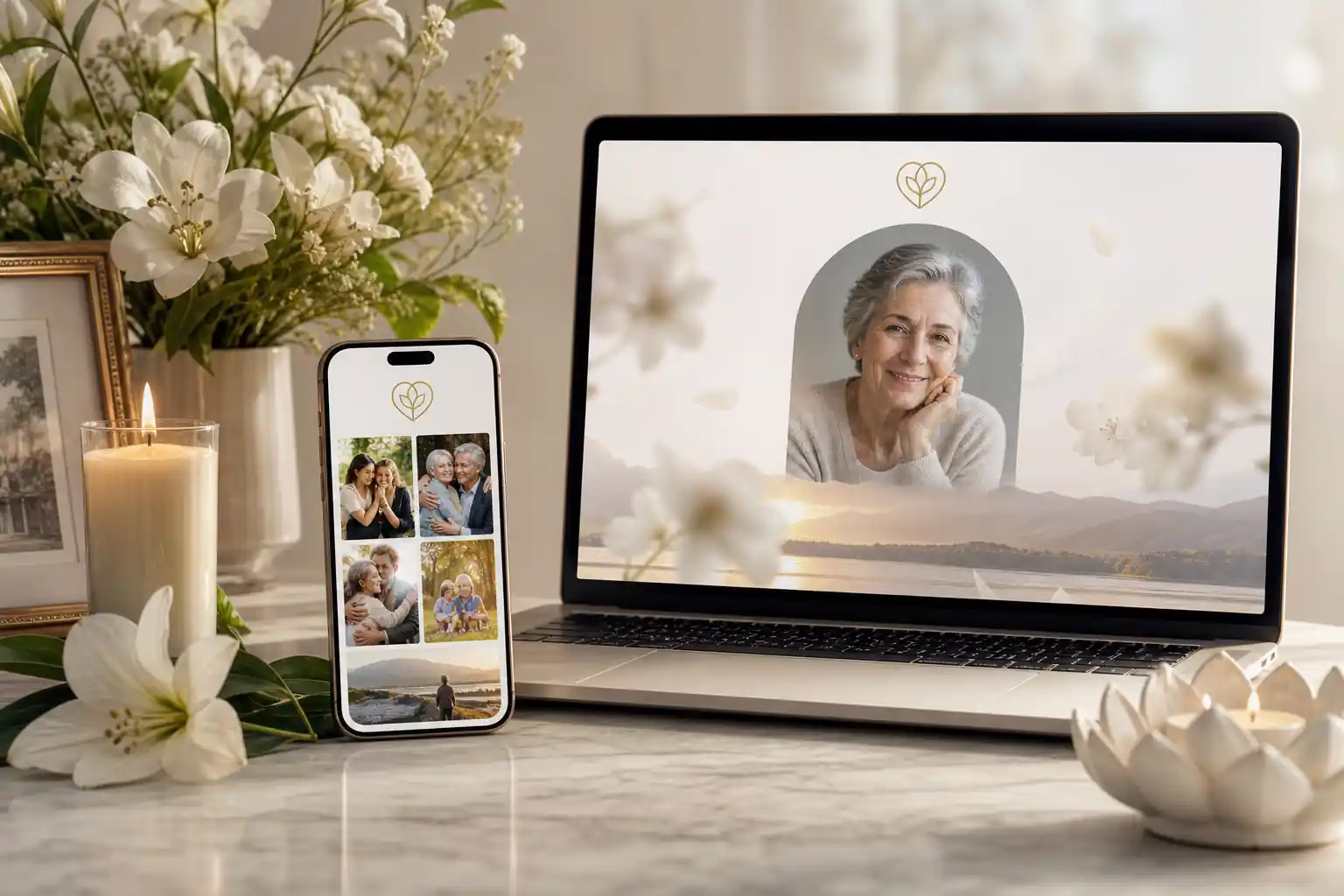
The best permanent digital obituaries are memorial pages that combine a clear life story, photographs, service or remembrance details, privacy controls, family contributions, and a reliable way to update and share the page over time. For most families, the right choice is not simply the prettiest page; it is the platform that feels respectful, secure, mobile friendly, easy for relatives to use, and practical for long-term remembrance.
A good digital memorial platform should help you preserve more than a death notice. It should hold the person’s story, favourite memories, important dates, guestbook messages, images, videos, funeral or celebration-of-life information, and any wishes or instructions the family chooses to share. It should also make privacy settings understandable, because not every family wants the same level of public visibility.
This guide uses a neutral comparison framework for choosing among the best online memorial websites and best online memorial sites, while explaining how Evaheld Memorials lets families create a memorial page, organise memories, update details, and share access with trusted people when appropriate.
Direct answer: What are the best permanent digital obituaries?
The best permanent digital obituaries are secure, well-designed online memorial pages that are easy to create, simple for family and friends to visit, respectful in tone, and flexible enough to hold stories, photos, videos, guestbook messages, service details and future updates. They should offer clear privacy options, transparent online memorial pricing, mobile-friendly access, and a practical plan for preserving digital content over time.
When comparing platforms, look beyond a single feature list. A clean design memorial sites review should consider whether older relatives can use the page without frustration, whether the platform explains privacy clearly, whether the memorial can be updated after publication, and whether family members can contribute without losing control of the page’s tone or accuracy.
Digital preservation experts also remind families that online material needs ongoing care. The United States Library of Congress offers helpful personal digital archiving guidance, and the U.S. National Archives provides practical advice on preserving family archives. Those principles apply well to permanent digital obituaries: keep important files organised, use meaningful captions, retain copies of precious images, and decide who can manage the memorial in future.
What best permanent digital obituaries is for
Permanent digital obituaries are for telling the story of a person’s life in a way that can be revisited, shared and gently expanded. A newspaper obituary may be brief and time-limited. A social media post may disappear down a feed. A digital memorial page gives the family one central place to gather memories, practical information and tributes.
Families commonly use secure digital remembrance pages to:
- share a life story in a thoughtful, readable format;
- publish service, livestream, wake or celebration-of-life details;
- collect guestbook messages from friends and relatives;
- add photographs, videos, voice notes or written memories;
- preserve family history for children, grandchildren and future generations;
- keep remembrance information separate from scattered emails, text messages and social media threads;
- store related wishes, instructions or legacy messages alongside the memorial where appropriate.
Evaheld Memorials is designed as a practical memorial planning layer for this kind of remembrance. Families can explore online memorial features that support tribute pages, photos, messages, guestbook inputs, wishes and instructions in one organised experience.
When to use best permanent digital obituaries
A permanent digital obituary can be useful before, during or after a funeral or memorial event. Some families create a page soon after a death so relatives can find service details quickly. Others wait until they have more photographs, a fuller biography, or time to write with care. Some people also prepare parts of their own future memorial in advance, especially if they want loved ones to have guidance about stories, songs, messages or preferences.
It is worth using a digital memorial when family and friends are spread across different cities or countries, when not everyone can attend in person, or when there are many memories to gather. For Australian readers looking at local considerations, this related guide to an online memorial website in Australia may also be useful.
Where the memorial touches formal matters such as wills, probate, funeral authority, cemetery requirements, medical information, donations or legal access to accounts, keep the memorial separate from official legal decision-making. Legal requirements vary by country, state and territory, so formal documents should be checked against local rules or reviewed by a qualified professional where needed. Evaheld Memorials helps organise and share remembrance information, but it is not a substitute for legal, financial, medical or grief-counselling advice.
What to include in best permanent digital obituaries
The most useful permanent digital obituaries are complete enough to feel meaningful, but not so overloaded that visitors feel lost. Start with the essentials, then add richer memories over time.
Consider including:
- Full name and preferred name: include nicknames where they were part of the person’s identity.
- Key dates: birth, death, service dates and other meaningful milestones.
- Life story: family background, work, community, passions, values and personality.
- Photos and videos: choose images from different stages of life, with captions where possible.
- Service details: time, place, livestream links, dress preferences or reception details if suitable.
- Guestbook or tribute area: a place for friends and family to leave messages.
- Favourite music, readings or sayings: small details that make the page feel personal.
- Privacy choices: who can view, contribute, comment or receive updates.
- Family contact preferences: if the family wants messages, flowers, donations or private contact handled in a particular way.
- Future stewardship: who will update the memorial and check details over time.
For long-term preservation, the Digital Preservation Coalition handbook is a useful reminder that digital records need context, good file management and ongoing attention. That means naming files clearly, keeping important originals where possible, and avoiding a single scattered folder that only one person understands.
Step-by-step instructions for best permanent digital obituaries
Use the following practical process when comparing platforms and creating the page.
- Choose the purpose. Decide whether the page is mainly an obituary, a funeral information page, a tribute wall, a family archive, or a combination.
- List the audience. Work out whether it should be public, private, invitation-only or shared with selected groups.
- Gather source material. Collect names, dates, photos, videos, favourite stories, service details and any approved wording from family.
- Compare platform features. Look for user friendly online memorials with clean layout, mobile access, guestbook options, privacy controls and update tools.
- Check pricing and limits. Compare free vs paid online memorials, storage limits, renewal terms, advertising, export options and support.
- Draft the story. Write in a warm, accurate voice. Avoid rushing sensitive details while emotions are raw.
- Review with trusted people. Ask one or two family members to check spelling, relationships, dates and tone.
- Set permissions. Decide who can view, post, edit or receive the link.
- Publish and share carefully. Send the link to the right people with a short explanation of how they can contribute.
- Return and update. Add later tributes, corrected details, anniversary messages or additional photos.
If you are comparing platform features, the Evaheld Memorials online memorial plans page can help you weigh options clearly, including what is included and what may suit your family’s needs.
Practical tips for families
Begin with a simple version. A page does not need to be perfect before it becomes useful. A short biography, a few photographs and service details may be enough for the first version. You can then invite trusted relatives to add memories, refine captions and contribute stories.
Privacy deserves special care. In Australia, the Office of the Australian Information Commissioner explains privacy rights and personal information, while the eSafety Commissioner provides practical guidance on online privacy. U.K. readers may find the Information Commissioner’s Office guide for the public helpful, and U.S. readers can refer to the Federal Trade Commission’s advice on protecting privacy online.
Think carefully before publishing addresses, dates of travel, names of young children, sensitive family circumstances or medical information. Some families are comfortable with a public memorial; others prefer secure digital remembrance pages shared only with invited people. Neither approach is automatically right or wrong. The best choice is the one that protects the family’s wellbeing and reflects the person being remembered.

Common mistakes
The most common mistake is treating a digital obituary as a one-time upload rather than a living remembrance space. Families may rush to publish, forget to check details, or place important memories across multiple apps and folders with no clear owner.
Other common mistakes include:
- choosing a platform based only on appearance, without checking privacy, pricing or update options;
- using low-resolution images without keeping original files elsewhere;
- publishing sensitive information before the family has agreed;
- allowing public comments without moderation where that may cause distress;
- forgetting to tell relatives how they can contribute;
- assuming social media alone is enough for long-term remembrance;
- not deciding who will manage the page in future.
Security also matters. The Australian Cyber Security Centre provides clear guidance on password managers and multi-factor authentication. The U.S. Cybersecurity and Infrastructure Security Agency’s Secure Our World guidance and the FTC’s advice on recognising phishing scams are also useful for families sharing memorial links and managing accounts.
What not to do
Do not publish in haste if the information is disputed, highly sensitive or still being confirmed. It is better to say “service details will be added soon” than to share incorrect times, locations or family relationships.
Do not rely on one person’s phone, inbox or social media account as the only archive. Phones are lost, accounts can be locked, and platforms change. Major technology providers offer some account legacy tools, such as Apple’s Legacy Contact and Google’s Inactive Account Manager, but these are not the same as a dedicated memorial page created for family remembrance.
Do not assume a digital memorial replaces formal estate planning or authorised access to digital assets. Some jurisdictions have laws or proposals about fiduciary access to digital records, including resources connected to the Uniform Law Commission’s digital assets materials. Rules vary widely, so professional advice may be needed for legal authority, account access, probate or estate administration.
Finally, do not make the page so complex that relatives cannot use it. The best virtual memorial features are the ones your family will actually understand: a clear story, easy sharing, respectful contributions, privacy settings and a simple way to return later.
How Evaheld Memorials helps create, complete, store, update and share best permanent digital obituaries
Evaheld Memorials helps families bring scattered remembrance material into one organised place. Instead of leaving memories across notebooks, email threads, cloud folders and text messages, families can create a structured memorial page, add photos and messages, gather guestbook contributions, record wishes or instructions where appropriate, and update the page over time.
This can be especially helpful when several relatives want to contribute but one person needs to keep the page calm, accurate and respectful. A platform features comparison should ask whether the tool supports family collaboration without making the memorial feel uncontrolled. Evaheld Memorials is built to help families create, complete, store, update and share remembrance content with trusted people when ready.
For families comparing related options, these guides may help: the most reliable local digital legacy spaces, secure closed-loop family memorial pages, and the Evaheld Memorials digital legacy vault. If you have practical questions before choosing, the memorial support questions page is a useful starting point.
Create a secure Evaheld Memorials page for best permanent digital obituaries, then update it over time and share it with trusted people when ready.
Final checklist
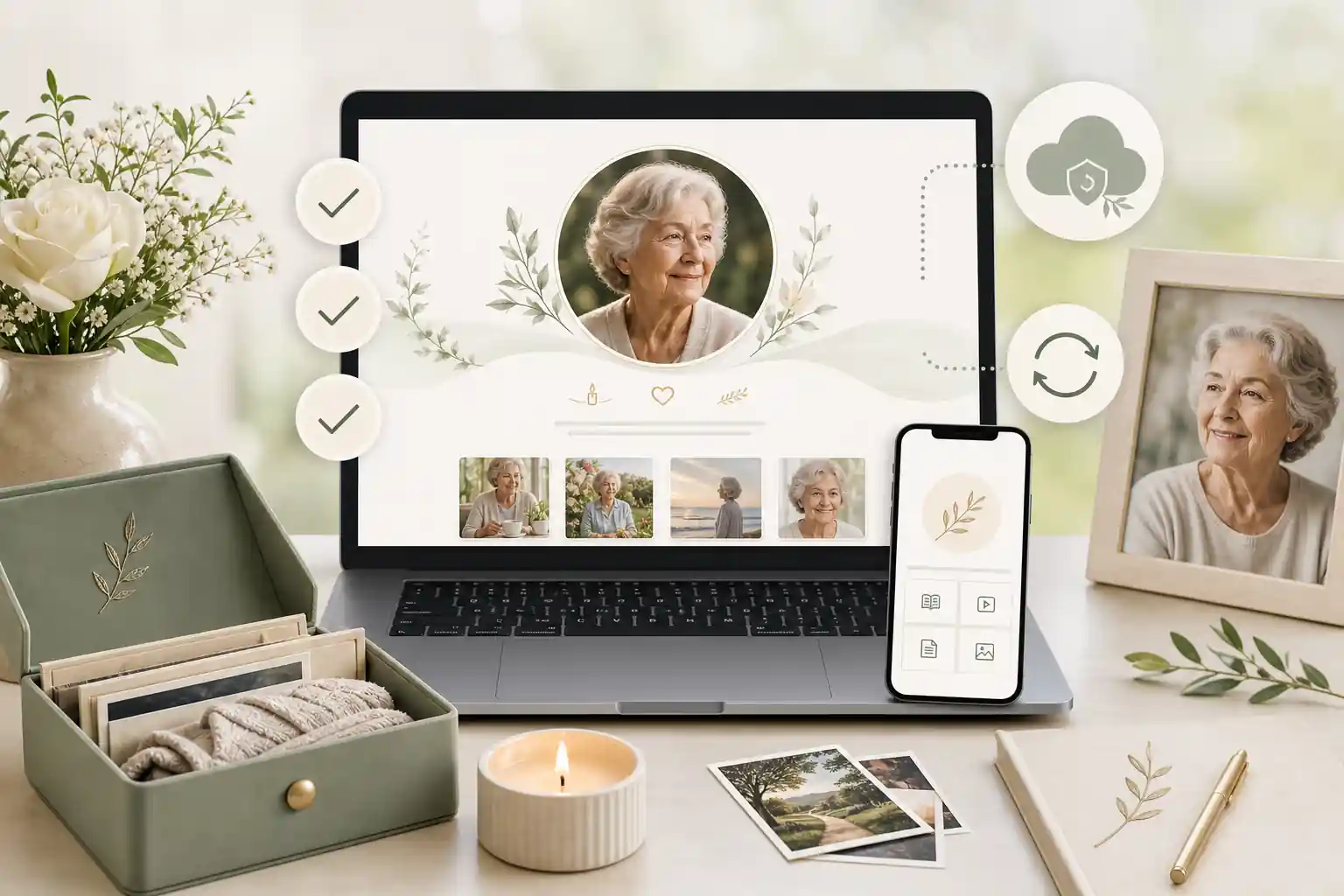
Before choosing or publishing a permanent digital obituary, use this checklist to keep the decision practical and family-centred.
- Purpose: Is the page an obituary, tribute, service notice, archive or all of these?
- Ease of use: Can relatives open, read and contribute without confusion?
- Mobile access: Does the page work well on phones and tablets?
- Design: Is the layout clean, respectful and easy to scan?
- Content: Have names, dates, relationships, captions and service details been checked?
- Privacy: Are viewing, commenting and sharing permissions suitable for your family?
- Security: Are account passwords strong, and is multi-factor authentication used where available?
- Pricing: Are free and paid options clear, including storage, renewal and support?
- Contributions: Is there a simple way for family and friends to add memories?
- Updates: Can the page be edited later as new memories, photos or corrections arise?
- Stewardship: Has someone been nominated to look after the memorial over time?
- Professional boundaries: Are legal, financial, medical or estate questions being handled through the right qualified channels?
The best permanent digital obituaries are not necessarily the most elaborate. They are the ones that help people remember clearly, share safely, contribute gently and return to a meaningful tribute over time.
FAQs about best permanent digital obituaries
What are the best permanent digital obituaries?
The best permanent digital obituaries are memorial pages that combine a clear life story, photographs, service or remembrance details, privacy controls, family contributions, and a reliable way to update and share the page over time. For most families, the right choice is not simply the prettiest page; it is the platform that feels respectful, secure, mobile friendly, easy for relatives to use, and practical for long-term remembrance.
The best permanent digital obituaries are secure, easy-to-update memorial pages that combine a life story, photos, service details, guestbook messages, privacy controls and long-term access. Evaheld Memorials supports this through organised memorial page creation, while the Library of Congress offers useful guidance on personal digital archiving.
How can an online tribute feel personal and respectful?
It is used to preserve a person’s story, share funeral or memorial information, gather tributes, and keep important memories in one accessible place. You can review Evaheld Memorials’ online memorial features alongside practical family archive advice from the U.S. National Archives.
When should a family create or review the memorial?
A family may use one before a service, after a funeral, on an anniversary, or when relatives need a shared place to contribute memories. Evaheld Memorials explains options through its online memorial plans, and the Digital Preservation Coalition provides broader context in its digital preservation handbook.
Who should manage the page and approve contributions?
Include the person’s full name, dates, biography, photos, service details, chosen charities if relevant, family-approved wording, and a guestbook or tribute section. Evaheld Memorials’ digital legacy vault can help keep related items together, while Australia’s OAIC explains important privacy rights.
What content belongs on the memorial page?
Start with confirmed facts, add a warm life story, upload selected photos, set privacy preferences, invite trusted contributors, review carefully, then publish or share when ready. Create a secure Evaheld Memorials page for best permanent digital obituaries, and consider the eSafety Commissioner’s guidance on online privacy.
How can families control privacy and sharing?
Common mistakes include publishing unverified dates, oversharing private details, using low-quality images, forgetting permissions, and not keeping access details organised. Evaheld Memorials answers common planning questions in its memorial support questions, and the FTC shares practical tips on protecting privacy online.
Which account details and backups should be retained?
Avoid posting sensitive addresses, financial details, identity documents, private family conflict, or anything the immediate family has not approved. For more secure family-sharing ideas, see Evaheld Memorials’ guide to closed-loop family memorial pages, and review CISA’s Secure Our World guidance.
How can relatives contribute safely?
Privacy settings should match the family’s comfort level: public for broad remembrance, private for invited people, or limited sharing for sensitive material. Evaheld Memorials’ article on reliable local digital legacy spaces may help, and the UK ICO explains public-facing privacy rights and data concerns.
What common online memorial mistakes should families avoid?
Evaheld Memorials helps families create, complete, store, update and share tribute pages, photos, messages, wishes and instructions in one organised experience. For Australian context, read Evaheld Memorials’ guide to an online memorial website in Australia, and consider the Australian Cyber Security Centre’s advice on multi-factor authentication.
How does Evaheld Memorials support long-term preservation?
Check spelling, dates, permissions, image choices, privacy settings, service details, links, and who can edit or view the page. Evaheld Memorials’ plans can help families choose a suitable setup, while the FTC’s guidance on recognising and avoiding phishing scams is useful before sharing access.
If your family is ready to begin, create a free Evaheld Memorials page and add memories, photos and tributes at your own pace.