What are the best digital timeline platforms? Features, privacy and family fit
A practical Evaheld Memorials article that answers “What are the best digital timeline platforms?”, explains digital timeline platforms, shows what to include, avoids common mistakes and helps families plan features, privacy and family fit.
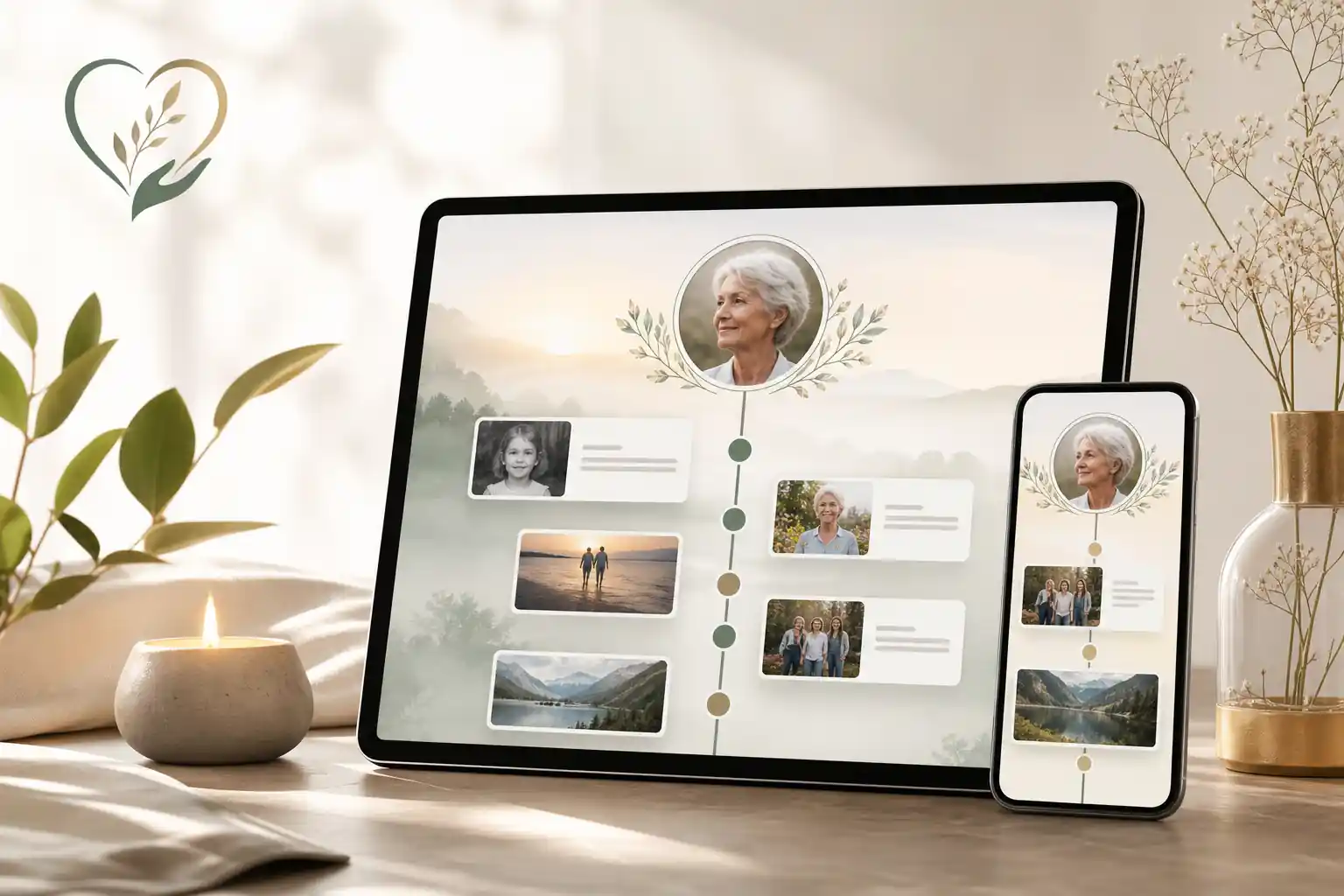
The best digital timeline platforms are the ones that let a family organise a life story chronologically, add photos and messages, manage privacy, invite trusted contributors, and keep the page updated over time. In practice, the right choice depends less on a single “best” name and more on fit: ease of use, secure sharing, pricing, permanence, export options, mobile experience and whether the platform supports the kind of remembrance your family wants to create.
For many families, digital timeline platforms sit somewhere between an online memorial, a life story archive, a guestbook and a private family record. They can be public, private or shared with a small circle. They can support immediate remembrance after a death, or they can be prepared in advance as part of broader digital legacy planning. A thoughtful compare online memorial websites comparison should therefore look beyond attractive design and ask how the platform will work for real people at a difficult time.
Direct answer: What are the best digital timeline platforms?
The best digital timeline platforms usually have five qualities: they are simple to start, flexible enough for rich storytelling, respectful of privacy, clear about pricing, and practical for long-term access. For a family memorial, that often means choosing a platform that supports photos, written memories, milestone dates, guest contributions, permissions, updates and easy sharing without forcing relatives to manage scattered folders, email threads and social media posts.
When comparing options, it helps to separate general storage tools from dedicated remembrance tools. A cloud folder can store files, but it rarely creates a meaningful timeline. A social media profile can gather comments, but privacy, access and long-term control may be unclear. A purpose-built memorial platform can make the experience more coherent by combining life events, messages, images, instructions and family participation in one place. Evaheld Memorials is designed to support that organised memorial-planning layer, helping families create, complete, store, update and share remembrance pages and related information with trusted people when appropriate.
There is no single platform that is best for every family. Some people will prefer a private archive, some will want a public tribute page, and others may need a combination of both. The Library of Congress guidance on personal digital archiving is a useful reminder that digital preservation is not just about uploading files; it is about choosing, organising, naming, backing up and maintaining them over time.
What digital timeline platforms is for
Digital timeline platforms are for turning a person’s life, relationships and memories into an organised sequence that family and friends can understand and revisit. Instead of placing everything in one long tribute, a timeline can show childhood, study, work, migration, marriage, parenthood, service, creativity, community involvement, travel, favourite places, small daily rituals and meaningful final messages.
They are also useful for preserving context. A photograph without a caption may be beautiful, but a photograph with a date, place and story becomes part of a family archive. The U.S. National Archives guidance on family archives encourages people to think carefully about preserving family records, photographs and personal papers, and the same principle applies to digital memorial material.
In a memorial setting, a digital timeline can help families answer practical questions such as: What should be remembered? Who can contribute? Which stories are public and which should stay private? What would the person have wanted shared? It can also help younger generations understand someone they may not have known well.
For related planning, families may find it useful to compare platforms for storing life stories, especially when the goal is to preserve memories before they are lost rather than only respond after a death.
When to use digital timeline platforms
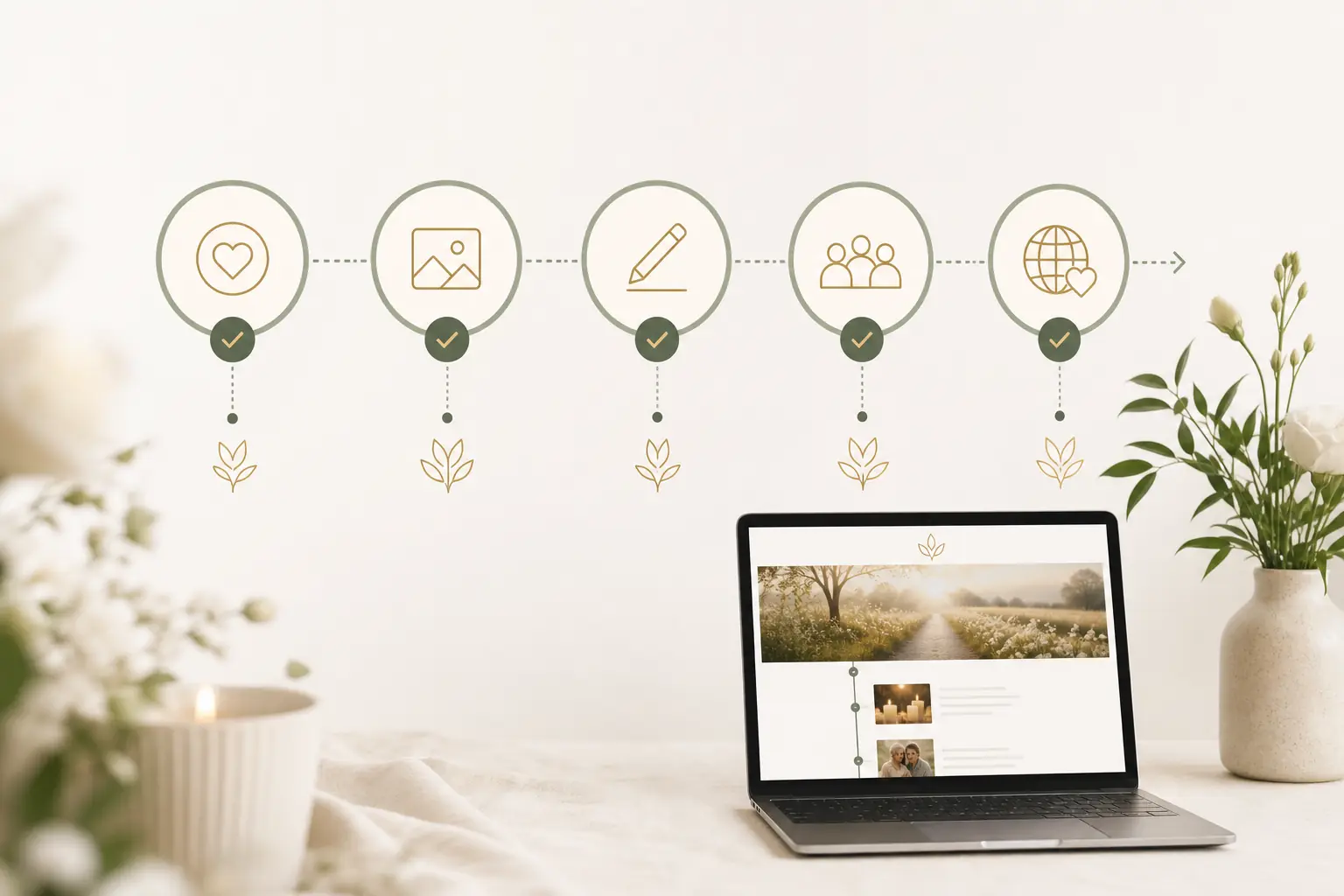
Digital timeline platforms can be used before or after a death. After a death, they can provide one central place for condolences, photographs, service details, life milestones and family updates. Before a death, they can support legacy planning by allowing a person to collect memories, messages, preferences and important context while they are still able to guide the process.
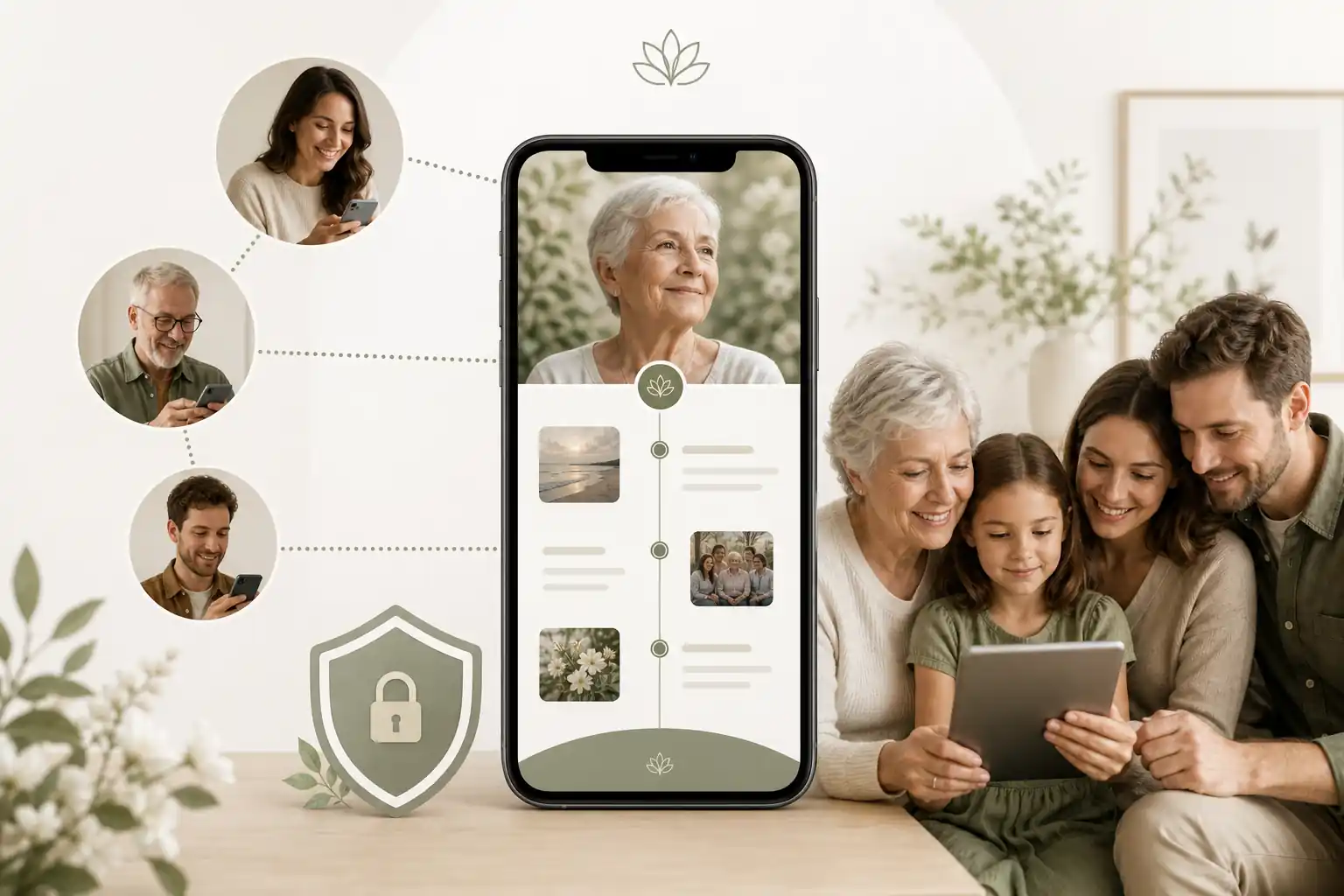
They are particularly helpful when family and friends are spread across different cities or countries. A mobile-friendly memorial page can allow people to contribute memories even if they cannot attend a funeral or gathering in person. For readers comparing the top digital memorial platforms, mobile access, clear permissions and ease of contribution are worth checking early.
They can also be useful when there are many people involved. In larger families, blended families, friendship groups or community networks, memories may be held by many different people. A timeline gives those contributions structure and reduces the risk that important stories disappear into private messages.
If a timeline includes wishes, instructions, estate-related notes, account access information or other sensitive material, treat it carefully. Legal requirements vary by country, state and territory, so formal documents should be checked against local rules or reviewed by a qualified professional where needed. Evaheld Memorials can help organise and share information, but it is not a substitute for legal, financial, medical or grief-counselling advice.
What to include in digital timeline platforms
A useful digital timeline does not need to include everything. It should include what helps people remember, understand and honour the person. Start with essential life details, then add warmth and depth through stories, photographs and personal touches.
- Key dates: birth, childhood moves, education, work, relationships, major achievements, community roles and meaningful later-life moments.
- Photos and captions: names, places, approximate dates and why each image matters.
- Written memories: short stories from family, friends, colleagues and community members.
- Audio or video messages: where available and appropriate, especially for voice, music or spoken reflections.
- Service or gathering details: if the family wants to share funeral, memorial or celebration-of-life information.
- Tribute preferences: flowers, donations, cultural practices, readings, music or other wishes, noting that formal arrangements may need confirmation with relevant professionals.
- Privacy notes: what can be public, what should be limited, and what should remain private.
For digital preservation, the Digital Preservation Coalition handbook explains that long-term digital access depends on active management, not just storage. Families do not need to become archivists, but they should think about file names, duplicates, backups and who will maintain the page.
Privacy deserves equal attention. In Australia, the Office of the Australian Information Commissioner privacy rights guidance is a helpful starting point. UK readers can refer to the Information Commissioner’s Office public guidance, while U.S. readers may find the Federal Trade Commission guidance on protecting privacy online useful. These sources reinforce a simple point: only share personal information when there is a clear reason and suitable permission.
Step-by-step instructions for digital timeline platforms
Creating a timeline is easier when you work in stages rather than trying to finish everything at once.
- Choose the purpose. Decide whether the timeline is for public remembrance, private family archiving, funeral communication, advance planning or a combination.
- Pick a platform type. Compare dedicated memorial platforms, general website builders, cloud folders and social media options. Look for privacy settings, mobile access, contributor controls and clear online memorial pricing.
- Gather core information. Start with names, dates, places, close family members, service details if relevant, and a short life summary.
- Collect media. Ask relatives for favourite photos and stories. Keep original files where possible and add captions before memories become unclear.
- Build the timeline in sections. Use life stages or themes, such as childhood, work, family, community, passions and later years.
- Set permissions. Decide who can view, edit, contribute or receive updates. Be careful with sensitive family information, addresses, identification details and account data.
- Invite contributions. Give people gentle prompts, such as “What is a small moment you remember?” or “What did they teach you?”
- Review before sharing. Check spelling, dates, image permissions, family sensitivities and whether anything should be kept private.
- Maintain it. Add new memories, anniversaries, recordings or corrections over time.
If you are ready to organise this in one place, create a secure Evaheld Memorials page for digital timeline platforms, then update it over time and share it with trusted people when ready.
Practical tips for families
Start small. A timeline with ten well-captioned moments is often more meaningful than a large upload of unnamed photos. Choose a few anchor points first, then invite others to fill in gaps. If people are grieving, keep requests gentle and specific rather than asking for “everything you have”.
Use plain language. A memorial timeline does not need to sound formal or polished. The best entries often feel personal: a favourite saying, a recipe, a familiar joke, a workbench, a garden, a song, a place at the kitchen table.
Agree on boundaries. Some family stories are complex. Before publishing sensitive material, consider whether it is kind, necessary and appropriate for the intended audience. The eSafety Commissioner’s privacy guidance is useful for thinking about what is safe to share online, especially where children, vulnerable people or identifying details are involved.
Protect accounts used to manage the memorial. The Australian Cyber Security Centre provides practical guidance on using password managers and multi-factor authentication. CISA’s Secure Our World resources also explain simple steps families can take to reduce account risks.
Common mistakes
One common mistake is choosing a platform only because it looks attractive. Clean design matters, but it should not be the only factor. A clean design memorial sites review should also consider permissions, long-term access, support, export options, pricing clarity and whether older relatives can use it comfortably.
Another mistake is uploading too much without organisation. Hundreds of images can become overwhelming if there are no dates, captions or themes. A timeline should help people understand a life, not make them sort through a digital shoebox.
Families also sometimes overlook privacy. Public tribute pages can be comforting, but they may not be right for every detail. Avoid posting addresses, identity documents, financial information, private medical details or anything that could expose relatives to scams or distress. The FTC’s guidance on recognising and avoiding phishing scams is relevant because memorial pages can sometimes attract unwanted contact if too much personal information is shared.
A further mistake is failing to decide who will maintain the page. Digital memorials can become more valuable over time, but only if someone has authority and willingness to update them. Before publishing, nominate at least one trusted person to manage corrections, anniversary updates and contribution requests.
What not to do
Do not treat a digital timeline as a replacement for formal documents. If wishes relate to wills, probate, powers of attorney, advance care planning, superannuation, insurance, funeral contracts, cemetery rights or other regulated matters, seek appropriate professional or official guidance. A memorial page can help organise and communicate information, but requirements vary across jurisdictions.
Do not share passwords or sensitive access details publicly. If digital account planning is needed, use proper account legacy tools and secure storage methods. Apple provides information about Legacy Contact for Apple accounts, and Google explains its Inactive Account Manager. These tools are separate from a memorial page and should be set up according to the provider’s instructions.
Do not assume every contributor has permission to upload every image. Photos may include other people, children, workplace settings or culturally sensitive material. When in doubt, ask before publishing or keep the item private.
Do not make the platform too complicated. User friendly online memorials are especially important when people are grieving or when older relatives want to participate. If the process is too technical, valuable memories may never be added.
How Evaheld Memorials helps create, complete, store, update and share digital timeline platforms
Evaheld Memorials helps families bring remembrance material into one organised experience. Rather than leaving memories scattered across emails, phones, cloud folders, paper notes and social media comments, families can create a memorial page, add photos and messages, record important wishes, invite contributions and update information over time.
The aim is practical, not prescriptive. Some families want a simple tribute page. Others want a fuller digital legacy vault that keeps memories, instructions and related information together. You can explore Evaheld Memorials options through the create memorial page, review online memorial features, compare online memorial plans, and learn more about the digital legacy vault.
For families comparing free vs paid online memorials, the key question is not only cost. It is also what happens to access, privacy, storage, updates, support and family participation. Affordable online memorial websites can be a good fit when they provide the right balance of clarity, security and ease. Paid options may be worthwhile where they reduce administration, provide better controls or support a more complete remembrance process.
Security should remain part of the decision. NIST’s digital identity guidance, including authentication recommendations, highlights why strong account access practices matter. Families do not need to read technical standards in full, but they should choose platforms that take account protection seriously and support sensible permissions.
If you have questions while planning, Evaheld Memorials also provides memorial support questions to help families think through practical next steps without treating the platform as a substitute for professional advice.
Final checklist
Before choosing or publishing a digital timeline, use this quick checklist to keep the process calm and practical.
- Have you decided whether the timeline is public, private or shared with selected people?
- Does the platform support photos, written memories, guestbook-style contributions and updates?
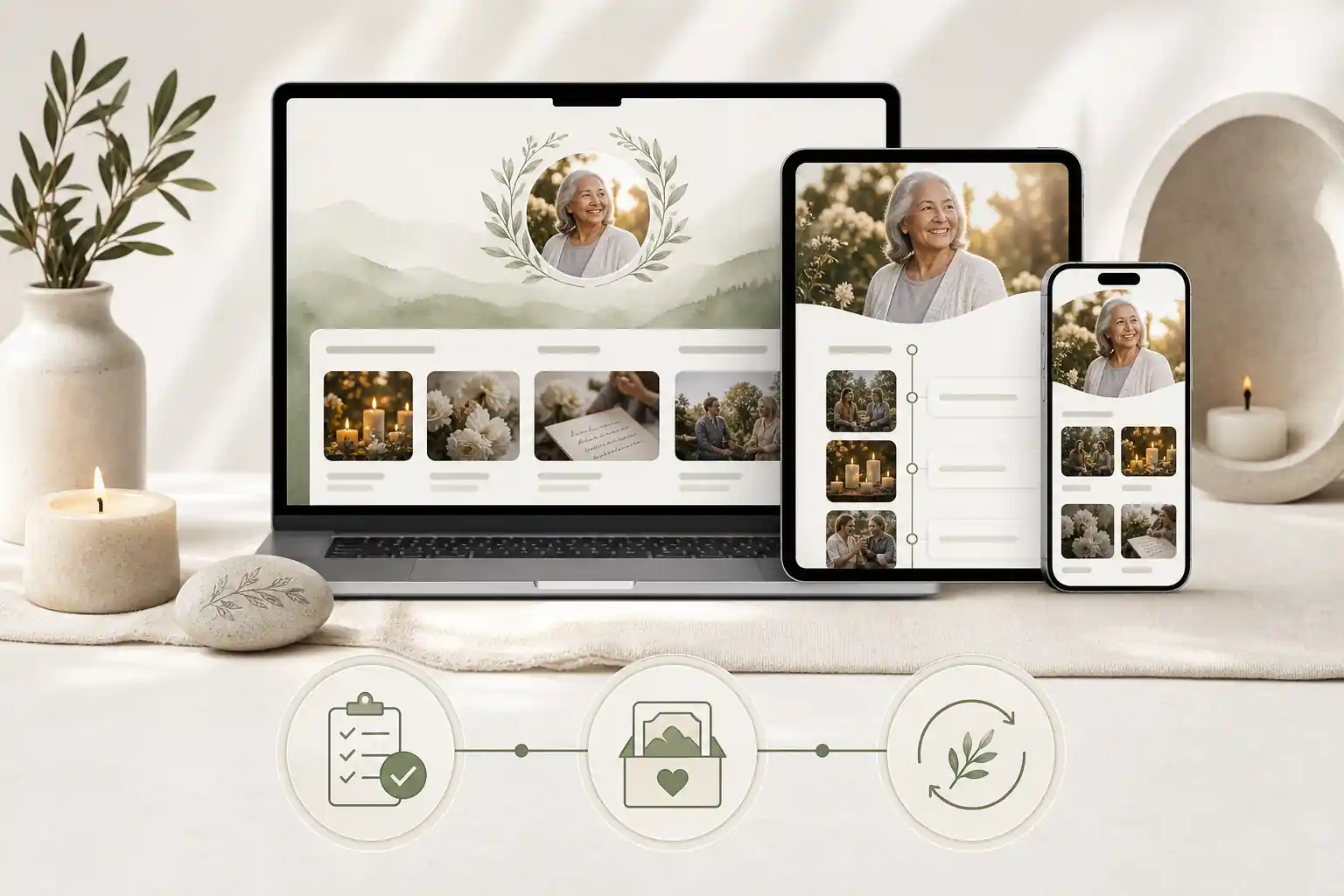
- Is the design clear and mobile friendly for relatives of different ages and abilities?
- Are pricing, storage, access and support easy to understand?
- Have you checked privacy settings before inviting contributors?
- Have you avoided posting sensitive personal, financial, medical or account details?
- Are photos captioned with names, dates and places where possible?
- Has a trusted person been nominated to maintain the page?
- Have formal legal, financial or healthcare documents been kept separate and reviewed where needed?
- Can the family update, correct and add to the memorial over time?
Digital timeline platforms work best when they are simple enough to use, respectful enough for grief, and structured enough to preserve a life story well. With a careful comparison and clear family boundaries, they can become a lasting place for remembrance, connection and practical organisation.
FAQs about digital timeline platforms
What are the best digital timeline platforms?
The best digital timeline platforms are the ones that let a family organise a life story chronologically, add photos and messages, manage privacy, invite trusted contributors, and keep the page updated over time. In practice, the right choice depends less on a single “best” name and more on fit: ease of use, secure sharing, pricing, permanence, export options, mobile experience and whether the platform supports the kind of remembrance your family wants to create.
The best digital timeline platforms are secure, easy for relatives to use, flexible with photos and stories, clear about privacy settings, and simple to update over time. Compare options by ownership, sharing controls, export options, pricing and support; Evaheld Memorials’ online memorial features can help families organise memories in one place, while the Library of Congress offers useful personal digital archiving guidance.
How can an online tribute feel personal and respectful?
Digital timeline platforms are used to arrange a person’s life story, milestones, photos, messages and family memories in a chronological or themed format. A memorial page can support this process, alongside practical preservation tips from the U.S. National Archives on caring for family archives.
When should a family create or review the memorial?
A family might use digital timeline platforms before a funeral, after a service, on an anniversary, or while planning a living tribute with someone who wants to record their story. For broader comparison, see Evaheld Memorials’ guide to platforms for storing life stories and the Digital Preservation Coalition’s digital preservation handbook.
Who should manage the page and approve contributions?
Include key dates, places, photos, short stories, audio or video memories, family contributions, service details where appropriate, and any permissions for sharing sensitive material. Evaheld Memorials’ digital legacy vault can help keep related information together, while the OAIC explains important privacy rights.
What content belongs on the memorial page?
Start with a simple timeline, gather reliable dates and images, invite trusted contributors, review privacy settings, check spelling and permissions, then publish or share with selected people. Evaheld Memorials’ memorial support questions can help with practical setup, and eSafety offers clear guidance on online privacy.
How can families control privacy and sharing?
Common mistakes include uploading everything without curation, using weak passwords, sharing private details too widely, forgetting image permissions, and choosing a platform without checking export or update options. Compare compare online memorial websites carefully, and review the FTC’s advice on protecting your privacy online.
Which account details and backups should be retained?
Avoid posting sensitive addresses, financial details, private family conflict, children’s information without consent, or anything that could distress contributors. Evaheld Memorials’ online memorial plans page can help you choose a suitable plan, and the FTC explains how to recognise phishing scams.
How can relatives contribute safely?
Privacy settings usually control who can view, contribute to, edit or share a timeline, but each platform handles permissions differently. Review Evaheld Memorials’ sharing and memorial features, and consider CISA’s practical advice to secure your online accounts.
What common online memorial mistakes should families avoid?
Evaheld Memorials helps families create, update, store and share tribute pages, photos, guestbook messages, wishes and related memories in an organised way. You can create secure digital timeline platforms and review password safety guidance from the Australian Cyber Security Centre on password managers.
How does Evaheld Memorials support long-term preservation?
Before sharing, check names, dates, photo permissions, privacy settings, contributor access, spelling, cultural preferences and whether any formal documents need professional review. Evaheld Memorials’ guide to the top digital memorial platforms can support comparison, and the Australian Cyber Security Centre explains multi-factor authentication.
If your family is ready to begin, create a free Evaheld Memorials page and add memories, photos and tributes at your own pace.
Related Evaheld resources
Continue with these carefully selected Evaheld Memorials guides and answers.